
RFID Lock wins on speed and convenience; keypad locks win on cost and offline simplicity.
I have designed access systems and tested both RFID Lock vs Keypad Lock setups for offices and homes. In this guide I break down how each system works, where they shine, common risks, installation and cost, and real tips from hands-on experience. If you need to choose between RFID Lock vs Keypad Lock, this article will give clear, practical advice so you can make a confident choice.

Exclusive Deals
Limited-time Exclusive Deals. Check current discount on Amazon.
Check Price on Amazon As an Amazon Associate I earn from qualifying purchases.Overview: what is an RFID Lock vs Keypad Lock
An RFID Lock is an electronic lock that reads a radio tag or card to authenticate access. It uses near-field communication or low-frequency RFID chips. Typical use cases include offices, hotels, and secure rooms.
A Keypad Lock asks for a numeric code entered on a keypad. It can be fully electronic or a mechanical push-button design. Homes, rentals, and small offices use keypad locks often for ease and low cost.
Both types can be standalone or part of a networked access control system. The choice depends on user count, security needs, convenience, and budget. The discussion below compares RFID Lock vs Keypad Lock across key factors you care about.

Exclusive Deals
Limited-time Exclusive Deals. Check current discount on Amazon.
Check Price on Amazon As an Amazon Associate I earn from qualifying purchases.How RFID locks work
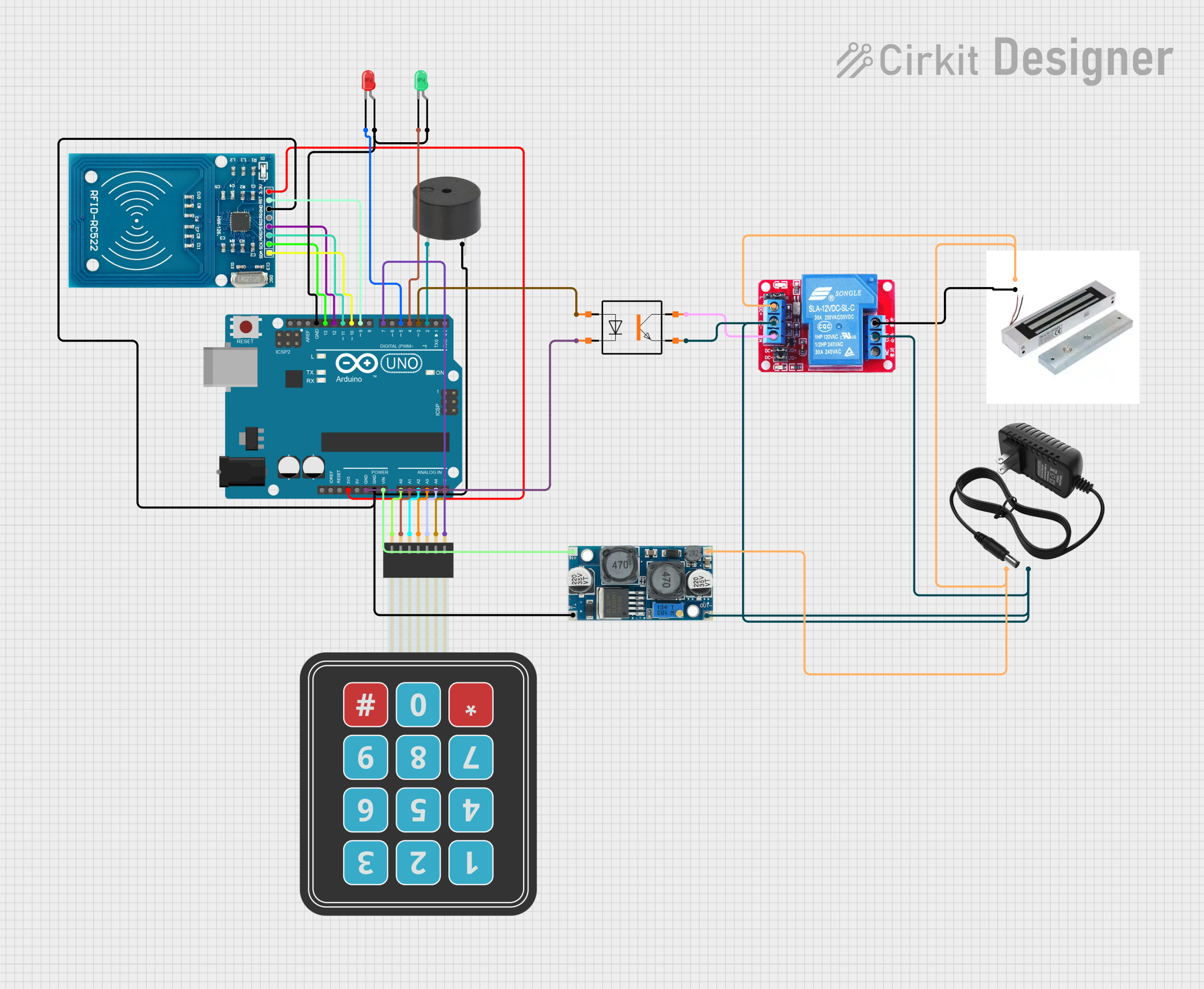
RFID locks use an RFID reader and tokens such as cards, fobs, or tags. When a token is presented, the reader reads an ID and checks it against an allowed list. If the ID matches, the lock releases.
Key components:
- RFID token that stores a unique ID on a chip.
- Reader on the lock to capture the token ID.
- Controller that matches IDs and triggers the actuator.
- Firmware that handles updates and logs.
Common RFID types include low-frequency (125 kHz), high-frequency (13.56 MHz), and smart cards with encryption. Encryption and mutual authentication matter when comparing RFID Lock vs Keypad Lock for security.
Exclusive Deals
Limited-time Exclusive Deals. Check current discount on Amazon.
Check Price on Amazon As an Amazon Associate I earn from qualifying purchases.Practical note: encrypted RFID systems reduce cloning risk, but low-cost tags can be cloned easily. Choose higher-grade tags for sensitive sites.
How keypad locks work
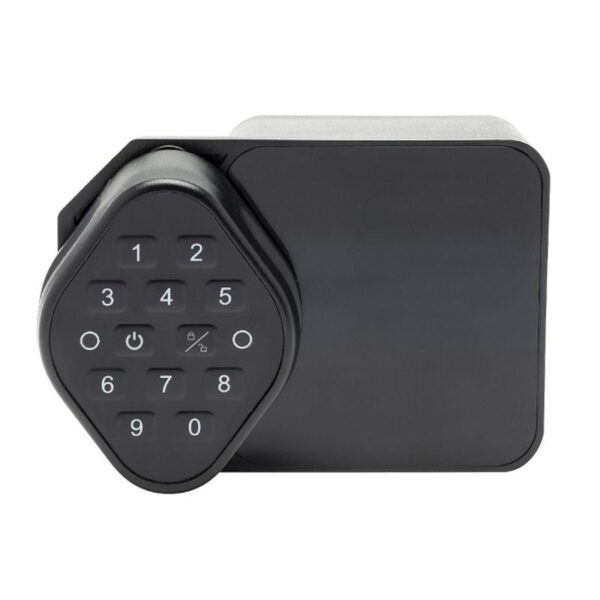
Keypad locks validate numeric or alphanumeric codes entered by a user. Simple models store codes in local memory. Networked models send events to a central controller.
Key parts:
- Physical keypad or touchscreen.
- Local controller that checks entered codes.
- Power source, usually batteries or wired power.
- Optional logging and network module.
Codes can be temporary or permanent. Many systems support multiple user codes and time-based access. When comparing RFID Lock vs Keypad Lock, keypad locks are straightforward but require good code practices to be secure.

Security comparison: RFID Lock vs Keypad Lock
Authentication and attacks vary between RFID Lock vs Keypad Lock. Here is a practical security comparison.
Authentication strength:
- RFID Lock: strength depends on tag type. Encrypted smart cards are strong. Plain tags are weak.
- Keypad Lock: strength depends on PIN length and code hygiene. Short codes are weak.
Common attacks:
- RFID cloning is possible with cheap tags. Advanced readers can mimic cards.
- Keypad smudge attacks let attackers read worn keys. Shoulder surfing can reveal codes.
Audit and control:
- RFID systems often support user IDs, logging, and easy revocation of lost tokens.
- Keypad systems require changing codes if shared or compromised. Revoking a single code is simple but can be impractical with many users.
Availability and fail-safes:
- RFID Lock: can use backup keys or mobile credentials. Some work offline.
- Keypad Lock: can include mechanical keys or emergency power options.
Two common quick questions:
Can RFID tokens be cloned easily?
Cheap RFID tags can be cloned with basic tools, while encrypted smart cards are much harder to clone and often require specialized readers.
Are keypad codes easy to guess?
Short or common codes are easy to guess. Using long, random codes and regular rotation reduces risk significantly.
When choosing between RFID Lock vs Keypad Lock, weigh the need for scalable user management and logging (favoring RFID) against simplicity and offline resilience (favoring keypad).

Installation, cost, and maintenance
Cost varies by model, features, and installation method. Here are typical factors to consider.
Upfront cost:
- RFID Lock: typically higher for readers and tags, plus cards or fobs for each user.
- Keypad Lock: usually lower for basic models, with higher-end networked models costing more.
Installation:
- RFID Lock: may need wiring for readers, controllers, and network; pro installation often recommended for enterprise setups.
- Keypad Lock: many models are easy DIY installs; electronic wiring is needed for networked units.
Maintenance:
- RFID Lock: replace lost tokens, manage software updates, change access lists.
- Keypad Lock: change codes, replace batteries, clean keypads to prevent wear.
Operational cost:
- RFID tokens add per-user cost. Keypad systems may be cheaper per user.
For many small sites, keypad locks are budget-friendly. For large sites with many users, RFID often reduces overhead and improves control.

Use cases and best fit
Choosing RFID Lock vs Keypad Lock depends on how you plan to use the lock.
Best for RFID Lock:
- Multi-user offices that need logging and easy revocation.
- Hotels and shared facilities with temporary access.
- Badge-based identity systems and integrations.
Best for Keypad Lock:
- Home use when sharing codes with family and guests.
- Short-term rentals where codes can be changed between guests.
- Low-budget installs without a need for badges.
Hybrid approach:
- Use both: RFID for staff, keypad for visitors. Many products support dual authentication.
Think about future needs. If you expect to scale user counts or need integration, RFID Lock vs Keypad Lock favors RFID in the long run.

Advantages and limitations
Here is a clear list to help you compare RFID Lock vs Keypad Lock.
RFID Lock advantages:
- Fast, contactless access and better throughput.
- Easy user management and logging.
- Can integrate with broader access control systems.
RFID Lock limitations:
- Higher initial cost for readers and tokens.
- Risk of cloning if low-grade tags are used.
- Requires token management.
Keypad Lock advantages:
- Low cost and easy to install.
- No physical token to carry.
- Simple to change codes for short-term access.
Keypad Lock limitations:
- Risk of code sharing and smudge attacks.
- Less scalable for many users.
- Manual rotation needed to manage credentials.
Match these pros and cons to your context when deciding RFID Lock vs Keypad Lock.

Personal experience and practical tips
I installed RFID Lock vs Keypad Lock solutions for a coworking space and a small clinic. Here are a few lessons from those projects.
What worked:
- Using encrypted RFID cards cut cloning problems in the clinic.
- Temporary keypad codes were handy for weekend staff in the coworking space.
Mistakes to avoid:
- Do not use short or predictable PINs. Change default codes immediately.
- Avoid cheap RFID tags for sensitive areas. They can be cloned in minutes.
Practical tips:
- For keypad locks choose 6+ digit codes and rotate them monthly.
- For RFID locks label and track each token. Revoke lost tokens fast.
- Combine both on high-risk doors for two-factor entry when needed.
These tips reflect real installs and save time and headaches when managing access.
Buying guide: how to choose between RFID Lock vs Keypad Lock
Follow these steps to pick the right lock for your needs.
- Define needs
- Count users and frequency of access.
- Decide if logging and integration are required.
- Set a budget
- Include cost of tokens for RFID.
- Include installation fees for networked systems.
- Choose features
- Select encryption and anti-clone features for RFID.
- Select durable keypads and backup power for keypad locks.
- Check real-world reviews
- Look for reports on durability, battery life, and service.
- Verify warranty and support.
- Plan for lifecycle
- Plan for token replacement, code rotation, and software updates.
- Consider hybrid systems for flexibility.
When you compare RFID Lock vs Keypad Lock, focus on scale, security, and ease of use for your site.
Frequently Asked Questions of RFID Lock vs Keypad Lock
What is more secure: RFID Lock vs Keypad Lock?
Security depends on implementation. Encrypted RFID systems with good key management often offer stronger control and auditability, while poor RFID tags or short PINs reduce security for both systems.
Can I use a keypad as backup for an RFID lock?
Yes. Many locks support dual access methods. This gives redundancy if a token is lost or batteries fail.
How much does an RFID system cost compared to a keypad system?
Basic keypad locks cost less upfront. RFID systems cost more initially due to readers and tokens, but they scale better for many users and may lower long-term management costs.
Are RFID cards easy to manage for large teams?
Yes. RFID systems allow quick revoke and issuance of cards, and they can log entry events. This makes them suitable for large teams.
Do keypad locks require network access?
Not always. Many keypad locks work offline and store codes locally. Networked models offer logging and remote management but need wired or wireless connections.
Conclusion
Both systems work well when matched to a clear need. RFID Lock vs Keypad Lock is not a one-size-fits-all choice. Choose RFID for scale, logging, and fast contactless access. Choose a keypad for low cost, simple installs, and when you want to avoid tokens. Test devices in your real setting, secure credentials, and plan for maintenance. Try a hybrid if you want convenience and redundancy. Share your use case in the comments or subscribe for more access control guides.


