
Choosing a doorbell for your home seems simple—until you see the many options. Suddenly, words like “wired” and “wireless” appear, and you realize there’s more to it. But what really separates these two types? Is it just about wires, or is there more you should know before buying? If you want a clear, practical explanation, you’re in the right place. This article breaks down the real differences between wired doorbells and wireless doorbells—from how they work, to what matters for installation, cost, features, and long-term use. Let’s make your decision easier and smarter.

Exclusive Deals
Limited-time Exclusive Deals. Check current discount on Amazon.
Check Price on Amazon As an Amazon Associate I earn from qualifying purchases.What Is A Wired Doorbell?
A wired doorbell is the classic choice. It connects the button at your front door to a chime inside your home using electrical wires. When someone presses the button, an electric signal travels through the wires and rings the bell. Most wired doorbells use your home’s power system—usually 16-24 volts from a transformer.
How Wired Doorbells Work
The basic setup includes:
- Doorbell button: Installed outside, usually near your main entrance.
- Transformer: Steps down your home’s 120V power to safe voltage for the bell.
- Chime unit: Mounted inside, where you want to hear the alert.
- Wiring: Runs between the button, transformer, and chime.
When the button is pressed, it completes a circuit. This triggers the chime, often a familiar “ding-dong” sound.
Typical Features Of Wired Doorbells
- Reliable performance: Rarely affected by interference.
- Simple design: Most models are basic, but some offer melodies or adjustable volume.
- Long-lasting: With good wiring, these systems can last decades.
- Supports advanced devices: Many video doorbells (like Ring or Nest Hello) require wired power.
Installation Process
Installing a wired doorbell means:
Exclusive Deals
Limited-time Exclusive Deals. Check current discount on Amazon.
Check Price on Amazon As an Amazon Associate I earn from qualifying purchases.- Running wires from the doorbell button to the chime and transformer.
- Mounting the transformer to a junction box (often near your main electrical panel).
- Connecting all parts and testing the circuit.
For new homes, this wiring is usually included during construction. For older homes, retrofitting can be tricky, especially if walls need to be opened.
What Is A Wireless Doorbell?
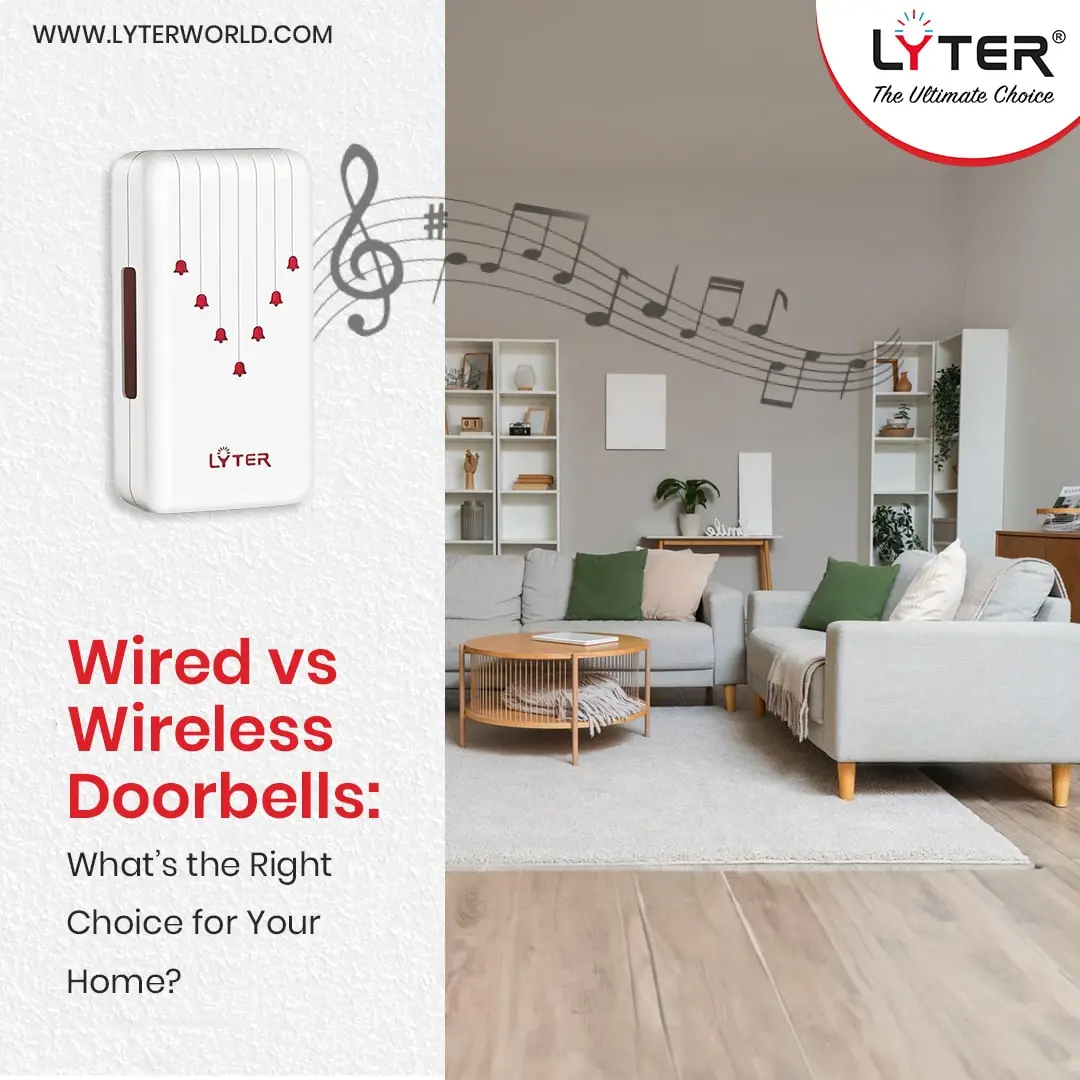
A wireless doorbell skips the wires entirely. Instead, the button sends a radio signal to the chime unit. The chime can be placed anywhere within the wireless range—no wiring needed.
How Wireless Doorbells Work
The main parts:
- Wireless button: Placed outside, powered by a battery.
- Receiver/chime: Plugged into a wall outlet (or battery-powered) inside your home.
- Radio frequency: When the button is pressed, it sends a signal to the receiver.
Some wireless doorbells use Wi-Fi or Bluetooth for advanced features, like connecting to your phone.
Typical Features Of Wireless Doorbells
- Easy installation: No wires to run, just mount the button and plug in the receiver.
- Portable chime units: Move the receiver anywhere you want—kitchen, bedroom, basement.
- Customizable sounds: Many models offer dozens of ringtones.
- Expandable: Add extra buttons or receivers for multiple doors or rooms.
- Smart features: Some connect to smartphones, offer video, or integrate with smart home systems.
Installation Process
Wireless doorbells are quick to set up:
Exclusive Deals
Limited-time Exclusive Deals. Check current discount on Amazon.
Check Price on Amazon As an Amazon Associate I earn from qualifying purchases.- Attach the button near your door using screws or adhesive.
- Insert batteries into the button (and receiver if needed).
- Plug in the receiver, or place it where you want.
- Pair the button and receiver, following simple instructions.
No need to touch any electrical wiring.
Wired Vs Wireless Doorbells: Key Differences
To help you see the real-world differences, here’s a direct comparison:
| Feature | Wired Doorbell | Wireless Doorbell |
|---|---|---|
| Installation | Requires wiring; may need professional help | No wiring; easy DIY setup |
| Power Source | Uses home electrical system | Battery (button); plug-in or battery (chime) |
| Reliability | Very stable; rare failures | Can suffer signal interference or dead batteries |
| Sound Quality | Usually basic; can be loud and clear | Wide variety; sometimes lower quality |
| Features | Limited, unless paired with smart devices | Many ringtones, portable, smart options |
| Maintenance | Minimal; check wiring if issues | Replace batteries; check signal strength |
Installation: What Matters Most
Installation is often the biggest difference for homeowners. Let’s look deeper:
Wired Doorbells
- Professional installation recommended: If you don’t have existing wiring, hiring an electrician is wise. Mistakes can cause safety issues.
- Time-consuming: Running wires through walls takes effort. For older homes, it may mean drilling or wall repairs.
- Permanent setup: Once installed, moving the system is difficult.
- Cost: Labor costs can be high—average $100–$250 for installation in the US.
Wireless Doorbells
- DIY-friendly: Most people can install a wireless doorbell in minutes.
- Flexible placement: Move the chime unit anywhere.
- No home damage: No holes or wiring needed.
- Cost-effective: You pay only for the device. Installation is free.
Power And Reliability
Power and reliability matter for long-term use.
Wired Doorbells
- Never need battery changes: Powered by your house.
- Reliable operation: Not affected by Wi-Fi or radio interference.
- Works during power outages: Some models work on backup batteries, but most need electricity.
Wireless Doorbells
- Battery needs: Button batteries usually last 1–2 years. Chime batteries may need more frequent changes unless plugged in.
- Signal issues: Thick walls, metal siding, or other electronics can interfere with radio signals.
- Range limits: Most wireless doorbells cover 150–500 feet. But real range may be less if walls block the signal.
- Potential for missed rings: If batteries die or signals drop, you may not hear the bell.
Features And Customization
Doorbells today offer more than a simple ring.
Wired Doorbells
- Basic chimes: Most offer one or two sounds, like “ding-dong.”
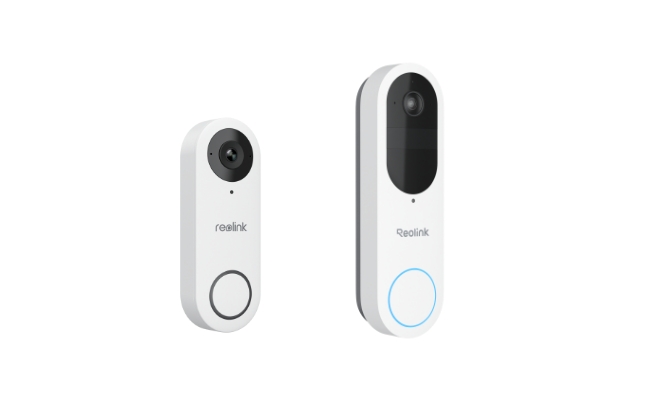
- Smart video integration: Many advanced video doorbells (Ring, Nest, Eufy) use wired power for continuous operation.
- Adjustable volume: Some units let you set volume or choose from a few sounds.
- Limited expansion: Adding more chimes or buttons is complex.
Wireless Doorbells
- Many ringtones: Some models have 30–50 melodies.
- Volume control: Easy to adjust, from quiet to loud.
- Multiple receivers: Place chimes in different rooms.
- Smart features: Connect to smartphones, get notifications, even see visitors via video.
- Easy expansion: Add buttons for back doors, or more receivers for larger homes.
Here’s a feature comparison for modern smart doorbells:
| Smart Feature | Wired Doorbell | Wireless Doorbell |
|---|---|---|
| Video streaming | Yes (with smart models) | Yes (with Wi-Fi models) |
| App notifications | Yes | Yes |
| Continuous power | Always on | Depends on battery/plug |
| Integration with smart home | Often required wired power | Easy with wireless models |
| Two-way audio | Yes | Yes |
Cost Comparison: Buying And Owning
Price matters, but so does long-term cost. Let’s break it down.
Wired Doorbell Cost
- Basic wired doorbell: $15–$50
- Smart video wired doorbell: $80–$250
- Installation costs: $100–$250 (if no existing wiring)
- Maintenance: Rare, maybe $50–$100 for repairs over 10 years
Wireless Doorbell Cost
- Basic wireless doorbell: $20–$80
- Smart wireless video doorbell: $100–$250
- Installation costs: Usually $0 (DIY)
- Maintenance: Battery replacement ($5–$20/year), possible receiver replacement
Here’s a quick price overview:
| Doorbell Type | Device Cost | Installation Cost | Annual Maintenance |
|---|---|---|---|
| Wired (basic) | $15–$50 | $100–$250 | $5–$10 |
| Wired (video) | $80–$250 | $100–$250 | $10–$25 |
| Wireless (basic) | $20–$80 | $0 | $5–$20 |
| Wireless (video) | $100–$250 | $0 | $20–$40 |
Durability And Lifespan
How Long Will Your Doorbell Last?
Wired Doorbells
- Average lifespan: 10–20 years
- Chime unit: May need replacement if it wears out.
- Button: Can last years; easily replaced if broken.
- Wiring: If installed correctly, lasts decades.
Wireless Doorbells
- Average lifespan: 3–7 years for chime units.
- Button: May need replacement every 2–3 years due to battery corrosion or weather damage.
- Receivers: Can last 5–10 years, but may fail due to electronics.
A non-obvious insight: Wired doorbells are more resistant to extreme temperatures and moisture. Wireless models can suffer in very hot or cold climates, especially if batteries freeze or overheat.
Security And Privacy Considerations
Doorbells are now part of home security.
Wired Doorbells
- Harder to tamper with: Wires are hidden, so disabling the system is difficult.
- Video doorbells: Wired models often offer continuous recording, which is more reliable for security.
- Privacy: Data stays local unless connected to the internet.
Wireless Doorbells
- Easier to remove: Buttons can be unscrewed or stolen if not mounted securely.
- Signal hacking: Rare, but possible. Some wireless models use encrypted signals for safety.
- Video doorbells: Wireless cameras may lose power during battery changes, interrupting recording.
- Privacy: Cloud-based storage means your video may be stored offsite. Choose reputable brands for better privacy.
Expandability And Smart Home Integration
Many people want their doorbell to do more—like connect with Alexa, Google Home, or their phone.
Wired Doorbells
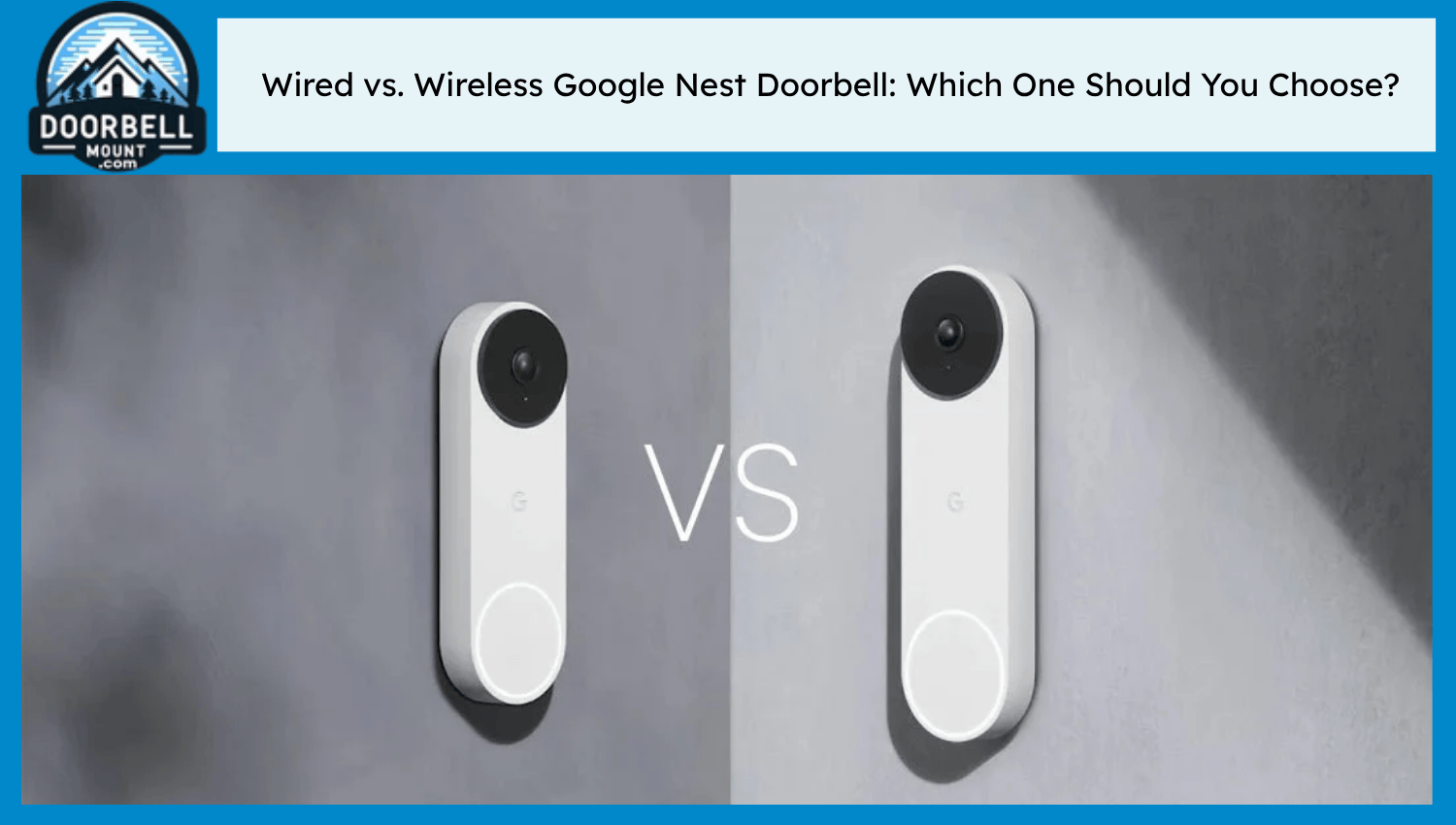
- Smart integration: New models (like Ring or Nest) require wired power for continuous video and smart features.
- Limited expansion: Adding more chimes or buttons is complex.
Wireless Doorbells
- Easy smart integration: Many wireless models connect to Wi-Fi and smart home systems.
- Flexible expansion: Add more buttons or receivers quickly.
One insight most buyers miss: If you want a video doorbell that records 24/7, wired power is usually required. Wireless video doorbells often record only when triggered.
Practical Tips For Choosing
When deciding between wired and wireless, consider:
- Existing wiring: If your home already has doorbell wiring, a wired system is often easier and more reliable.
- DIY skills: If you don’t want to hire help, wireless is the way to go.
- Home size and layout: Large homes may need multiple chimes—wireless models make this easy.
- Smart features: If you want app alerts or video, check compatibility and power needs.
- Budget: Wireless is cheaper up front, but batteries add to long-term cost.
A tip many homeowners miss: If you live in an apartment or rental, wireless doorbells are best. They don’t require permission or wall modifications.
Common Buyer Mistakes
- Ignoring power needs: Many buyers forget to check if their new video doorbell needs wires.
- Choosing based on price only: Cheap wireless doorbells may have poor range or weak signals.
- Not checking compatibility: Some smart doorbells only work with certain systems (iOS, Android, Alexa, etc. ).
- Underestimating maintenance: Wireless models need regular battery changes.
- Overlooking weather resistance: Outdoor buttons must survive rain, heat, or snow. Wired buttons tend to be sturdier.
Real-life Examples
Let’s look at how two families chose their doorbells:
- The Smiths (Wired): Their home had existing wiring. They wanted a video doorbell for security. They chose a wired Ring Video Doorbell, which provides continuous power and connects to their smart home system. Installation was quick, and the device has worked for three years without issues.
- The Garcias (Wireless): Living in a rental apartment, they couldn’t drill holes. They installed a wireless doorbell with two receivers—one in the living room, one in the kitchen. Setup took ten minutes, and they change batteries every 18 months. When they moved, they took the doorbell with them.
Which Doorbell Is Right For You?
There’s no single “best” choice. Wired doorbells offer reliability, security, and long life—perfect for homeowners who want stability. Wireless doorbells give flexibility, easy setup, and modern features—ideal for renters, DIY fans, or tech lovers.
Think about your home, your needs, and your budget. If you want a smart video doorbell with round-the-clock recording, wired is best. If you need quick installation and portability, wireless wins.
For more technical details and standards on doorbells, you can check Wikipedia.
Frequently Asked Questions
What Is The Main Advantage Of A Wired Doorbell?
Reliability is the key benefit. Wired doorbells rarely fail and don’t suffer from signal interference or battery issues. They are ideal for homes with existing wiring and for users who want a system that lasts decades.
Are Wireless Doorbells Safe From Hacking?
Most modern wireless doorbells use encrypted signals to prevent hacking. However, older or very cheap models may have weak security. Always buy reputable brands and check for encryption if privacy is important.
Can I Install A Wired Doorbell Myself?
It’s possible, but not always easy. You need to handle electrical wiring and may need special tools. If you don’t have experience, hiring a professional is safer.
Do Wireless Doorbells Work In Large Homes?
Wireless doorbells can cover large homes, but signal strength drops with thick walls or metal siding. Some models allow multiple receivers to help. Always check the maximum range before buying.
What Happens If The Power Goes Out?
A wired doorbell usually stops working during a power outage unless it has a backup battery. Wireless doorbells (with battery-powered chimes) may keep working, but if your model plugs into the wall, it will stop until power returns.
Making the right choice means thinking about your home, your skills, and what you want from your doorbell. Whether you choose wired or wireless, now you know what matters most.


