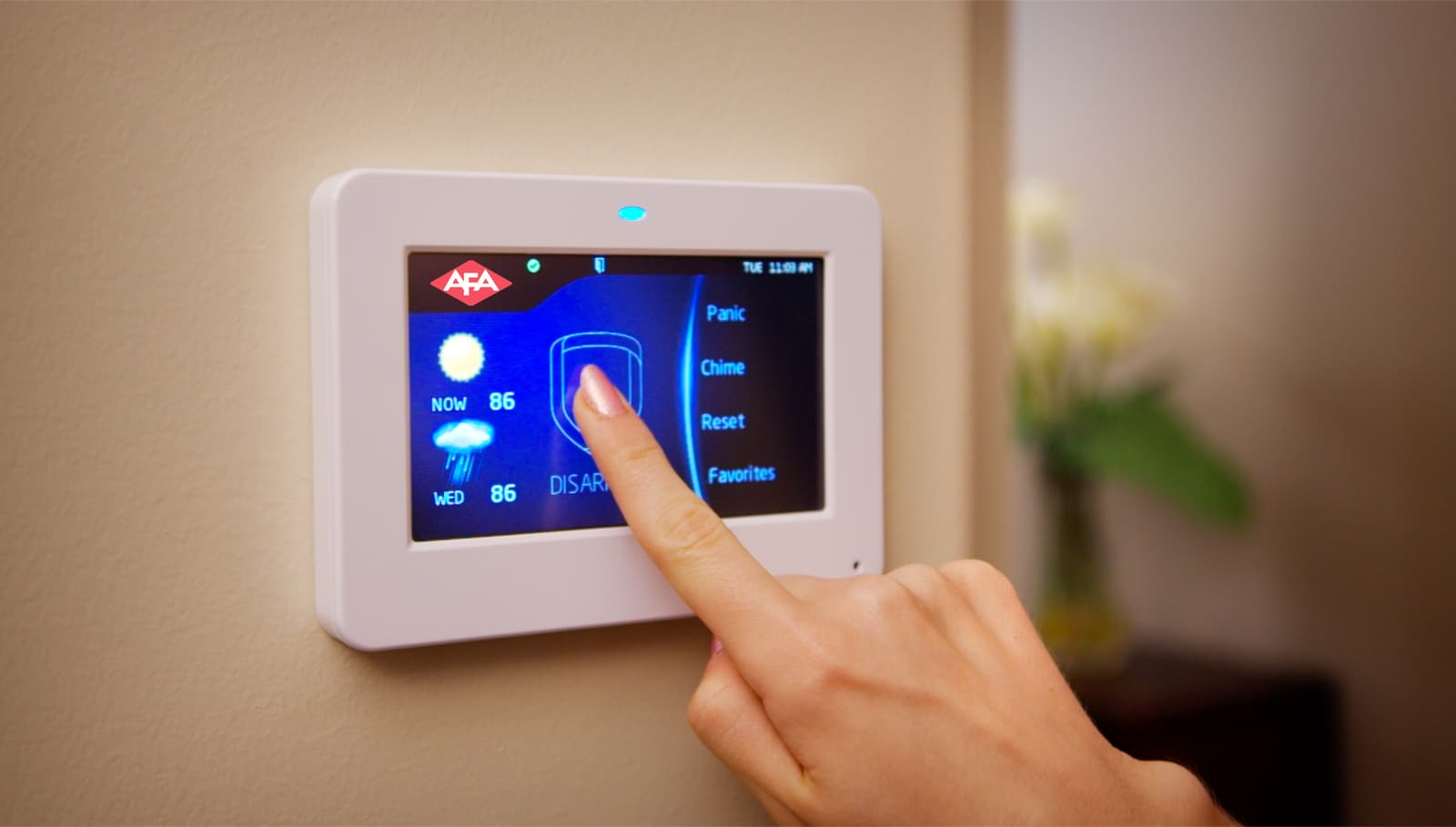
Every homeowner wants peace of mind. A reliable home alarm system provides security, but few people ask: How long do home alarm systems last? Knowing the lifespan helps you plan, budget, and avoid unpleasant surprises. With technology evolving, understanding system durability is more important than ever. This article explains how long home alarm systems really last, what affects their lifespan, and how to get the most from your investment. If you’re choosing, upgrading, or maintaining a system, these insights will help you make smart decisions.

Exclusive Deals
Limited-time Exclusive Deals. Check current discount on Amazon.
Check Price on Amazon As an Amazon Associate I earn from qualifying purchases.What Determines The Lifespan Of Home Alarm Systems?
A home alarm system is not just one device. It’s a collection of sensors, control panels, keypads, cameras, and sometimes smart features. Each part has its own lifespan, but the overall system’s durability depends on several key factors.
1. Quality Of Components
High-quality brands typically last longer. Cheap systems might fail within a few years, while trusted brands offer durability. For example, a premium control panel can last 10–15 years, while a budget one may need replacement in 5–8 years.
2. Installation
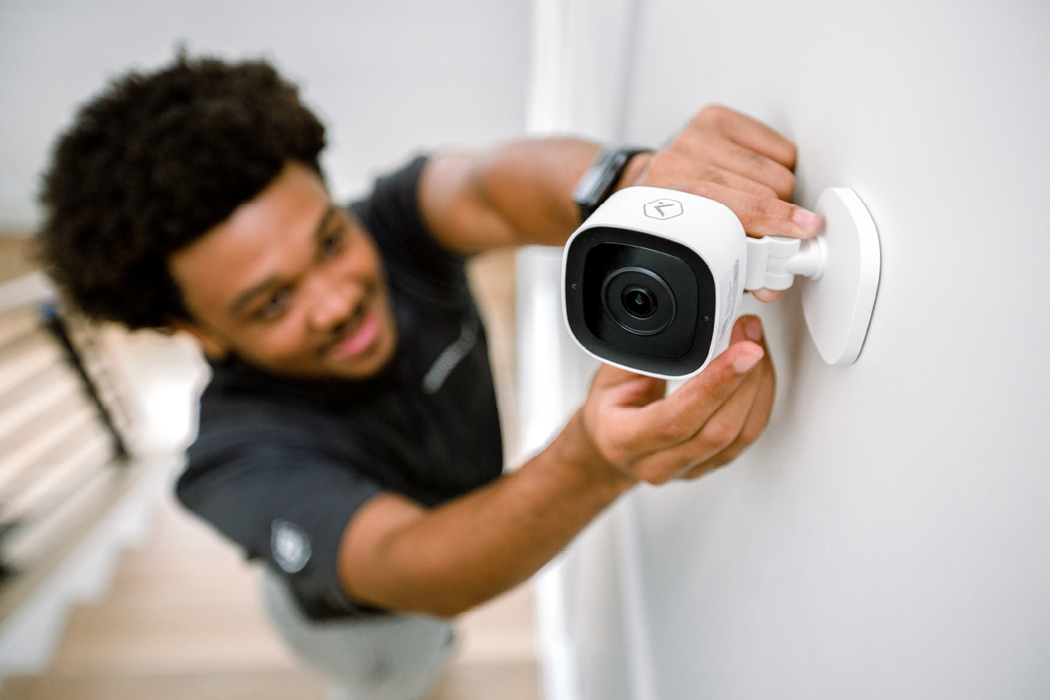
Professional installation makes a big difference. Improper placement of sensors or cameras can cause false alarms, quick battery drain, and early failure. DIY setups sometimes overlook these details, shortening system life.
3. Usage Patterns
If your alarm is activated every night, it experiences more wear than one used occasionally. Frequent use of motion detectors, door sensors, and alarms means these parts may need replacement sooner.
Exclusive Deals
Limited-time Exclusive Deals. Check current discount on Amazon.
Check Price on Amazon As an Amazon Associate I earn from qualifying purchases.4. Environmental Conditions
Humidity, extreme temperature, and dust affect electronics. Outdoor sensors, especially, face rough conditions and may last only 5–7 years unless weatherproofed.
5. Maintenance And Upgrades
Regular cleaning, battery changes, and software updates extend life. Ignoring maintenance leads to faster breakdown.
Non-obvious insight: The average lifespan is not set by the main control panel, but by the weakest component. A failing sensor or battery can compromise the entire system.
Average Lifespan: How Long Do Most Home Alarm Systems Last?
Most home alarm systems last 5 to 20 years. The wide range depends on system type, maintenance, and environment. Here’s a breakdown:
| System Type | Average Lifespan | Notes |
|---|---|---|
| Wired Systems | 15–20 years | Least affected by batteries; parts more durable |
| Wireless Systems | 5–10 years | Batteries need frequent replacement; more affected by interference |
| Smart/Connected Systems | 5–8 years | May become obsolete faster due to software changes |
| DIY Systems | 3–8 years | Quality varies widely; often less durable |
Key point: Wired systems generally last longer, but smart systems may require upgrades sooner as technology moves quickly.
Exclusive Deals
Limited-time Exclusive Deals. Check current discount on Amazon.
Check Price on Amazon As an Amazon Associate I earn from qualifying purchases.Lifespan Of Main Components
Each part of your alarm system wears out at a different pace. Replacing individual components often extends the life of your overall system.
| Component | Expected Lifespan | Replacement Frequency |
|---|---|---|
| Control Panel | 10–15 years | Rarely |
| Motion Sensors | 5–10 years | Occasionally |
| Door/Window Sensors | 5–10 years | Occasionally |
| Keypads | 8–12 years | Rarely |
| Sirens/Alarms | 10–15 years | Rarely |
| Cameras | 5–8 years | Frequently |
| Batteries | 1–3 years | Very frequently |
Non-obvious insight: Batteries are the most common failure point. Many users forget to replace them, leading to false alarms or total failure.
Wired Vs Wireless: Which Lasts Longer?
Choosing between wired and wireless systems affects lifespan. Wired systems are built for durability. They avoid battery issues and resist interference. Wireless systems are flexible and easy to install, but their lifespan is lower due to battery dependency and exposure to radio interference.
Wired Systems
- Durability: 15–20 years
- Maintenance: Lower (no batteries)
- Upgrade: Harder to retrofit with new tech
Wireless Systems
- Durability: 5–10 years
- Maintenance: Higher (battery replacement)
- Upgrade: Easier to expand or change
Practical tip: If you plan to stay in your home long term, wired systems are a better investment. For renters or those expecting to move, wireless is more practical.
The Impact Of Technology Changes
Alarm systems are now smarter. Many connect to your phone, offer video, or integrate with other devices. But rapid tech changes mean that a system may become obsolete before it physically fails.
Software Support
Manufacturers may stop supporting older systems. Without updates, new features or security patches are unavailable.
Compatibility
New devices may not work with old systems. For example, a smart doorbell may not connect to a system made 10 years ago.
Upgradability
Some systems are modular, allowing you to add or swap sensors, cameras, or smart modules. Others are locked, forcing full replacement.
Important note: Obsolescence is now as big a concern as physical failure. Before buying, check how often the manufacturer updates software and supports older products.
Maintenance Tips To Extend System Life
You can make your home alarm system last longer with good habits.
1. Replace Batteries Regularly
Batteries are the weakest link. Change them every 1–2 years, even if the system seems fine.
2. Clean Sensors And Cameras
Dust and spider webs block sensors and cameras. Wipe them gently every few months.
3. Update Software
If your system is smart, install updates. They fix bugs and keep your system secure.
4. Test Your System
Run a system test monthly. Make sure all sensors, alarms, and cameras respond.
5. Inspect For Physical Damage
Look for cracks, loose wires, or signs of moisture. Fix problems early.
Non-obvious insight: Many failures happen during storms or power outages. After such events, check your system for damage.
Signs Your Home Alarm System Needs Replacement
Your alarm system won’t last forever. Watch for these signs:
- Frequent false alarms — Sensors may be failing or outdated.
- Slow response or lag — Control panel or communication module may be failing.
- Non-compatible with new devices — Obsolescence is a warning.
- No software updates available — Security may be at risk.
- Visible physical wear — Cracked sensors, broken keypads, frayed wires.
- Battery drains quickly — Indicates aging wireless components.
- Repeated malfunctions — If repairs become frequent, replacement is smarter.
Expert tip: If repairs cost more than 30% of a new system, it’s time to upgrade.
Cost Considerations: Replacement Vs Repair
Replacing a home alarm system is costly, but repairs can add up. Here’s a comparison:
| Action | Average Cost | When to Choose |
|---|---|---|
| Repair Individual Components | $50–$300 per part | System is under 10 years old; only one part is faulty |
| Full System Replacement | $400–$2,000 | System is over 10 years; multiple failures; obsolete technology |
| Upgrade to Smart Features | $200–$1,000 | System is compatible; you want modern functions |
Money-saving tip: Some manufacturers offer trade-in discounts for old systems. Ask before buying.
Real-world Examples: How Long Systems Last In Homes
Let’s look at some real cases:
- Wired System in a Suburban Home: Installed in 2005, still running after 18 years. Only keypad and sensors replaced.
- Wireless System in an Apartment: Installed in 2016, started failing in 2022. Battery issues and sensor malfunctions.
- Smart System in a City Condo: Installed in 2018, obsolete by 2023. Manufacturer stopped updates; new devices not compatible.
These examples show that environment, maintenance, and technology changes are real-life factors.
How To Choose A Long-lasting Home Alarm System
If you want your system to last, focus on these points:
1. Research Trusted Brands
Choose brands with a history of durability and support.
2. Prefer Modular Systems
If possible, buy a system that allows easy replacement of sensors and cameras.
3. Check Battery Requirements
Fewer batteries mean less maintenance.
4. Ask About Software Updates
Smart systems should promise updates for at least 5–7 years.
5. Consider Professional Installation
Experts can place sensors and cameras for best performance.
6. Read Reviews From Long-term Users
Look for reviews from people who’ve used the system for more than 5 years.
Pro tip: Ask your installer about expected lifespan and warranty coverage. Some offer extended warranties for peace of mind.
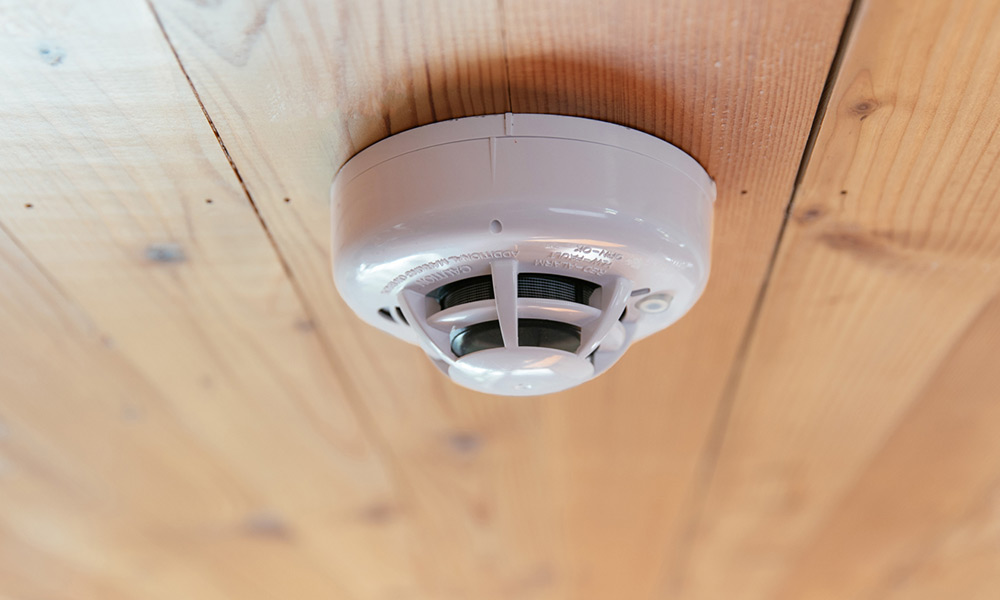
Common Mistakes That Shorten System Life
Many homeowners unknowingly reduce their alarm system’s lifespan. Avoid these mistakes:
- Ignoring battery changes — Causes sudden system failure.
- Placing sensors in bad spots — Sun, heat, or moisture damage components.
- Skipping software updates — Security risks and malfunctions.
- Not testing the system — Problems go unnoticed until an emergency.
- Using incompatible upgrades — Forcing new parts onto old systems can cause failure.
- Neglecting cleaning — Dust and insects block sensors and cameras.
Experience-based advice: Make a simple calendar reminder for maintenance tasks. A few minutes can add years to your system.
Environmental Factors That Affect Lifespan
Your home’s environment plays a big role in how long your alarm system lasts.
1. Temperature Extremes
High heat or freezing cold stresses electronics. Outdoor sensors often fail sooner.
2. Humidity And Moisture
Water causes corrosion. Basements, bathrooms, or outdoor placements need waterproof sensors.
3. Dust And Debris
Dust blocks sensors and causes overheating. Homes near construction sites or busy roads should clean devices more often.
4. Electrical Surges
Power surges during storms can fry circuits. Using surge protectors helps.
Non-obvious insight: In coastal areas, salty air speeds up corrosion. Choose weatherproof systems if you live near the ocean.
The Role Of Monitoring Services
Many alarm systems connect to monitoring services. These services watch for alerts and call authorities if needed. How does monitoring affect lifespan?
- Monitored systems often require regular software and hardware checks, extending life.
- Self-monitored systems rely on homeowner maintenance. Neglected updates can shorten lifespan.
Some monitoring companies offer free upgrades if your system becomes outdated. Ask your provider about this when signing up.
What Happens When A System Fails?
A failed system leaves your home unprotected. Here’s what to expect:
- Loss of alerts — No warning for break-ins or fires.
- False alarms — Can lead to fines from local authorities.
- Insurance issues — Some insurers require a working alarm for coverage.
- Repair costs — May be higher if the system fails suddenly.
Quick action: If your system fails, contact a professional immediately. Delays increase risk.
Planning For System Replacement
Don’t wait until your alarm system stops working. Plan ahead.
1. Track System Age
Note the installation date. Most systems need replacement every 8–15 years.
2. Budget For Upgrades
Set aside funds for replacement or major repairs.
3. Monitor Technology Changes
When new features become standard (like video verification), consider upgrading.
4. Keep Warranty Records
Extended warranties can save money if failure happens early.
Helpful resource: For more details on alarm system standards and safety, visit SafeWise.
Frequently Asked Questions
How Often Should I Replace Home Alarm System Batteries?
Most batteries need replacement every 1–3 years. Wireless sensors and cameras may drain faster. Check battery status monthly and replace them as soon as they show low power.
Can I Upgrade My Existing Alarm System Or Do I Need To Replace It?
Many systems allow component upgrades like new sensors or cameras. However, if your system is more than 10 years old or lacks software support, a full replacement is usually smarter and safer.
What’s The Difference Between A System’s Physical Lifespan And Technological Lifespan?
The physical lifespan is how long the hardware lasts. The technological lifespan is how long the system stays compatible with new devices and receives updates. Smart systems often become obsolete before they physically fail.
Are Diy Alarm Systems As Durable As Professionally Installed Systems?
DIY systems can be less durable due to lower quality components and less precise installation. Professional systems usually last longer, especially if installed by experts and maintained regularly.
How Can I Tell If My Alarm System Is Obsolete?
If your system doesn’t support new devices, lacks software updates, or your monitoring company won’t service it, it’s likely obsolete. Also, frequent malfunctions and slow response are signs.
Home alarm systems are essential for safety, but understanding their lifespan helps you plan, save money, and stay protected. By choosing quality components, maintaining them well, and upgrading when needed, you maximize your investment and protect your home for years.