
SD Card vs Cloud Recording: Local storage is cheap and private; cloud is flexible and scalable.
I have spent years designing home and business camera systems and testing both local and cloud recording paths. This article compares SD Card vs Cloud Recording with clear pros, cons, costs, security notes, and real-world tips I learned on the job. Read on to pick the right approach for your needs and to learn practical steps you can use today.

Exclusive Deals
Limited-time Exclusive Deals. Check current discount on Amazon.
Check Price on Amazon As an Amazon Associate I earn from qualifying purchases.SD Card vs Cloud Recording: How they work
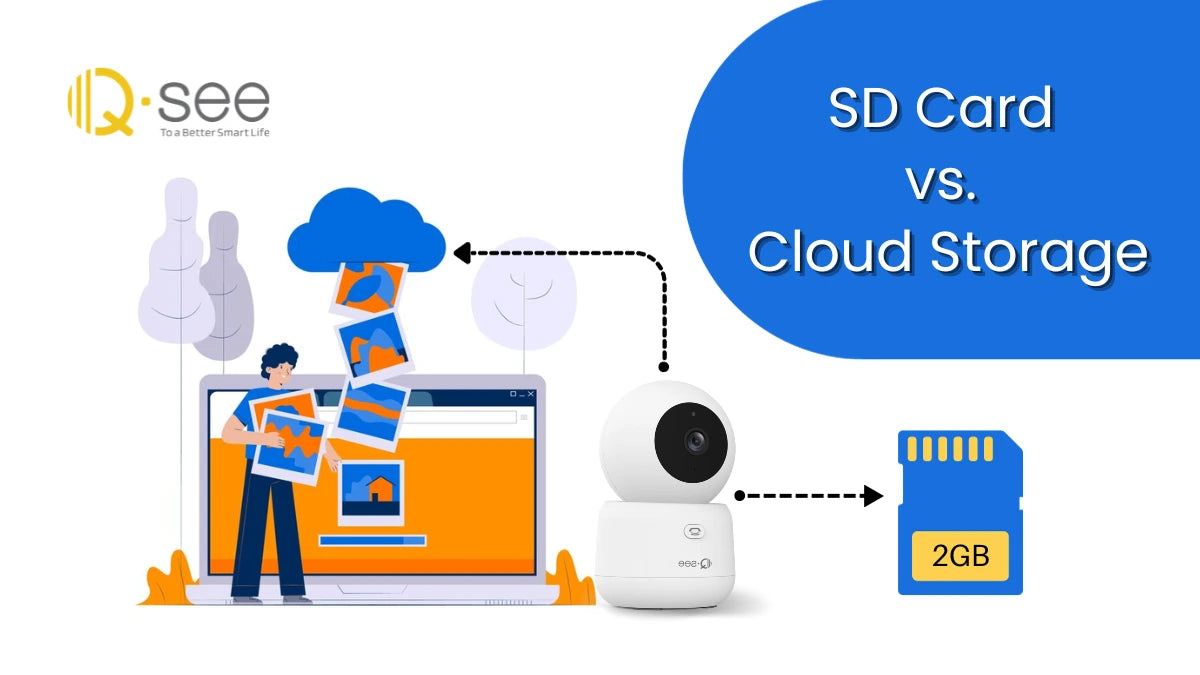
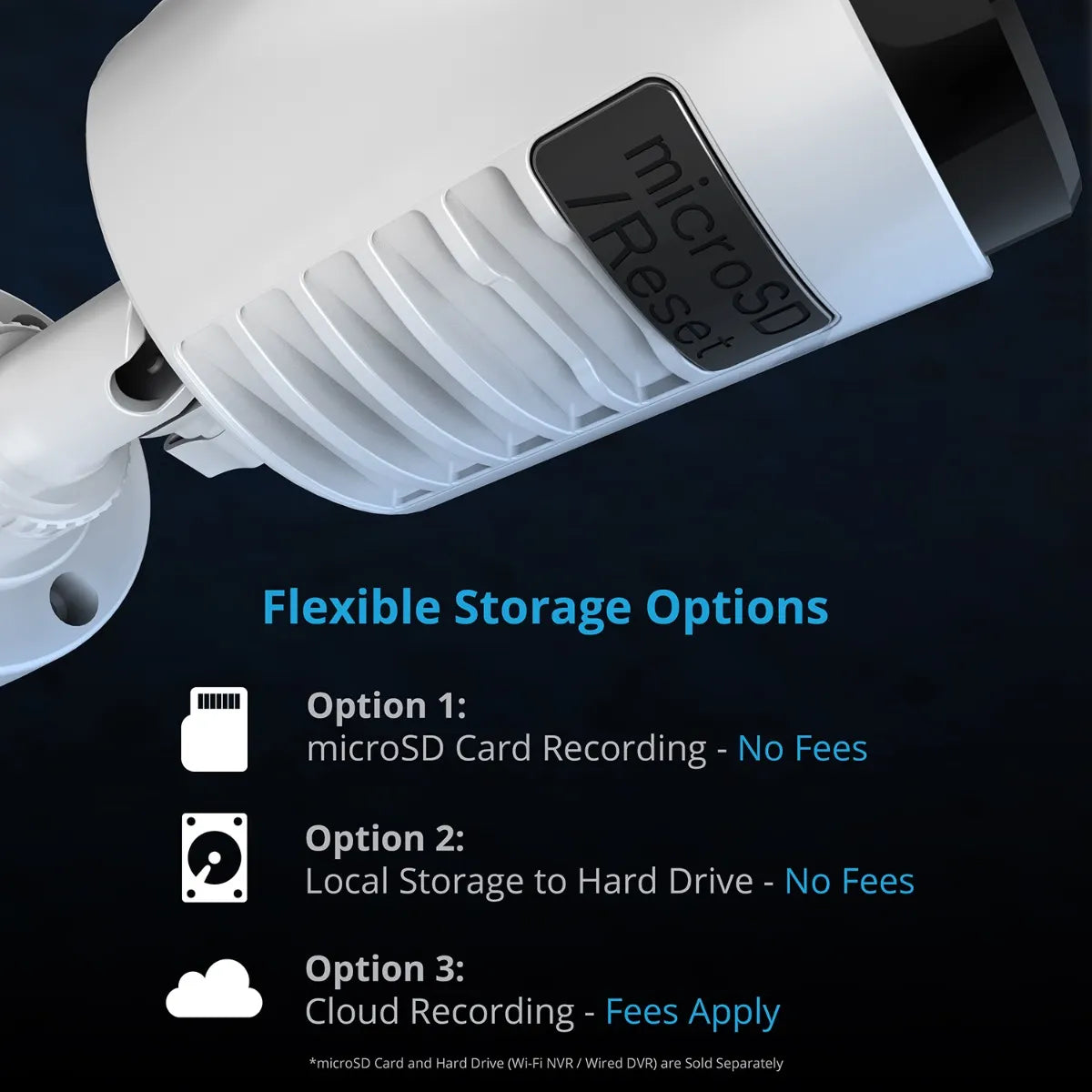
SD Card vs Cloud Recording are two ways to save video and data from cameras and devices. SD card recording stores footage on a card inside the device. Cloud recording sends video over the internet to remote servers.
Local recording is simple to set up. Insert the card, format it, and the device writes files to the card.
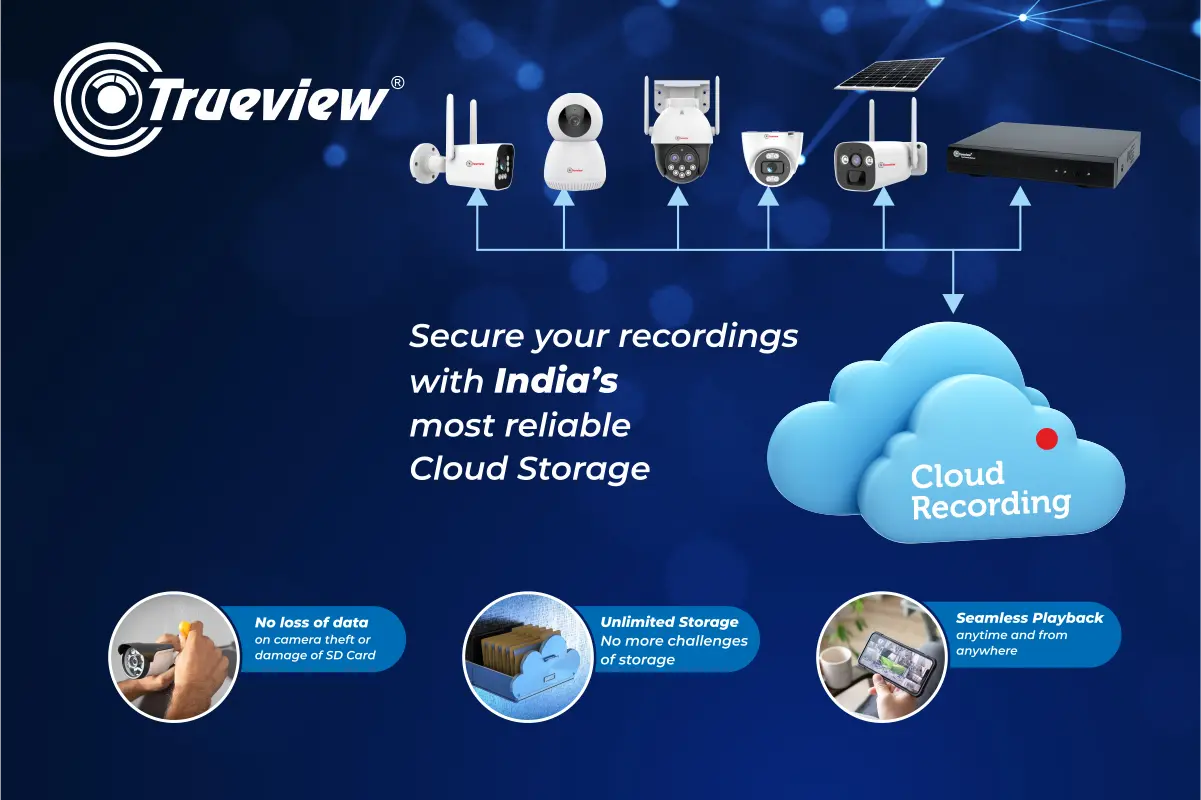
Cloud recording needs an internet link and an account. Video is uploaded, processed, and saved off-site. Cloud often offers search, alerts, and backup features.
Exclusive Deals
Limited-time Exclusive Deals. Check current discount on Amazon.
Check Price on Amazon As an Amazon Associate I earn from qualifying purchases.Pros and cons compared
When choosing SD Card vs Cloud Recording, think about cost, privacy, reliability, and convenience. Below are clear pros and cons for each.
SD Card – Pros
- Low ongoing cost: buy a card once and reuse it.
- Works offline: records even when internet is down.
- Fast local access: playback from device is quick.
- Privacy control: your data stays physically local.
SD Card – Cons
- Vulnerable to theft or damage: if the device is stolen, so is the footage.
- Limited retention: small cards overwrite old footage fast.
- Manual backups: you must copy files to other storage to archive.
- Device dependent: if the camera fails, recordings stop.
Cloud Recording – Pros
- Remote backup: footage survives device loss or damage.
- Scalable retention: pay for more storage as needed.
- Advanced features: AI alerts, timeline search, and sharing are often built-in.
- Automatic updates: provider handles server maintenance and software.
Cloud Recording – Cons
- Ongoing fees: monthly or yearly costs apply.
- Requires stable internet: upload quality depends on your bandwidth.
- Privacy and trust: you rely on a provider to secure your data.
- Latency and upload limits: long uploads can be slow and hit caps.
SD Card vs Cloud Recording is not always an either-or choice. Many setups blend both for resilience and ease.
Exclusive Deals
Limited-time Exclusive Deals. Check current discount on Amazon.
Check Price on Amazon As an Amazon Associate I earn from qualifying purchases.Cost comparison and budgeting
Cost matters for both home users and businesses. Here is a simple cost view for SD Card vs Cloud Recording.
- Upfront cost for SD Card: the device and one-time purchase of cards. Typical cards cost $10 to $60 depending on capacity and speed.
- Ongoing cost for Cloud Recording: subscription fees. Typical plans range from a few dollars per camera per month to enterprise tiers.
- Hidden costs: cloud uses data, so you may face higher ISP charges. SD card systems need manual backup labor or additional NAS purchases.
When I set up a small office, I saved money with SD cards for three low-priority cameras and used cloud for the two entrances. This reduced recurring fees while keeping critical footage safe.
Budget tips
- Use high endurance SD cards for cameras to avoid early failure.
- Buy cloud plans with trial periods and test upload speed first.
- Combine local storage with occasional cloud backups to reduce costs.
Security, privacy, and reliability
Both SD Card vs Cloud Recording have security trade-offs. Here's a clear look.
SD card risks
- Physical theft or tampering.
- Lack of encryption on some devices.
- Potential data corruption over time.
Cloud risks and strengths
- Requires provider trust and strong passwords.
- Offers encryption in transit and at rest on many platforms.
- Provides redundancy and uptime guarantees.
Best practices I use
- Enable device-level encryption if supported.
- Change default passwords and use two-factor authentication.
- Keep a local backup if using cloud, and keep a cloud copy if using local storage.

Use cases: which to pick
The right choice depends on the use case. Below are common scenarios and my recommendation.
Home security and hobby projects
- SD Card vs Cloud Recording: SD cards work well for small, budget setups and sporadic checks.
- Use cloud for remote access, instant alerts, and long retention.
Small business and retail
- SD Card vs Cloud Recording: cloud is often preferred for off-site preservation and compliance.
- Combine cloud for critical cameras and SD cards for internal-only areas.
Mobile or remote sites with poor internet
- SD Card vs Cloud Recording: SD cards are the clear choice when internet is unreliable.
High-security or legal requirements
- SD Card vs Cloud Recording: cloud helps with documented chain-of-custody and immutable storage if the provider supports it.
I once managed cameras across multiple stores. Using cloud for public areas and SD cards for backrooms balanced cost and evidence needs.
Practical setup and maintenance tips
Setting up SD Card vs Cloud Recording well avoids common failures. Follow these steps.
SD card setup steps
- Buy high-endurance cards rated for continuous recording.
- Format the card in the camera to avoid file issues.
- Check daily or weekly for errors and replace cards every 1–3 years.
Cloud setup steps
- Test upload speed to ensure acceptable bitrate and resolution.
- Choose retention length that matches your needs and budget.
- Enable alerts, encryption, and device authentication.
Mixed strategy
- Use SD cards for local buffering during outages.
- Set cloud backups to store key clips or event-triggered footage.
- Automate archival of important clips to a secondary cloud or NAS.

Migration and hybrid strategies
Moving from SD Card vs Cloud Recording or blending both can be straightforward.
Plan the migration
- Audit your camera count, retention needs, and internet capacity.
- Prioritize critical cameras for cloud migration first.
- Test with one camera to validate bandwidth and cost.
Hybrid benefits
- Reduces monthly fees while maintaining off-site backup.
- Layers of protection: local quick access plus remote redundancy.
- Easy rollback: you can disable cloud if it does not meet needs.
Case study from the field
- I migrated a mid-size storefront to a hybrid model. We kept SD storage for 7 days and cloud for 30 days on entrances. This reduced monthly fees by 40% and kept essential evidence off-site.
Frequently Asked Questions of SD Card vs Cloud Recording
What is the main difference between SD Card vs Cloud Recording?
The main difference is where footage is stored: SD cards keep data on the device, while cloud recording stores it on remote servers over the internet. This affects cost, access, and resilience.
Which option is cheaper long term, SD Card vs Cloud Recording?
SD cards have lower recurring costs but need replacement and manual backups. Cloud adds monthly fees but reduces physical maintenance and offers scalable storage.
Is cloud recording more secure than SD cards?
Cloud can be more secure if the provider offers encryption and strong access controls. However, it depends on provider practices and your account security.
Can I use both SD Card and cloud recording at the same time?
Yes. Many systems let you record locally to an SD card and upload key clips to the cloud. This hybrid approach gives fast local access and remote redundancy.
Will cloud recording work with slow internet?
Cloud recording needs enough upload bandwidth for the camera bitrate. For slow internet, consider lower resolution, event-only uploads, or local buffering with SD cards.
Conclusion
SD Card vs Cloud Recording each solve real needs. SD cards win on cost, offline reliability, and privacy. Cloud wins on backup, scalability, and advanced features. My practical view: match storage to risk. Use SD cards for backup and budget needs. Use cloud for critical cameras and easy remote access. Try a hybrid setup to get both safety and savings.
Takeaway action: review your camera list, test one cloud plan, and buy at least one high-endurance SD card for backups. Share your setup or ask a question below to get tailored advice.


