
Many people worry about home security, especially when leaving the house empty or at night. A home alarm system can give peace of mind, but choosing the right one is not always easy. There are many options, each with unique features.
If you are thinking about buying a home alarm system, it is important to know which features really matter. Making a smart choice can protect your family, valuables, and property more effectively.
The market for home alarm systems is growing fast. According to Statista, the global market will reach $32 billion by 2026. This means more products and more choices, but also more confusion. Many buyers focus on price, but often miss key features that make a system reliable and easy to use.

Exclusive Deals
Limited-time Exclusive Deals. Check current discount on Amazon.
Check Price on Amazon As an Amazon Associate I earn from qualifying purchases.In this guide, you will learn the most important features to look for in a home alarm system. You will also discover some common mistakes and practical tips that most beginners overlook.
Types Of Home Alarm Systems
Before looking at features, it helps to understand the main types of home alarm systems. Each type offers different advantages and limitations.
Wired Alarm Systems
Wired systems use physical cables to connect sensors, control panels, and sirens. These systems are less likely to suffer from signal interference. They are reliable and often used in large homes or commercial buildings. Installation can be expensive because it involves drilling and running wires through walls.
Wireless Alarm Systems
Wireless systems communicate using radio signals. Sensors and devices connect without wires, making installation simple and less invasive. These are popular for small to medium homes and renters. However, wireless systems need regular battery checks and may be affected by Wi-Fi or other electronic devices.
Exclusive Deals
Limited-time Exclusive Deals. Check current discount on Amazon.
Check Price on Amazon As an Amazon Associate I earn from qualifying purchases.Smart Alarm Systems
Smart alarm systems can connect to smartphones, tablets, or computers. They usually offer remote control, real-time alerts, and integration with other smart devices (like cameras or smart locks). These systems are often wireless, but some have wired parts. They are ideal for tech-savvy users who want flexibility.
Monitored Vs. Unmonitored Systems
- Monitored systems send alerts to a security company. If there is a problem, the company contacts emergency services or the homeowner. These systems often require a monthly fee.
- Unmonitored systems only alert the homeowner with alarms or notifications. You must respond yourself if an alarm goes off. These systems are less expensive but require more responsibility.
Understanding these types helps narrow down your choices. Now, let’s look at the features that matter most.
Core Features To Consider
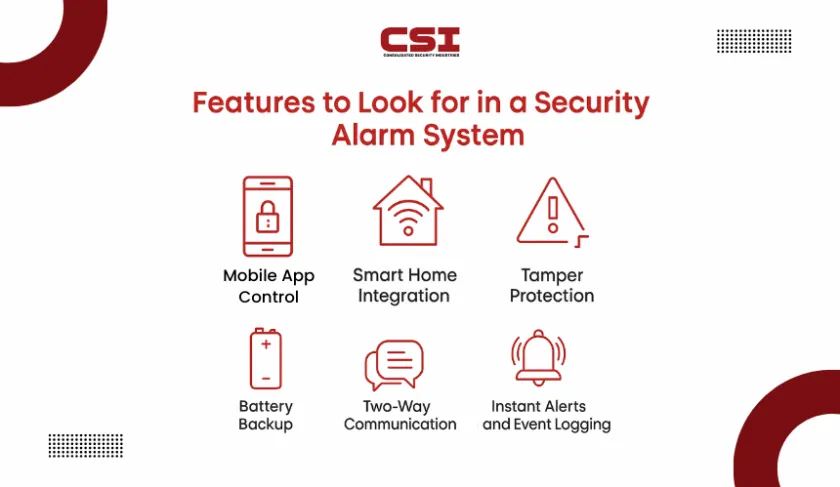
Not all alarm systems are equal. Some features are essential for effective security, while others are optional. Focus on these key features when comparing options.
Exclusive Deals
Limited-time Exclusive Deals. Check current discount on Amazon.
Check Price on Amazon As an Amazon Associate I earn from qualifying purchases.1. Reliable Sensors
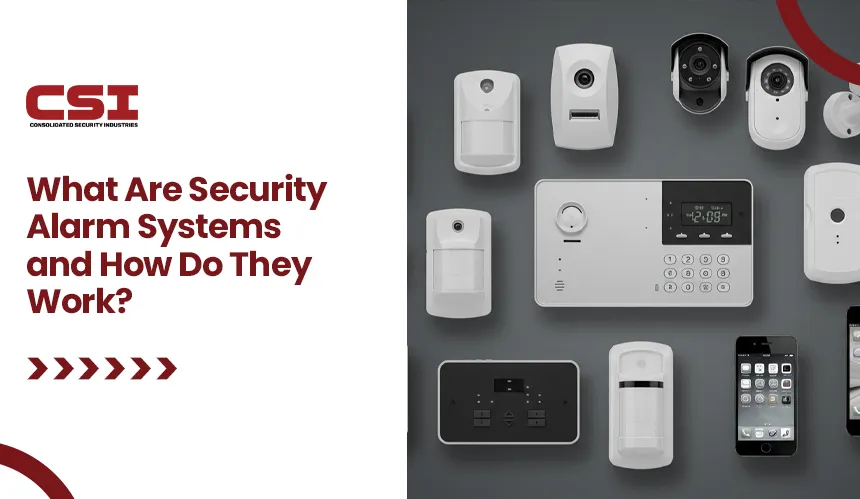
Sensors are the backbone of any alarm system. They detect unusual activity and trigger alerts. Look for systems with multiple sensor types:
- Door/window sensors: Detect when doors or windows are opened.
- Motion sensors: Sense movement inside the house.
- Glass break sensors: Recognize the sound or vibration of breaking glass.
- Smoke and carbon monoxide sensors: Provide safety from fire and toxic gases.
Choose sensors with a proven track record. For example, PIR (passive infrared) motion sensors are widely used because they accurately detect body heat.
2. Easy Control Panel
The control panel acts as the brain of the system. It lets you arm/disarm the alarm, set modes, and view alerts. A good control panel should be:
- Simple to use, with clear buttons or touchscreen.
- Located in a central, easy-to-access spot.
- Able to connect with mobile apps for remote control.
Some panels have voice control or emergency buttons. Look for a panel with backup power in case of outages.
3. Mobile App Integration
Many modern systems offer mobile app integration. This lets you manage the alarm from anywhere. You can:
- Get real-time alerts.
- Arm/disarm the system remotely.
- View camera feeds and sensor status.
- Add or remove users.
Apps should be user-friendly and compatible with both Android and iOS devices. Some systems allow multiple users, which is useful for families.
4. Professional Monitoring
Professional monitoring adds extra security. When the alarm triggers, the monitoring company checks the situation and calls emergency services if needed. According to the National Crime Prevention Council, monitored systems reduce the risk of burglary by up to 60%. While this service costs extra, it is worth considering if you want full protection.
5. Loud Siren And Alerts
A loud siren scares off intruders and warns neighbors. Most systems have sirens between 90-120 decibels. Alerts should be immediate and clear. Some systems also send notifications by SMS, email, or push messages. Test the siren volume before buying, and check if it can be adjusted.
6. Battery Backup
Power outages can disable an alarm system. Look for models with battery backup that keeps the system running during a blackout. Backup batteries should last at least 24 hours. Some advanced systems send alerts when battery power is low.
7. Video Surveillance
Video cameras add a strong visual layer to security. With video surveillance, you can:
- Watch live feeds from your phone.
- Record footage for evidence.
- Use two-way audio to talk to visitors.
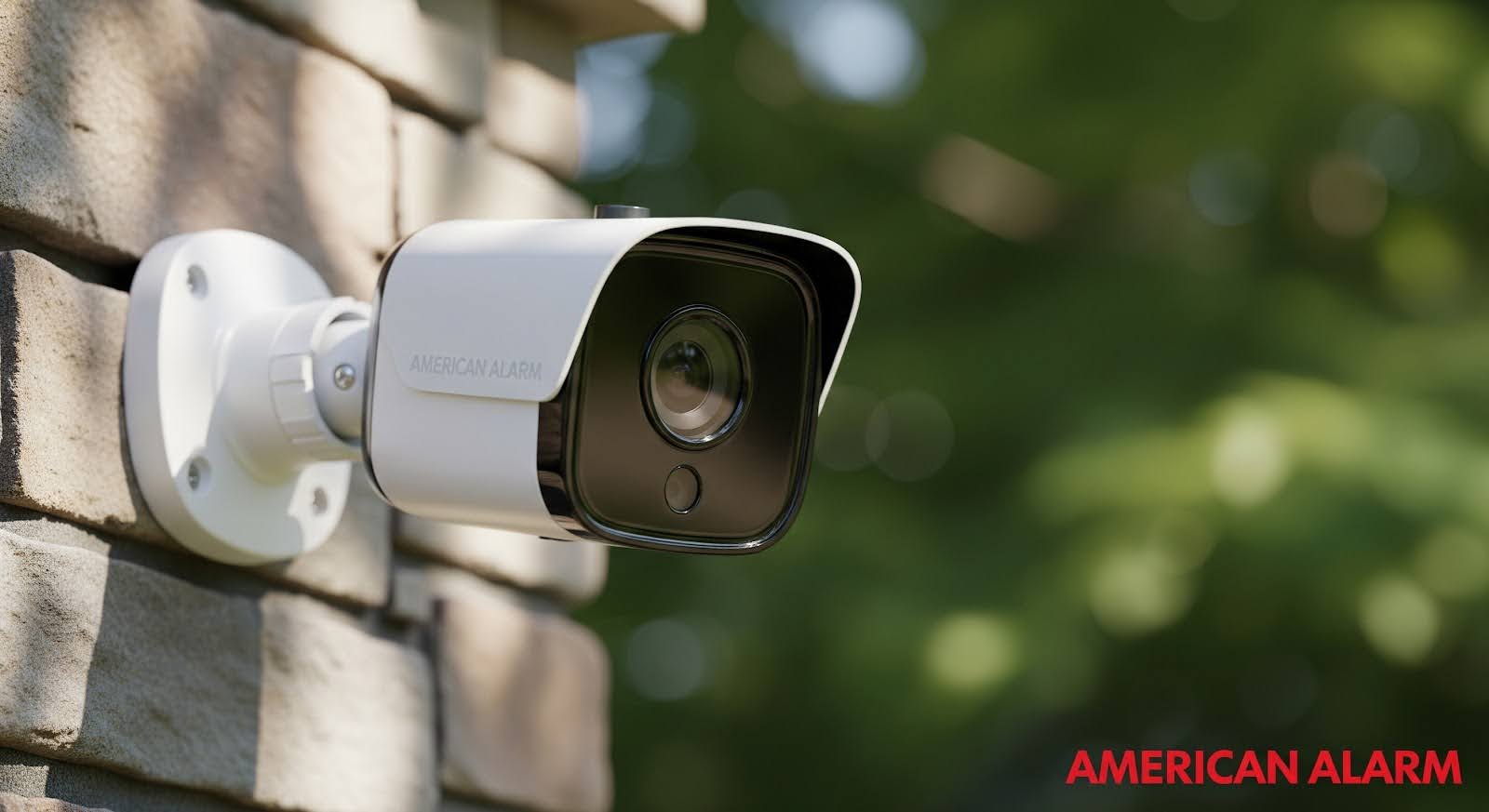
HD cameras (1080p or higher) are best. Night vision and wide-angle lenses improve coverage. Cameras should be weatherproof if placed outside.
8. Smart Home Compatibility
If you use devices like smart locks, lights, or thermostats, look for smart home compatibility. Many alarm systems work with platforms like Amazon Alexa, Google Home, or Apple HomeKit. This lets you automate routines, such as turning on lights when the alarm detects movement.
9. Expandability
Your security needs may change. Choose a system that is expandable—you can add more sensors, cameras, or smart devices later. This is important for growing families or people who might move to a bigger home.
10. Customer Support And Warranty
Quality support is often overlooked. Choose brands with strong customer support and a clear warranty. Look for:
- 24/7 phone or chat support.
- Easy replacement or repair process.
- Minimum 1-year warranty, preferably longer.
Reliable support helps solve problems quickly, especially during emergencies.
Comparing Popular Features
Different systems offer different combinations of features. Below, you’ll find a comparison of three popular home alarm systems:
| Feature | System A (Basic) | System B (Smart) | System C (Monitored) |
|---|---|---|---|
| Sensor Types | Door/Window, Motion | Door/Window, Motion, Glass Break | All, incl. Smoke/CO |
| Mobile App | No | Yes | Yes |
| Video Surveillance | No | Optional | Included |
| Professional Monitoring | No | No | Yes |
| Battery Backup | 12 hrs | 24 hrs | 48 hrs |
| Smart Home | No | Yes | Limited |
| Warranty | 1 year | 2 years | 3 years |
This comparison shows how features can vary. Choose the system that fits your needs, not just your budget.
Advanced Features Worth Considering
Some extra features can make your alarm system smarter and more convenient. These are not necessary for everyone, but can be helpful.
Pet-friendly Motion Sensors
If you have pets, regular motion sensors may trigger false alarms. Pet-friendly sensors ignore movement from animals up to a certain weight (usually 40-80 lbs). This keeps your system accurate and reduces unwanted alerts.
Geo-fencing
Geo-fencing uses your phone’s location to automate actions. For example, the system can arm itself when you leave home and disarm when you return. This reduces manual errors and adds convenience.
Two-way Audio
Some cameras and panels include two-way audio. You can speak to visitors or delivery people without opening the door. This feature is useful for checking on children or elderly family members.
Tamper Alerts
A tamper alert warns you if someone tries to disable a sensor or open the control panel. This adds another layer of security.
Remote Updates
Modern systems receive remote updates from the manufacturer. These updates fix bugs, add new features, and improve security. Check if your system offers automatic updates.
Common Mistakes When Choosing A Home Alarm System
Many buyers make mistakes that reduce their security. Avoid these pitfalls:
- Ignoring compatibility: Some systems do not work with your existing smart devices.
- Choosing too few sensors: One or two sensors may not cover all entry points.
- Overlooking battery backup: Systems without backup can fail during power cuts.
- Buying without research: Picking the cheapest system often leads to disappointment.
- Not checking for false alarms: Systems that trigger too many false alarms may be ignored, reducing safety.
An often-overlooked insight: Some systems require professional installation, while others are DIY. Consider your skills and time before buying. Also, check local regulations—some cities require alarm permits.
Installation And Maintenance
A good alarm system must be installed properly and maintained. Here’s what to keep in mind:
Installation Options
- DIY installation: Many wireless systems are easy to set up. Follow the manual and test all sensors. DIY saves money, but may miss technical details.
- Professional installation: Wired or complex systems usually need experts. Professional setup ensures all parts work and reduces errors.
Maintenance Tips
- Test sensors monthly.
- Replace batteries every 1-2 years.
- Clean cameras and sensors to avoid dust buildup.
- Update software regularly.
Some systems send maintenance reminders, which is a useful feature.
Cost And Value
Price matters, but do not base your decision only on cost. A basic system may cost $150-$300. Smart systems range from $300-$700. Monitored systems usually require a monthly fee ($20-$50).
Below is a quick cost comparison for three system types:
| System Type | Initial Cost | Monthly Fee | Installation Cost |
|---|---|---|---|
| Basic DIY | $200 | $0 | $0 |
| Smart Wireless | $400 | $0 | $50 |
| Monitored Wired | $600 | $30 | $150 |
Always ask about hidden fees, such as activation, maintenance, or cancellation charges. These can add up over time.
Privacy And Data Security
Alarm systems collect personal data, such as video, sensor logs, and user profiles. Choose systems with strong privacy and data security:
- Data encryption protects your information from hackers.
- Systems should store data locally or in secure cloud servers.
- Check the manufacturer’s privacy policy.
A non-obvious tip: Some systems allow you to turn off cameras or sensors when at home, adding privacy for family members.
Choosing The Right System For Your Needs
Every home is different. Ask yourself these questions:
- How many entry points (doors, windows) do I have?
- Do I need video surveillance?
- Will I use smart home devices?
- Is professional monitoring important?
- Do I prefer DIY or professional installation?
- What is my budget?
Write down your answers and compare them with available products. Visit stores to test control panels and apps. Read customer reviews and ask neighbors for recommendations.
Real-life Example
Maria lives in a medium-sized house with her family and a dog. She wanted an alarm system that was easy to use, pet-friendly, and compatible with her smart locks. After research, she chose a wireless system with mobile app control, pet-friendly motion sensors, and battery backup.
She skipped professional monitoring but added video cameras. Maria tested the system herself and received helpful support when she had questions. Her home is now safer and she feels more confident when leaving the house.
Frequently Asked Questions
What Is The Difference Between Monitored And Unmonitored Alarm Systems?
Monitored systems send alerts to a security company, which contacts emergency services. Unmonitored systems only alert the homeowner, who must respond personally. Monitored systems are safer but usually cost more.
Can I Install A Home Alarm System Myself?
Yes, many wireless systems are designed for DIY installation. They come with clear instructions and tools. Wired or advanced systems often need professional installation to ensure correct setup.
Will Pets Trigger False Alarms?
Regular motion sensors may react to pets. Pet-friendly sensors can ignore animals up to a certain weight, reducing false alarms. Always check sensor specifications if you have pets.
How Often Do I Need To Maintain My Alarm System?
Test sensors monthly, replace batteries every 1-2 years, and clean cameras or sensors regularly. Some systems send maintenance reminders. Keeping your system in good condition is vital for reliable security.
Is Data From My Alarm System Safe?
Most modern systems use data encryption and secure storage. Choose brands with strong privacy policies. You can turn off some sensors or cameras when at home for extra privacy. For more details on data security, see the official guidelines at FTC Privacy & Security.
Choosing a home alarm system is a big step toward protecting your family and property. By focusing on the features that matter most—reliable sensors, easy control, app integration, professional monitoring, and privacy—you can make a smart decision. Avoid common mistakes, think about your unique needs, and do not rush the process.
The right alarm system will offer peace of mind, convenience, and real security for years to come.


