
Smart door locks are changing how people protect their homes. Imagine not needing keys—just a smartphone or a code to open your door. This technology brings convenience and security to everyday life. But what exactly is a smart door lock, and how does it work? Understanding this can help you decide if it’s right for your home. Let’s explore how these locks operate, their features, benefits, and what you need to know before choosing one.
What Is A Smart Door Lock?
A smart door lock is an electronic lock designed to secure doors without a traditional physical key. Instead, it uses digital methods like codes, mobile apps, or biometrics (like fingerprints). Most smart locks connect to your home’s Wi-Fi or Bluetooth. You can control them from your phone, even when you’re not at home.
These locks often fit onto your existing door, replacing the deadbolt or working with it. They come in various designs, from simple keypad models to advanced ones with fingerprint readers and voice control. The main purpose is to make entering and securing your home easier, safer, and more flexible than regular locks.

Exclusive Deals
Limited-time Exclusive Deals. Check current discount on Amazon.
Check Price on Amazon As an Amazon Associate I earn from qualifying purchases.How Does A Smart Door Lock Work?
Smart door locks combine hardware and software to control access. Here’s a simple breakdown:
- Authentication: The lock checks who is trying to open the door. This could be a code, fingerprint, smartphone signal, or even a voice command.
- Communication: The lock connects to your phone, smart home hub, or cloud server. This is usually done by Bluetooth, Wi-Fi, or Zigbee/Z-Wave.
- Action: If the authentication is correct, the lock’s motor turns and opens the door. If not, it stays locked.
Many smart locks let you set temporary codes for guests or check if your door is locked from anywhere in the world. Some also send alerts if someone tries to break in.
Example: Smartphone Unlocking
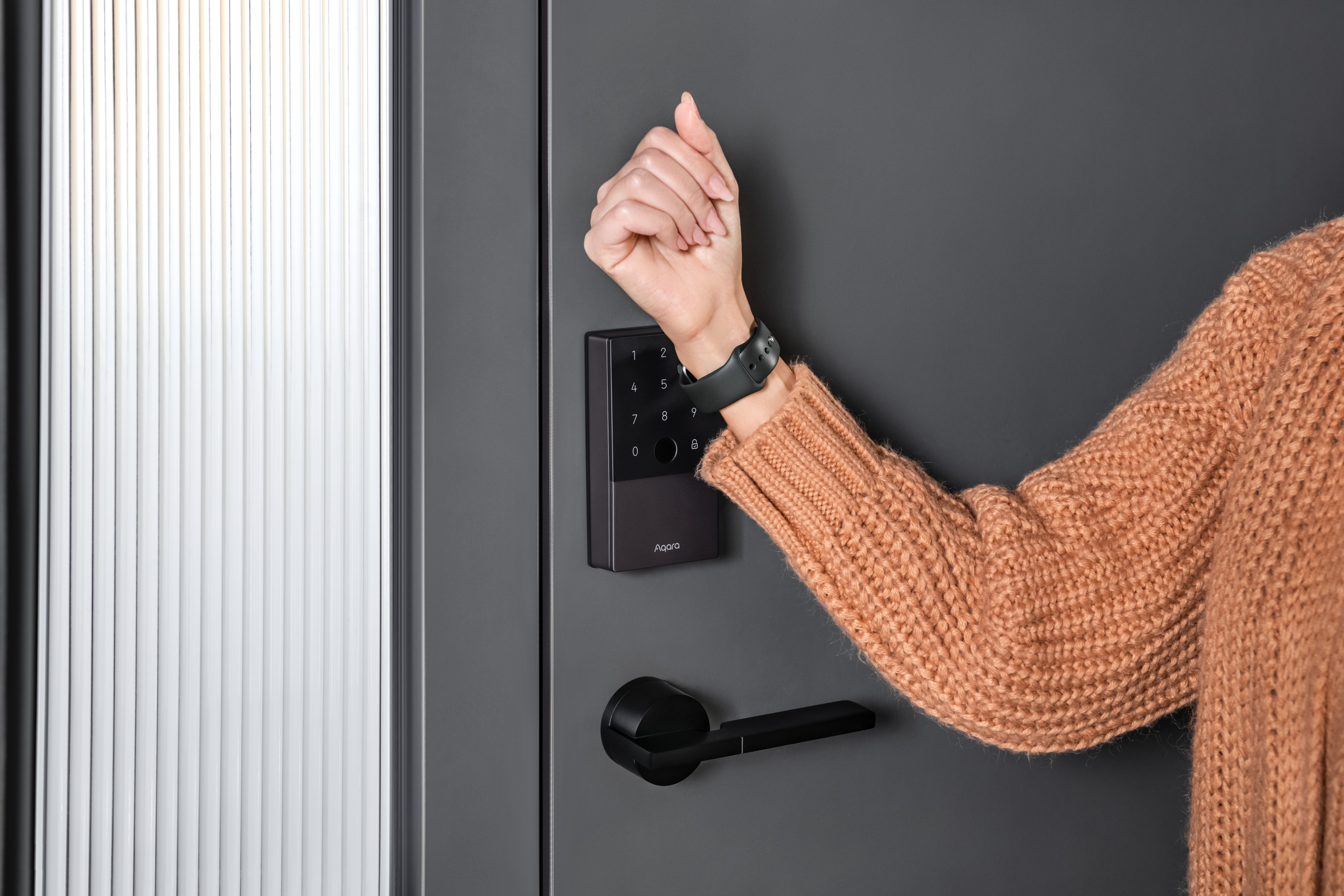
Imagine you’re coming home with groceries. Instead of searching for keys, you pull out your phone, tap an app, and the door unlocks. Some locks also detect your phone’s location and unlock automatically as you approach.
Example: Keypad Access
Visitors can enter a code on the lock’s keypad. You can change this code anytime, or set a special code just for a guest that expires after a few hours.
Exclusive Deals
Limited-time Exclusive Deals. Check current discount on Amazon.
Check Price on Amazon As an Amazon Associate I earn from qualifying purchases.Types Of Smart Door Locks
Smart door locks come in different styles to suit various needs. Here are the main types:
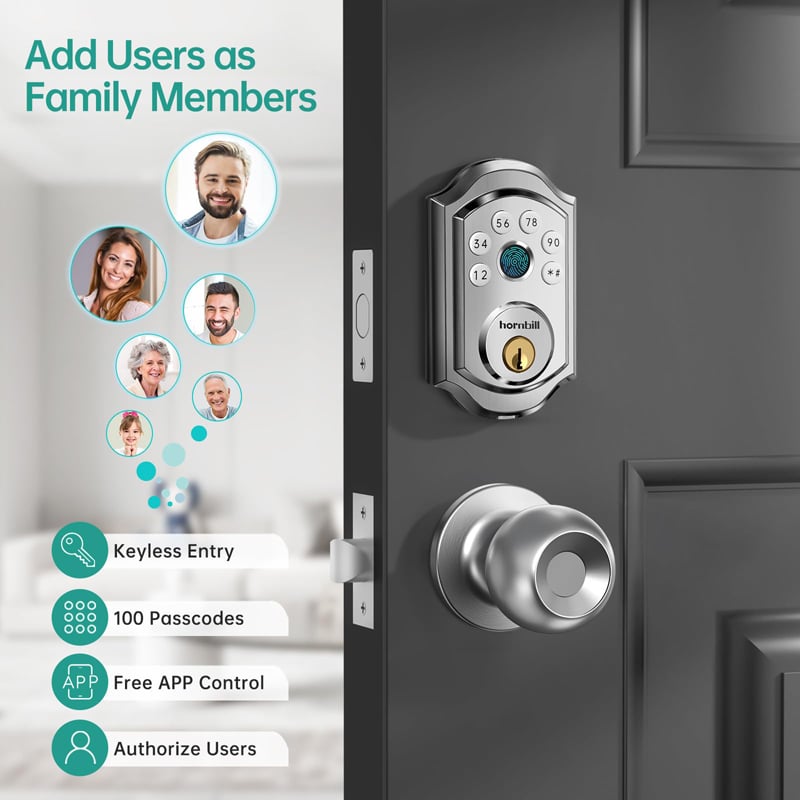
- Keypad Locks: You enter a PIN code to unlock the door. Great for families or frequent guests.
- Bluetooth Locks: They connect to your phone and unlock when you are nearby.
- Wi-Fi Locks: These let you control the lock from anywhere using the internet.
- Biometric Locks: Use fingerprints or facial recognition for access.
- RFID Locks: Use cards or tags to unlock, similar to hotel room doors.
- Hybrid Locks: Combine several features, like keypad, Bluetooth, and physical key.
Each type has its own strengths. For example, biometric locks are fast and secure, but keypad locks are simple and reliable.
Smart Lock Types Comparison
Here’s a quick comparison of smart lock types:
Exclusive Deals
Limited-time Exclusive Deals. Check current discount on Amazon.
Check Price on Amazon As an Amazon Associate I earn from qualifying purchases.| Lock Type | Main Feature | Security Level | Remote Access |
|---|---|---|---|
| Keypad | PIN code | Medium | Limited |
| Bluetooth | Phone proximity | High | No |
| Wi-Fi | Internet control | High | Yes |
| Biometric | Fingerprint | Very High | Limited |
| RFID | Card/tag | Medium | No |
Key Features Of Smart Door Locks
When looking at smart door locks, you’ll notice several features:
- Remote control: Lock or unlock your door from anywhere using a phone.
- Access logs: See who entered and when.
- Temporary codes: Give guests, cleaners, or repair people access for a limited time.
- Voice control: Use Alexa, Google Assistant, or Siri to lock/unlock.
- Auto-lock: Door locks automatically after a set time.
- Notifications: Get alerts if the lock is used or tampered with.
- Integration: Connect with other smart devices like cameras or alarms.
- Battery backup: Works even if power goes out.
These features make smart locks more flexible than traditional locks.
Benefits Of Smart Door Locks
Smart door locks offer many advantages:
- Convenience: No need to carry keys. Share access easily.
- Security: Control who enters your home. See access history.
- Flexibility: Change codes, manage users, and set schedules.
- Remote access: Lock/unlock from anywhere. Useful if you forget to lock the door.
- Integration: Combine with security cameras and alarms for complete protection.
Many people find the biggest benefit is peace of mind. You can check your door status from your phone and act quickly if needed.
Real-world Example
A family with school-age children can use smart locks to give each child a unique code. Parents see when each child arrives home. If a child forgets their code, parents can unlock the door remotely.
Security Considerations
Security is the most important aspect of a smart door lock. Here are some key points to consider:
- Encryption: Smart locks should use strong encryption (like AES-128 or AES-256) to protect data.
- Firmware updates: Regular updates fix security issues. Choose locks that update automatically.
- Physical strength: The lock must resist physical attacks (bumping, picking, force).
- Two-factor authentication: Some locks require both a code and a phone or fingerprint.
- Cloud security: If the lock uses cloud storage, make sure the provider has good privacy policies.
Even the best smart lock isn’t perfect. Hackers can target software, while burglars can try physical attacks. Always combine a smart lock with other security measures, like cameras or alarms.
Common Security Mistakes
Many users forget to:
- Change default codes after installation.
- Update firmware regularly.
- Use strong passwords for their smart lock accounts.
These mistakes make locks less secure. Always follow manufacturer advice and keep your device updated.
Installation And Compatibility
Installing a smart door lock is usually simple. Most models fit standard doors. You can replace your existing deadbolt or attach the smart lock over it.
Steps To Install
- Remove old lock (if needed).
- Attach smart lock hardware.
- Install batteries.
- Connect to phone or smart home system.
- Set up codes or users.
Some locks require professional installation, especially if you want advanced features. Always check compatibility with your door—especially thickness and lock type.
Compatibility Table
Here’s a look at compatibility with popular smart lock brands:
| Brand | Door Type | Smart Home Integration | Installation Difficulty |
|---|---|---|---|
| August | Standard deadbolt | Alexa, Google, Apple HomeKit | Easy |
| Schlage | Deadbolt, lever | Alexa, Google | Medium |
| Yale | Deadbolt | Alexa, Google, Samsung SmartThings | Medium |
| Kwikset | Deadbolt | Alexa, Google | Easy |
Smart Door Lock Vs Traditional Lock
Are smart locks better than regular locks? Let’s compare:
| Feature | Smart Door Lock | Traditional Lock |
|---|---|---|
| Convenience | High (phone/app) | Low (key only) |
| Security | High (encryption, logs) | Medium (physical only) |
| Remote Access | Yes | No |
| Integration | Smart home | None |
| Cost | Higher | Lower |
| Maintenance | Battery, updates | Minimal |
Smart locks offer features that traditional locks cannot, but they do require regular maintenance and software updates.
Common Concerns And Misconceptions
Many people worry about smart locks for a few reasons:
- Battery life: What happens if the battery dies? Most smart locks have backup power or a physical key.
- Hacking: Is digital access safe? Strong encryption and regular updates help prevent hacking.
- Compatibility: Will it fit my door? Most locks are designed for standard doors but check before buying.
- Cost: Are smart locks expensive? Prices range from $100 to $400, depending on features.
Some believe smart locks are less secure than regular locks. In reality, a well-installed, updated smart lock is often more secure because it tracks access and can send alerts.
Non-obvious Insight
Many buyers don’t realize that smart locks can actually make home insurance cheaper. Some insurers give discounts for homes with advanced security features. Also, smart locks can prevent lockouts—if you lose your phone or forget your code, many models offer backup methods.
How To Choose The Right Smart Door Lock
Choosing the best smart lock depends on your needs. Here’s what to consider:
- Door compatibility: Check your door’s thickness, type, and lock style.
- Smart home integration: Do you use Alexa, Google, or Apple? Pick a lock that works with your system.
- Access methods: Do you want codes, fingerprint, phone, or all?
- Security features: Look for encryption, two-factor authentication, and tamper alerts.
- Battery life: Choose a lock with long battery life and easy replacement.
- Ease of use: Consider who will use the lock (children, seniors, guests).
- Budget: Decide how much you want to spend.
- Brand reputation: Select brands with good reviews and support.
Practical Example
If you have frequent visitors or Airbnb guests, a keypad lock with temporary codes works well. For families, biometric or Bluetooth locks are popular. If you travel often, Wi-Fi locks offer remote access and notifications.

Smart Door Lock Maintenance
Smart locks need regular maintenance to stay secure and work well. Here’s what to do:
- Check batteries: Replace them every 6–12 months, or as needed.
- Update software: Install firmware updates to fix bugs and improve security.
- Clean sensors: For fingerprint or biometric locks, keep sensors clean.
- Test physical keys: Make sure backup keys work.
- Review access logs: Check who has used your lock.
Skipping maintenance can lead to lockouts or security risks. Make a habit of checking your lock’s status monthly.
Smart Door Locks And Privacy
Smart locks collect data about who enters your home and when. This raises privacy questions:
- Data storage: Where is your access data stored? Locally or in the cloud?
- Who can access logs? Only you, or also the manufacturer?
- Sharing codes: Be careful with temporary codes. Delete them when no longer needed.
Choose locks from companies with good privacy policies. Always read their terms to understand how your data is used.
Integration With Smart Home Devices
Smart door locks work best when connected to other smart devices. You can link them with:
- Security cameras: See who enters.
- Door sensors: Check if the door is open.
- Alarm systems: Trigger alarms if someone tries to break in.
- Voice assistants: Lock/unlock with voice commands.
For example, you can set your smart lock to turn on hallway lights when you enter, or send a text alert if the lock is used at unusual times.
Non-obvious Insight
Some smart locks offer geofencing—they detect when you’re nearby using your phone’s GPS. The lock can unlock as you approach or lock automatically when you leave. This is useful for busy families or people who forget to lock doors.
Smart Lock Usage Statistics
Smart locks are growing in popularity. According to a 2023 report, about 15% of US households have a smart lock installed. By 2027, experts predict this will rise to over 25%. The main reasons people buy smart locks are convenience and security.
Top reasons for adoption:
- 67%: Easier access for family and guests
- 54%: Better security
- 41%: Integration with smart home devices
Homes with smart locks also report fewer lockouts and improved peace of mind.
Potential Risks And Limitations
Smart locks are not perfect. Here are some risks:
- Software bugs: Glitches can cause the lock to fail.
- Power failure: If batteries die, the lock may stop working unless there’s backup.
- Hacking: Weak security can lead to unauthorized access.
- Installation errors: Poor installation makes locks less secure.
- Network issues: Wi-Fi locks depend on your home’s internet.
Most problems are rare, but it’s important to understand them before installing a smart lock.
Smart Door Lock Brands And Models
Some of the most trusted smart lock brands include:
- August: Known for easy installation and strong integration.
- Yale: Offers durable hardware and many access options.
- Schlage: High security and good support.
- Kwikset: Affordable and easy to use.
Popular models include August Smart Lock Pro, Yale Assure Lock, Schlage Encode, and Kwikset Halo. Prices range from $100 to $400.
Environmental Impact
Smart locks use batteries and electronic parts. Most batteries last 6–12 months and are easy to recycle. Some locks use rechargeable batteries, reducing waste. Electronic parts can be recycled at e-waste centers. If you care about the environment, choose locks with recyclable materials and long battery life.
Buying And Installing A Smart Door Lock
If you’re ready to buy a smart lock:
- Research brands and models.
- Check compatibility with your door and smart home system.
- Decide on access methods (phone, code, fingerprint).
- Set your budget.
- Read reviews for reliability and support.
- Purchase from reputable sellers.
- Install carefully or hire a professional.
For more guidance, see Wikipedia’s Smart Lock article.
Frequently Asked Questions
What Happens If My Smart Lock Battery Dies?
Most smart locks have backup methods. You can use a physical key or connect an external battery to unlock. Some locks send alerts when battery is low.
Are Smart Door Locks Safe From Hackers?
Smart locks use strong encryption to protect against hacking. Choose models with regular updates and avoid sharing codes or passwords.
Can I Use A Smart Lock With Any Door?
Most smart locks fit standard doors, but check the thickness and lock type before buying. Some models need special installation.
Do Smart Locks Work Without Internet?
Bluetooth and biometric locks work offline. Wi-Fi locks need internet for remote access but can still unlock locally without it.
How Long Do Smart Door Lock Batteries Last?
Most batteries last 6–12 months. Some models use rechargeable batteries. Always check battery status and replace before they run out.
Smart door locks offer a balance of convenience and security. With the right choice and proper maintenance, you can protect your home and make daily life easier. As technology improves, smart locks are becoming a standard feature in modern homes.
If you want more flexibility and control over your home’s security, a smart door lock is worth considering.


