
Smart door locks are changing the way people secure their homes. You no longer need to carry keys everywhere or worry about losing them. With a smart lock, you can unlock your door with your phone, fingerprint, or even a code.

Exclusive Deals
Limited-time Exclusive Deals. Check current discount on Amazon.
Check Price on Amazon As an Amazon Associate I earn from qualifying purchases.But choosing the right smart lock can feel confusing. There are so many options, and each lock offers different features. If you’re thinking about buying a smart door lock, understanding what features matter most will help you make a smart choice.
Security Features That Truly Matter
A smart lock’s main job is to keep your home safe. But not all locks offer the same level of protection. Some look fancy, but their security is weak. Here are the essential security features you should check:
Encryption And Data Protection
Smart locks connect to your phone or home network. If the lock’s data is not protected, hackers can break in remotely. Look for locks with AES encryption (Advanced Encryption Standard). This is the same technology banks use to secure information. A lock with two-factor authentication is even better—it means you need two ways to prove your identity.
Tamper Detection
Some locks can sense if someone tries to break or force them. They send alerts to your phone if there’s tampering. This feature is often called tamper alarms or forced entry alerts. It’s a strong extra layer of security, especially if you live in a busy area.
Exclusive Deals
Limited-time Exclusive Deals. Check current discount on Amazon.
Check Price on Amazon As an Amazon Associate I earn from qualifying purchases.Physical Strength
A lock’s digital features are important, but the physical build matters too. Check if the lock has a deadbolt mechanism. Deadbolts are harder to break than spring bolts. Also, locks made from hardened steel or zinc alloy resist physical attacks better.
Auto-lock And Door Status Alerts
Some smart locks can lock themselves after a set time. This is called auto-lock. It’s helpful if you often forget to lock the door. Door status alerts tell you if your door is left open or unlocked, so you can act quickly.
Example: Comparing Security Levels
Here’s a quick comparison of three popular smart lock models and their security features:
| Lock Model | Encryption | Tamper Alarm | Material | Auto-Lock |
|---|---|---|---|---|
| August Wi-Fi Smart Lock | AES 128-bit | No | Zinc Alloy | Yes |
| Schlage Encode | AES 256-bit | Yes | Hardened Steel | Yes |
| Yale Assure Lock SL | AES 128-bit | No | Steel | Yes |
Notice how Schlage Encode offers the strongest encryption and tamper alarm. These are key security features many beginners overlook.
Unlocking Methods: Convenience And Flexibility
Smart locks can be unlocked in many ways. The best method for you depends on your lifestyle and comfort. Here’s what you should know:
Exclusive Deals
Limited-time Exclusive Deals. Check current discount on Amazon.
Check Price on Amazon As an Amazon Associate I earn from qualifying purchases.Smartphone App
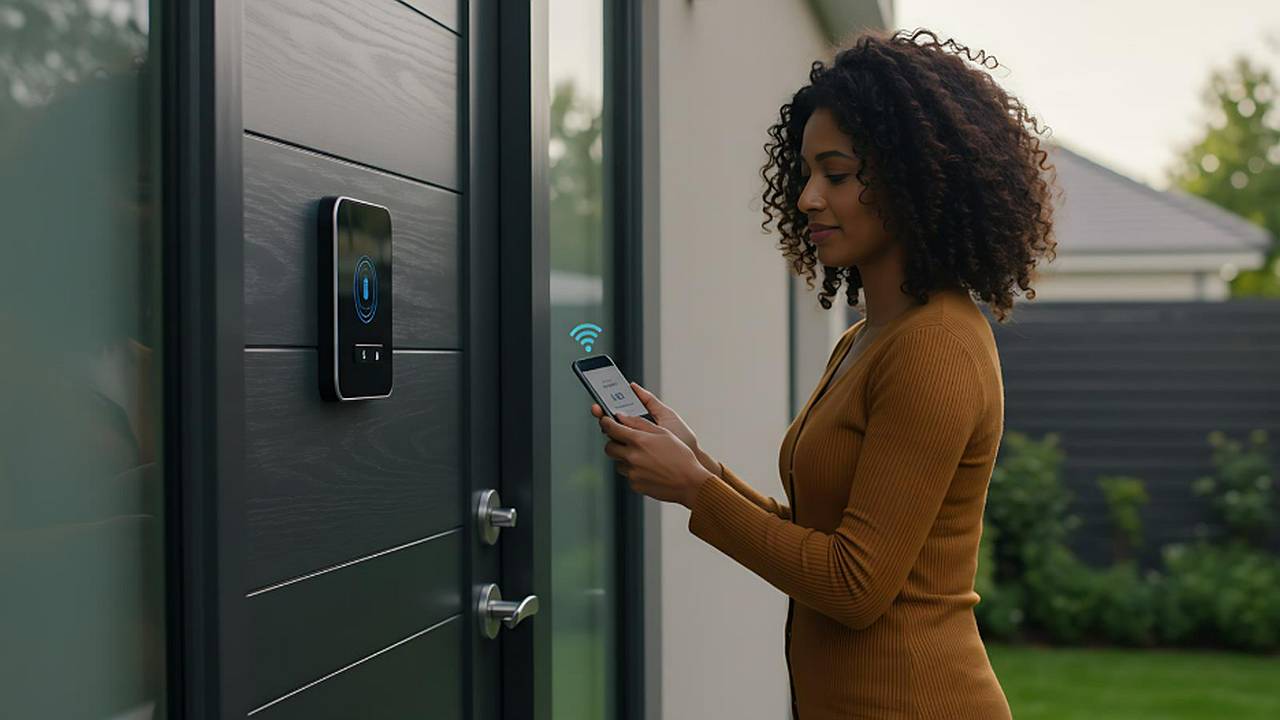
Most smart locks come with an app. You can unlock your door by tapping a button on your phone. Apps also let you check lock status and send virtual keys to guests. Make sure the app is easy to use and works with your phone’s operating system.
Keypad Entry
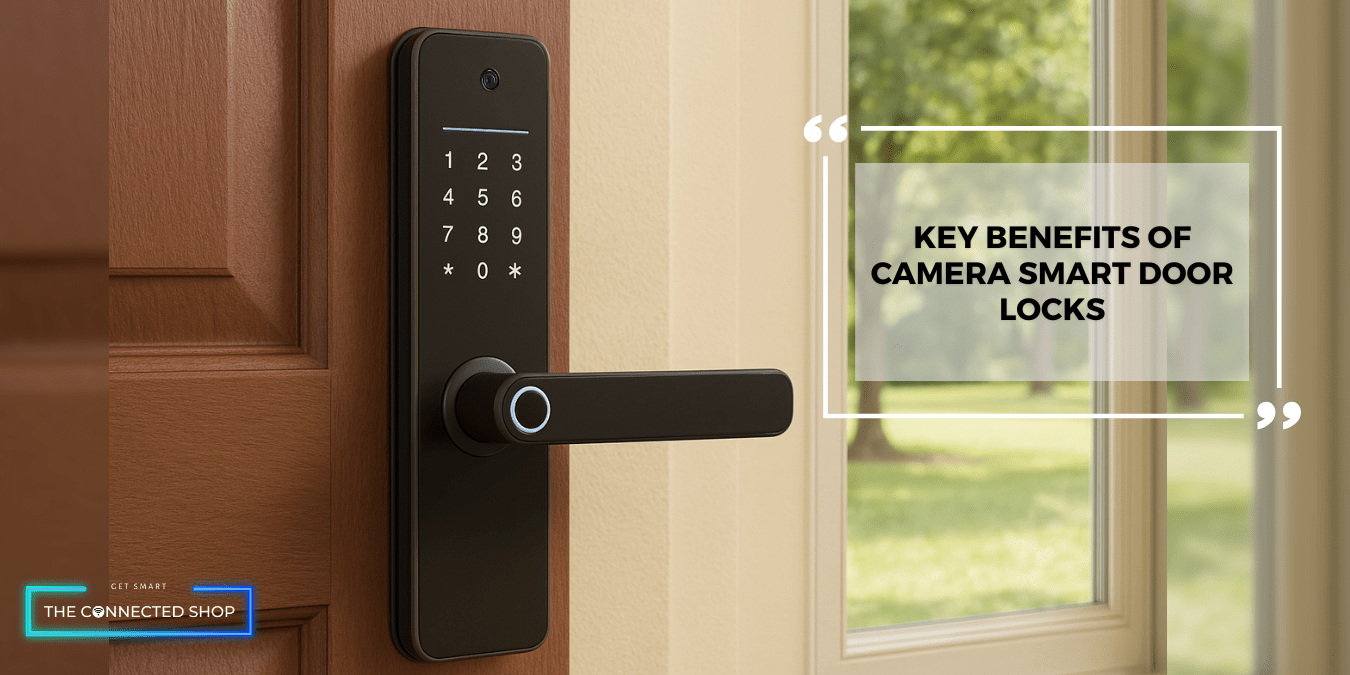
Some locks have a number pad. You enter a code to unlock the door. It’s useful if you don’t want to rely on your phone. Look for locks with anti-peep technology—this lets you enter random numbers before your real code, making it harder for others to guess.
Biometric Access
A few smart locks offer fingerprint recognition. This is fast and secure. However, check if the lock’s sensor works well for different age groups and skin types. Cheap sensors often fail for elderly or children’s fingerprints.
Physical Key Backup
Even the smartest lock can fail. Batteries run out or electronics break. Choose a lock with a physical key backup. This ensures you can still enter your home if technology fails.
Voice Control
Some smart locks connect to voice assistants like Alexa or Google Assistant. You can unlock the door with a command. This is helpful for people with mobility issues.
Unlock Methods Comparison Table
Let’s compare unlock methods by security and convenience:
| Unlock Method | Security Level | Convenience | Common Issues |
|---|---|---|---|
| Smartphone App | High (if encrypted) | High | Phone battery, app bugs |
| Keypad Entry | Medium | High | Code theft, keypad wear |
| Fingerprint | High | Very high | Sensor errors |
| Physical Key | Medium | Medium | Key loss, picking |
| Voice Control | Medium | High | False triggers, privacy |
Biometric access and a well-designed app are the most convenient. But always have a backup key for emergencies.

Connectivity Options: How Your Lock Talks
A smart lock needs to connect to other devices. The connection type affects speed, reliability, and compatibility.
Bluetooth
Bluetooth locks connect directly to your phone. They don’t need Wi-Fi, so they work even during internet outages. But Bluetooth range is short (usually 30-50 feet).
Wi-fi
Wi-Fi locks let you control your door from anywhere. You can unlock your home remotely or get alerts instantly. However, Wi-Fi drains the lock’s battery faster.
Zigbee & Z-wave
These are special wireless networks used in smart homes. If you have a smart home hub (like Samsung SmartThings), Zigbee or Z-Wave locks can connect to it. This lets you automate your lock with other devices (lights, alarms, etc.).
Nfc
A few locks use NFC (Near Field Communication). You tap your phone or card to the lock to unlock it. It’s secure and fast, but less common in home locks.
Practical Tip
If you want remote access, choose Wi-Fi. For simple use and long battery life, Bluetooth is better. For advanced home automation, Zigbee or Z-Wave is ideal.
Battery Life And Power Backup
Smart locks run on batteries. If the battery dies, you might get locked out. Here are key things to consider:
Battery Type And Lifespan
Most locks use AA batteries or rechargeable lithium batteries. A good smart lock lasts 6-12 months on one set of batteries. Some models show battery level in their app, which is very helpful.
Power Backup Options
Look for locks with emergency power options. Some have a micro-USB port for temporary charging. Others let you use a 9V battery to unlock if power runs out.
Low Battery Alerts
A smart lock should send alerts when battery is low—either through the app, email, or a beep.
Example: Battery Life Comparison
Here’s a quick look at battery life for three popular models:
| Lock Model | Battery Type | Estimated Life | Power Backup |
|---|---|---|---|
| August Wi-Fi Smart Lock | AA | 6 months | None |
| Schlage Encode | AA | 12 months | 9V battery |
| Ultraloq U-Bolt Pro | AA | 8 months | Micro-USB port |
Schlage Encode stands out for its long battery life and backup option.
Integration With Smart Home Ecosystems
Smart locks become more useful when they connect with other smart devices.
Compatibility With Voice Assistants
Many smart locks work with Alexa, Google Assistant, or Apple HomeKit. You can lock or unlock your door using voice commands.
Automation And Scenes
If your lock connects to a smart home hub, you can set automations. For example, locking the door can turn off lights or arm your security system.
App Ecosystem
Check if the lock’s app lets you add multiple users, set schedules, or view logs. Some locks only allow a few users, which can be limiting for families.
Practical Example
If you already use smart lights or cameras, choose a lock that works with your ecosystem. For instance, if you have Apple devices, a lock that supports HomeKit will be easier to use.
User Management And Access Control
Smart locks let you control who can enter your home. Good locks offer flexible user management:
Virtual Keys And Codes
You can send virtual keys or codes to friends, family, or guests. Some locks let you set temporary codes that expire after a set time.
Access Logs
Locks with access logs let you see who entered and when. This is especially useful for Airbnb hosts or parents.
Scheduling
Advanced locks let you schedule access. For example, cleaners can enter only between 10 AM and 12 PM.
Example: Access Control Features
A lock that supports multiple users and schedules is much more flexible. Beginners often overlook this feature, but it’s valuable for busy households.
Installation And Compatibility
Choosing a lock that fits your door and is easy to install saves time and frustration.
Door Compatibility
Check your door’s thickness and type. Most locks fit standard doors (1-3/8″ to 2″). But some models require special holes or don’t fit glass doors.
Diy Vs. Professional Installation
Some smart locks are DIY-friendly. You only need a screwdriver and a few minutes. Others require professional installation, especially if you need to change the door frame.
Retrofit Vs. Full Replacement
Retrofit locks attach to your existing deadbolt. You don’t need to remove your old lock. Full replacement locks replace the whole lock mechanism. Retrofit is easier, but full replacement offers more features.
Durability And Weather Resistance
A lock must survive rain, heat, and cold. This is especially important for outdoor locks.
Ip Rating
Locks with an IP rating (Ingress Protection) are tested against dust and water. Look for at least IPX4 for outdoor use.
Material Quality
Locks made from stainless steel or hardened alloy last longer and resist corrosion.
Temperature Range
Check the lock’s operating temperature range. If you live in a very hot or cold climate, choose a lock designed for those conditions.
Price And Warranty
Smart locks range from $80 to over $300. Price depends on features, brand, and build quality.
What You Get For Your Money
Cheaper locks often lack advanced features like encryption, logs, or smart home integration. But expensive locks aren’t always better. Compare features, not just price.
Warranty And Support
A good warranty (at least 1 year) gives peace of mind. Some brands offer longer warranties or free support.
Practical Tip
Don’t overspend on features you won’t use. For most homes, a mid-range lock with strong security and a backup key is enough.
Real-life Examples: How Smart Locks Change Daily Life
Let’s look at a few real-world scenarios:
- Busy families: Kids can use codes instead of keys. Parents get alerts when kids arrive home.
- Airbnb hosts: Send temporary codes to guests, no need to meet in person.
- Elderly users: Fingerprint access is easier than turning a key.
- Tech lovers: Automate home routines with lock integration.
- Frequent travelers: Unlock doors remotely for pet sitters or family.
Many users say the biggest benefit is peace of mind—they always know who entered and can lock doors from anywhere.
Common Mistakes When Choosing A Smart Lock
Even smart buyers make mistakes. Here are a few to avoid:
- Ignoring battery backup—getting locked out is frustrating.
- Choosing locks that don’t fit your door type.
- Overlooking compatibility with your phone or smart home system.
- Picking locks with poor encryption or no tamper alerts.
- Forgetting about weather resistance for outdoor locks.
Non-obvious Insights For Beginners
- Access logs are valuable for security. You can spot unusual activity and know who entered your home.
- Temporary codes make life easier for guests or service workers. You don’t need to change codes every time.
- Locks with remote disable features let you quickly revoke access if you lose your phone or suspect a breach.
- Don’t underestimate the importance of a physical key backup. Even high-tech locks can fail during power outages.
Frequently Asked Questions
What Is The Most Secure Type Of Smart Door Lock?
The most secure locks use AES 256-bit encryption, have tamper alarms, and feature a strong deadbolt mechanism. Models like the Schlage Encode offer these features, making them harder for both digital and physical attacks.
Can Smart Locks Be Hacked?
Any device connected to the internet can be hacked, but locks with strong encryption and regular firmware updates are much safer. Always choose a lock from a trusted brand and keep your app and lock firmware up to date. For more details, you can check security resources at Consumer Reports.
Do Smart Locks Work With All Doors?
Most smart locks fit standard doors, but some models need special holes or might not fit glass or extra-thick doors. Always check your door’s measurements and the lock’s compatibility before buying.
How Long Do Smart Lock Batteries Last?
Battery life depends on the lock model and usage. Most locks last between 6 and 12 months on AA batteries. Features like Wi-Fi use more power and may shorten battery life. Always check for low battery alerts and backup options.
Are Smart Locks Worth The Price?
Smart locks offer convenience, flexible access, and better control over your home security. For families, Airbnb hosts, or those who want remote access, smart locks are often worth the investment. Compare features and prices to find the best fit for your needs.
Smart door locks offer a new level of convenience and security. By focusing on encryption, backup options, flexible access, and compatibility, you can choose a lock that truly fits your lifestyle. Always check reviews, compare features, and consider your daily needs.
With the right smart lock, you’ll enjoy peace of mind and modern control over your home.


