
Door sensors are for doorframes; window sensors are sized and tuned for windows and glass.

Exclusive Deals
Limited-time Exclusive Deals. Check current discount on Amazon.
Check Price on Amazon As an Amazon Associate I earn from qualifying purchases.I have worked with home security systems for years and tested dozens of devices. This guide compares Door Sensor vs Window Sensor in depth. You will learn how they differ, when to use each, installation tips, common pitfalls, and which choice fits your smart home or security plan. Read on for clear, practical advice drawn from hands-on experience and industry best practices.
What are door sensors and window sensors?
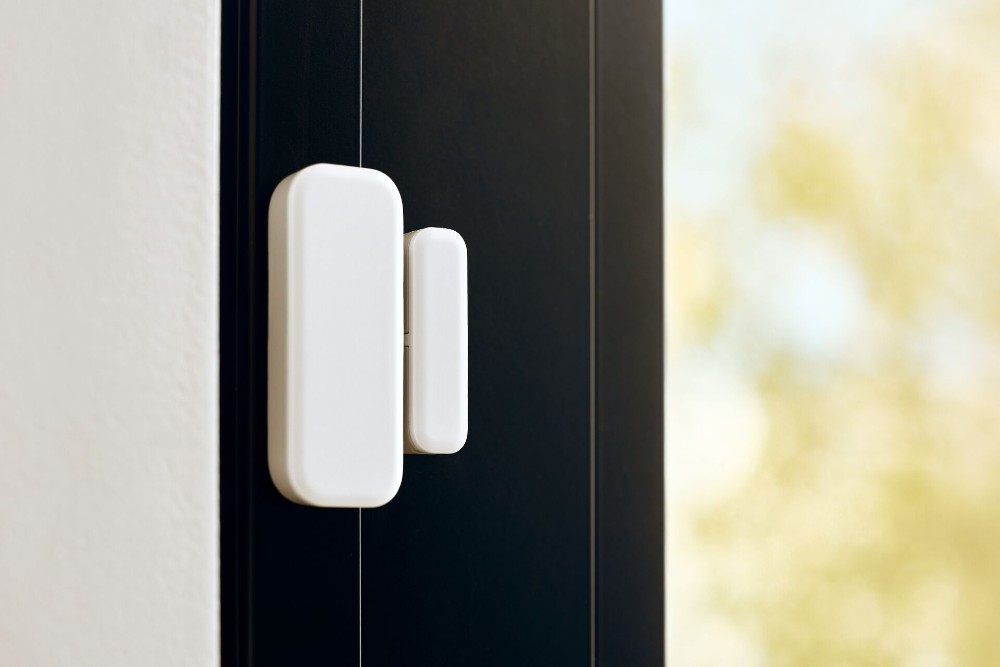
Door sensors and window sensors detect opening or breaking events. Both use a sensing element and a magnet or movement detector. They tell your alarm, hub, or app that an entry point changed state.
Door Sensor vs Window Sensor matters because each uses a design suited to its spot. Door sensors often have larger magnets and stronger mounts. Window sensors may use tilt, shock, or glass-break sensing. Knowing the difference helps you pick the right device for safety and reliability.
Exclusive Deals
Limited-time Exclusive Deals. Check current discount on Amazon.
Check Price on Amazon As an Amazon Associate I earn from qualifying purchases.
Types of sensors and how they work
There are a few common sensor types you will see for doors and windows.
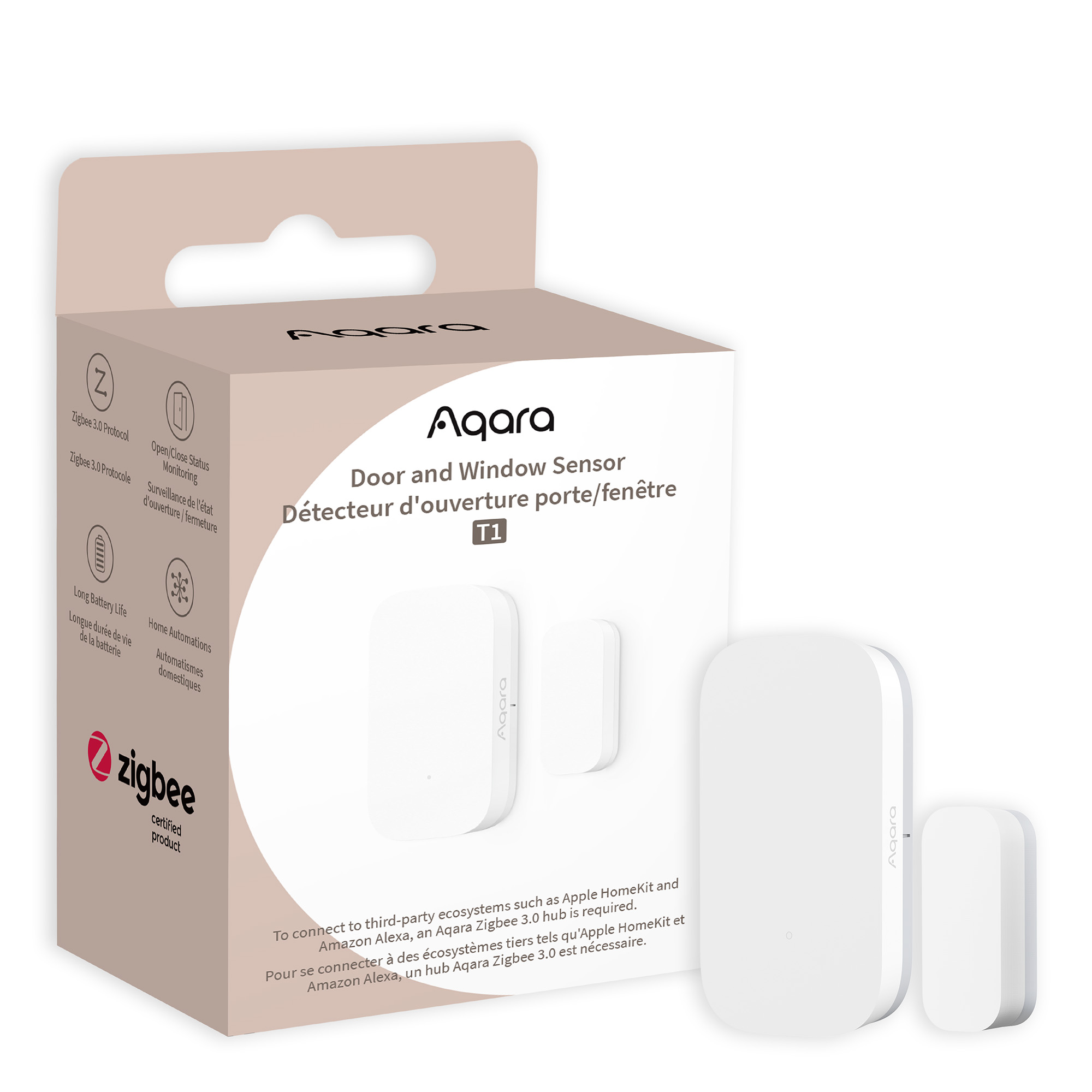
- Magnetic contact sensors. Two parts: a magnet and a reed switch. They close or open a circuit when separated.
- Tilt sensors. Detect angle changes. Good for sliding windows and some casement windows.
- Vibration and shock sensors. Measure impact or glass vibration. Useful for windows with weak frames.
- Glass-break sensors. Listen for the sound pattern of breaking glass. They cover larger areas.
- Accelerometer-based sensors. Detect movement or tampering on frames or sashes.
Door Sensor vs Window Sensor choice often depends on which of these technologies you need. Doors usually use magnetic contacts. Windows may combine magnetic, tilt, and glass-break sensors for full coverage.
Key differences: design, placement, and sensitivity
Here are the main ways Door Sensor vs Window Sensor differ.
Exclusive Deals
Limited-time Exclusive Deals. Check current discount on Amazon.
Check Price on Amazon As an Amazon Associate I earn from qualifying purchases.- Size and shape. Door sensors are bulkier to fit larger frames. Window sensors are slimmer to fit narrow sills.
- Magnet strength. Doors need stronger magnets to maintain contact over wider gaps. Windows use smaller magnets.
- Sensing modes. Window sensors often include tilt or glass-break modes. Door sensors rarely need glass-break features.
- Mount style. Door sensors use surface or recessed mounts for jambs. Window sensors use adhesive-friendly shapes for sashes and panes.
- Environmental tolerance. Window sensors may need better sealing from drafts and humidity, especially on exterior windows.
Choosing the right unit for each location reduces false alarms and improves longevity.

Benefits of door sensors and window sensors
Breaking the topic down helps you pick the right assets for your home or business.
Benefits of door sensors
- Reliable for main entry detection and frequent use.
- Often wired or dual-power for continuous service.
- Easy to pair with smart locks and access systems.
Benefits of window sensors
- Tailored detection for sliding and casement windows.
- Added options for glass-break and vibration sensing.
- Slim profiles that stay out of sight and do not block light.
Comparing Door Sensor vs Window Sensor shows that neither is universally better. Each shines in its intended role.

Limitations and common challenges
No device is perfect. Know the trade-offs.
- False alarms from vibration or wind. Windows on high floors or near traffic may trigger vibration sensors.
- Battery life. Wireless sensors need periodic battery change. Heavy-duty glass-break sensors can drain faster.
- Alignment issues. Magnetic sensors misalign when doors or windows warp from humidity or settling.
- Range and signal loss. Wireless sensors need good hub placement to avoid missed events.
- Tampering. Some intruders try to cover or magnetically trick simple sensors.
Understanding these limits helps you plan a robust layout and maintenance routine.
Installation and placement tips
A good install avoids many problems. Follow these practical tips.
- Place magnets within the maker’s recommended gap. Test with the door or window closed and with normal travel.
- Mount on the frame where the sensor sits flat. Use screws if allowed for long-term security.
- For sliding windows and doors, use sensors that support tilt or recessed mounting.
- Add a glass-break sensor for large windows or glass doors within audible range.
- Test wireless signals. Move the hub or add repeaters if sensors are unreliable.
I always test each sensor after a week of use. Small adjustments often prevent future false alarms.

Integration with smart homes and security systems
Modern sensors do more than trigger alarms. They integrate into home automation.
- Protocols. Common ones are Z-Wave, Zigbee, Wi-Fi, and proprietary RF. Choose sensors compatible with your hub.
- Automations. Use door sensors to turn lights on, or window sensors to pause HVAC when a window opens.
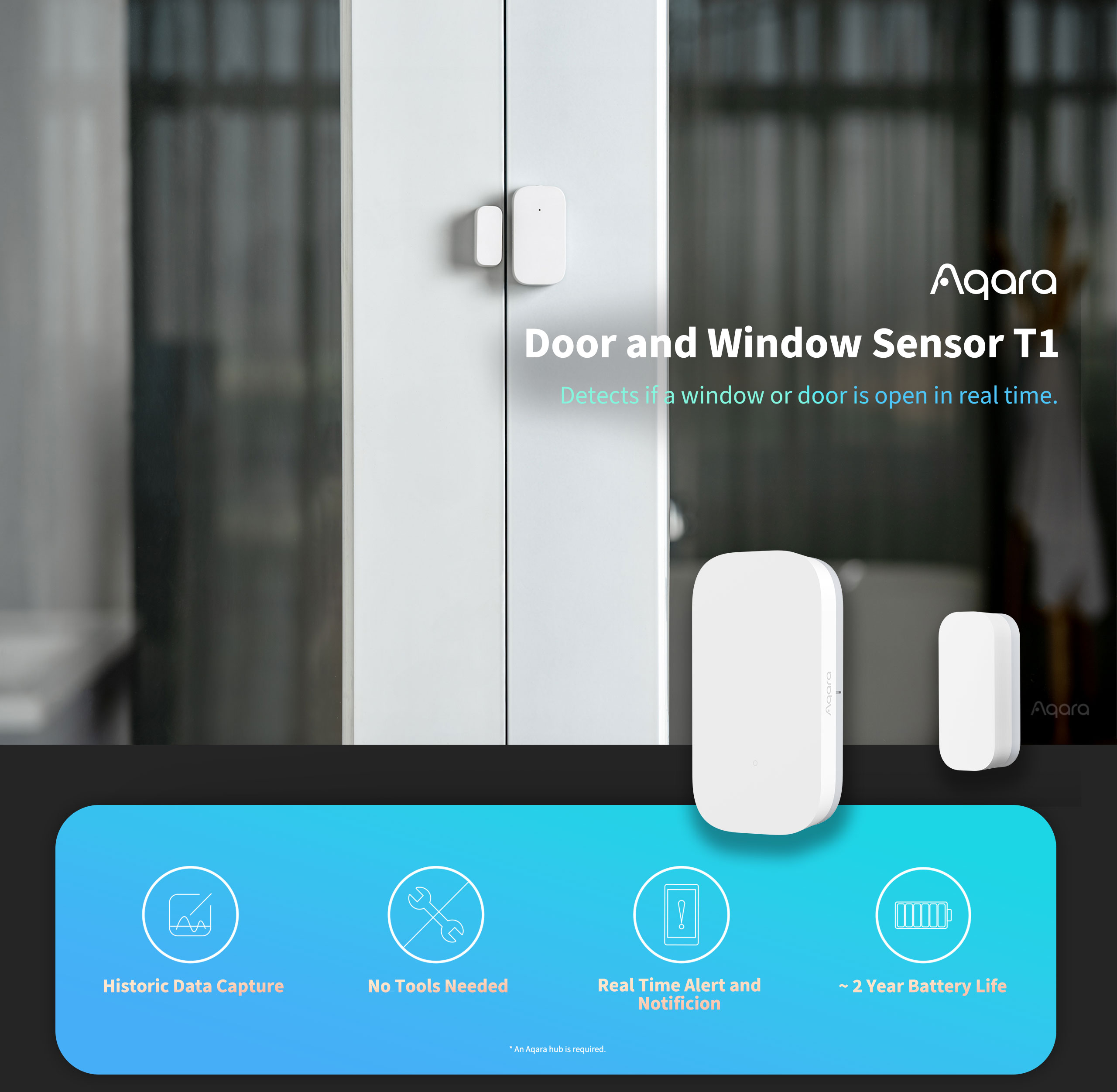
- Notifications. Real-time alerts to phones help you act fast.
- Logging. Good systems record events for audit and peace of mind.
When comparing Door Sensor vs Window Sensor, make sure both are supported by your hub and app for consistent automation behavior.
Cost, power, and maintenance
Expect trade-offs between price and features.
- Cost range. Basic magnetic sensors are cheap. Multi-mode sensors and glass-break units cost more.
- Power. Battery types include CR2032, AA, and proprietary rechargeable packs. Some wired sensors draw no battery.
- Maintenance schedule. Check batteries every 6 to 12 months for wireless units. Test sensors quarterly.
- Replacement parts. Magnets and adhesives may need replacing over years.
Budget for both purchase and upkeep. A low-cost sensor can cost more over time if it fails often.
How to choose: a practical checklist
Use this checklist to decide between Door Sensor vs Window Sensor for each opening.
- Is the opening a door or a window? Pick the matching sensor type first.
- Is the window large, glass-only, or exposed? Add glass-break or vibration sensors.
- Does the sensor need to be hidden or visible? Choose slim or surface mounts.
- Is the system wired or wireless? Match the protocol to your hub.
- Do you need automation? Ensure compatibility with your smart home.
- What is your budget and maintenance plan? Balance initial cost with upkeep.
This checklist will help you make a smart buy and avoid returns.
Personal experience: mistakes, tips, and lessons
I have installed dozens of sensors in homes and rentals. Here are honest lessons.
- I once used a door sensor on a warped window. It failed often. Lesson: match the sensor to the opening.
- I learned to always test wireless range. A basement hub fixed many missed triggers.
- Adhesives fail in heat. Screws or stronger tape work better on sunny windows.
- For rentals, pick user-friendly sensors with long battery life. Tenants rarely change tiny coins.
My best tip: install, live with the sensors for a week, then fine-tune. Small moves save big headaches.
Common quick questions
What is the main difference between a door sensor and a window sensor?
- The main difference is design and sensing mode. Doors use stronger magnets and contact sensing. Windows often add tilt, vibration, or glass-break sensors.
Can I use door sensors on windows?
- You can, but fit and sensitivity may be wrong. A door sensor may not align on slim sashes and can lead to false alarms.
Which sensor gives fewer false alarms?
- Properly chosen window sensors with glass-break or tilt modes reduce false alarms. Correct placement matters more than model brand.
Do glass-break sensors replace window sensors?
- They complement them. Glass-break covers sound-based break events. Contact sensors detect opening. Use both for best coverage.
Are wired or wireless sensors better?
- Wired sensors give steady power and reliability. Wireless offers ease of install. Choose based on access and maintenance plans.
Frequently Asked Questions of Door Sensor vs Window Sensor
What is the typical lifespan of a wireless door sensor battery?
Most wireless door sensors last 6 to 24 months depending on use and battery type. Check the device manual and set reminders to replace batteries regularly.
Can a window sensor detect a broken glass without opening?
Yes. Glass-break and vibration sensors detect the sound or shock pattern of breaking glass. Pairing a glass-break unit with a contact sensor gives full protection.
How do I reduce false alarms from wind or vibrations?
Use sensors with adjustable sensitivity and place them away from direct drafts. Adding foam pads or changing to a different sensor type can help.
Are recessed sensors better than surface-mounted ones?
Recessed sensors are neater and harder to tamper with. They need precise installation and may cost more. Surface mounts fit most users and are easier to replace.
Should I integrate both door and window sensors into my smart home?
Yes. Integrating both improves automation and security. Use them for alarms, energy savings, and convenience features like auto-lights.
How often should I test my sensors?
Test sensors at least once a quarter. Run an arm/disarm test and check the hub logs to confirm events are recorded.
Can magnets or metal objects interfere with sensors?
Strong nearby magnets or heavy metal can affect magnetic sensors. Keep large metal objects clear of the sensor and magnet area.
Conclusion
Door Sensor vs Window Sensor is not a one-size-fits-all choice. Match each sensor to the opening and function. Use magnetic contacts for most doors. Add tilt, vibration, or glass-break sensors for windows and glass doors. Test placement, check battery life, and connect sensors to your hub for better automation.
Take action: map your doors and windows, pick sensors that fit each spot, and test them over a week. Share your setup in the comments or subscribe for more hands-on security tips.


