
Smart Lock vs Traditional Lock: Smart locks add convenience and connectivity; traditional locks offer simple, proven physical security.
I have spent years testing locks, installing hardware, and advising homeowners and renters. This article compares Smart Lock vs Traditional Lock from mechanics to real-world use. You will get clear differences, security trade-offs, cost breakdowns, and practical tips based on hands-on experience. Read on to make an informed choice that fits your home, budget, and peace of mind.
How Smart Locks and Traditional Locks Work
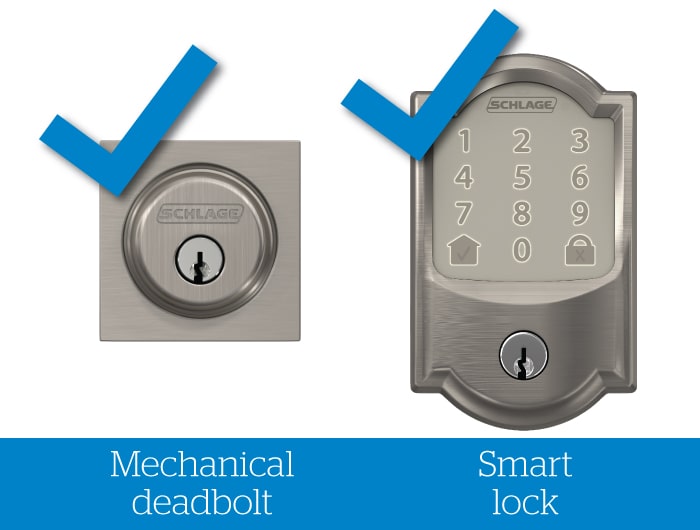
Smart Lock vs Traditional Lock starts with how each lock operates. A traditional lock uses a mechanical cylinder and key. Turning the key aligns pins and opens the bolt. It is simple, reliable, and has powered no electronics.
A smart lock uses electronic components, sensors, and software. It can lock or unlock from a phone, keypad, fingerprint, or voice assistant. Many smart locks still include a mechanical keyway as a backup.
Common smart lock types:
- Deadbolt replacements: Replace or retrofit the interior of an existing deadbolt and keep the exterior cylinder.
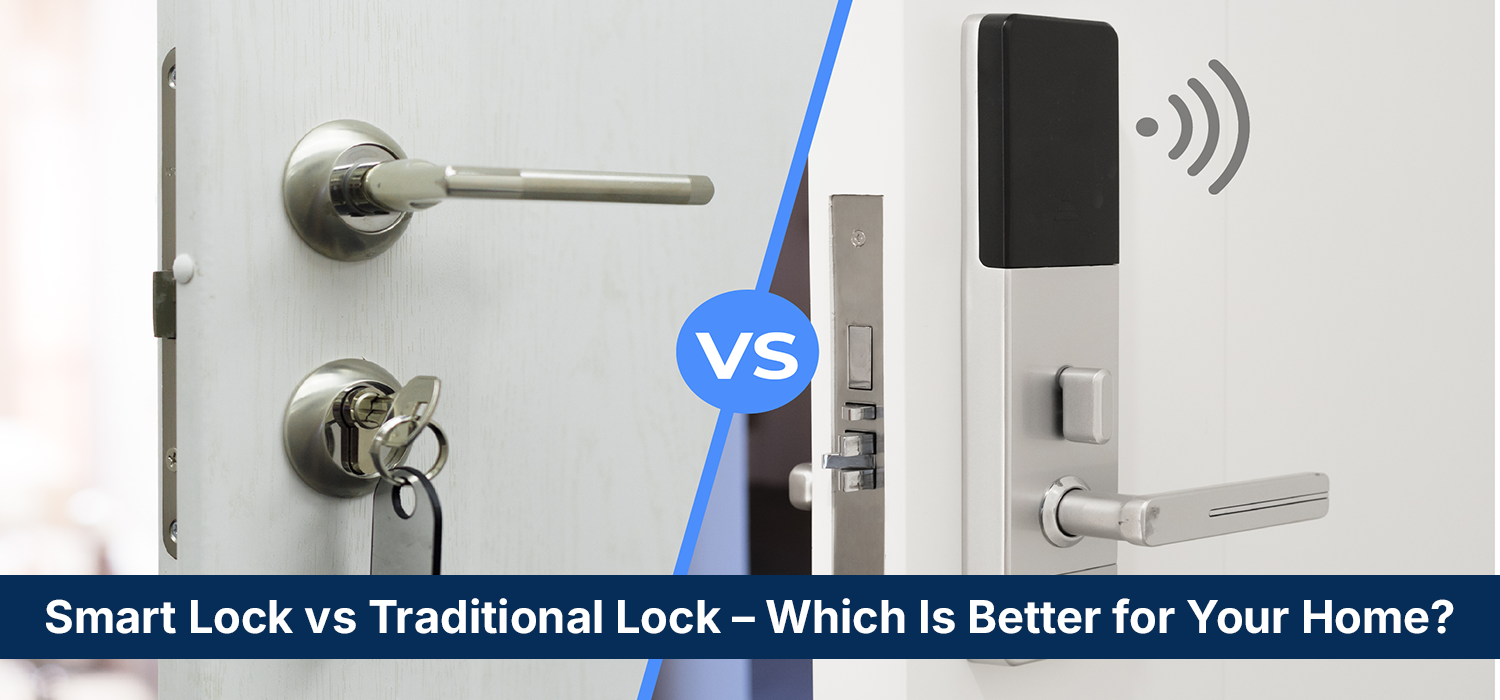
- Keypad or standalone units: Replace the whole lock and provide pin access.
- Smart lever locks: Used for interior doors or commercial settings.
Common traditional lock types:
- Pin-tumbler deadbolts: Standard residential deadbolts with keyed cylinders.
- Mortise locks: Found in older homes and commercial doors.
- Rim and wafer locks: Often used on interior or less-secured doors.
PAA-style questions:
- How do smart locks communicate with devices? Smart locks use Bluetooth, Wi-Fi, Z-Wave, or Zigbee to talk to phones and hubs. Some use cloud services for remote access.
- Can a smart lock work without power? Most smart locks have mechanical key backups and battery power. If batteries die, the key or mechanical override lets you in.
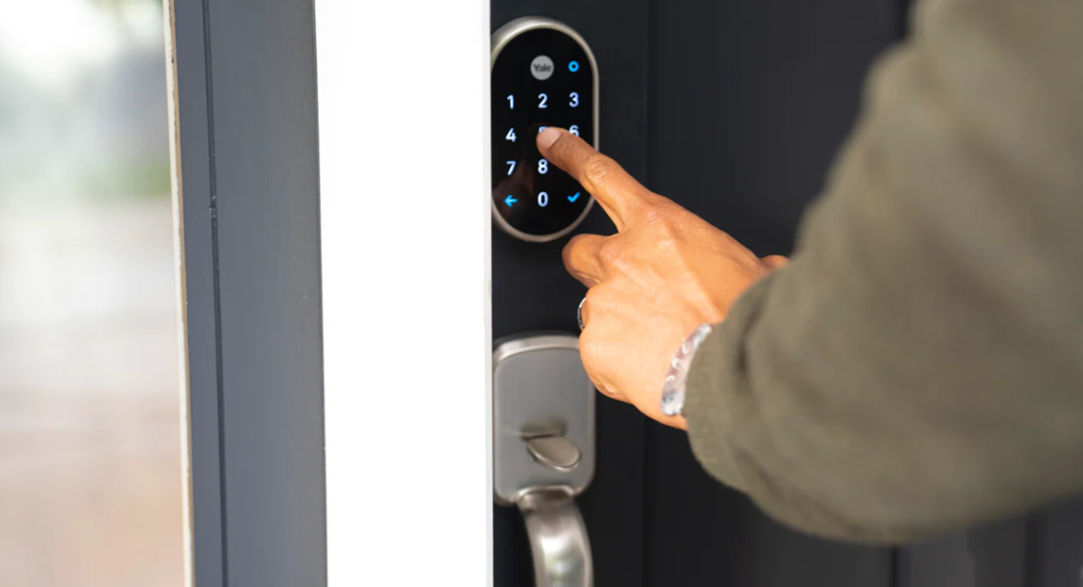
Pros and Cons: Smart Lock vs Traditional Lock
Weighing pros and cons helps decide which fits your needs. Below I list benefits and limits for each.
Smart lock benefits:
- Remote access: Lock and unlock from anywhere using an app.
- Temporary codes: Give guests time-limited access without copying keys.
- Activity logs: See who entered and when for better tracking.
- Integrations: Works with smart home systems, alarms, and voice assistants.
Smart lock limitations:
- Battery dependency: Needs battery changes or recharging.
- Cyber risk: Vulnerable if poorly secured or unpatched.
- Cost: Higher upfront price and sometimes subscription fees.
- Complexity: More parts and possible connectivity issues.
Traditional lock benefits:
- Simplicity: Few parts, easy to understand and maintain.
- Lower cost: Cheap to buy and install.
- Physical robustness: Resistant to some electronic attack vectors.
- No connectivity risks: No data to hack or cloud vulnerabilities.
Traditional lock limitations:
- Key management: Keys are easy to lose or copy.
- No remote control: You must be physically present to unlock.
- No usage logs: You cannot track entry times without added systems.
Smart Lock vs Traditional Lock in one sentence: Smart locks add flexibility and visibility, while traditional locks offer simplicity and time-tested reliability.
Security Comparison and Common Attacks
Security is the core of Smart Lock vs Traditional Lock decisions. Each type faces different threats.
Traditional lock threats:
- Lock picking and bumping: Skilled attackers can manipulate pins.
- Key copying: Anyone with a blank can make a duplicate.
- Forced entry: A strong physical attack can break weak hardware.
Smart lock threats:
- Remote hacking: Compromised networks or weak passwords can allow access.
- Relay attacks: Some keyless systems can be tricked by signal extenders.
- Firmware vulnerabilities: Outdated firmware can open flaws.
- Physical bypass: Attackers may still break the door or tamper with the mechanical parts.
Mitigations for both:
- Use high-quality deadbolts with ANSI grade 1 or 2 ratings.
- For smart locks, enable two-factor authentication and strong passwords.
- Keep firmware and apps updated. Change default admin codes immediately.
- Pair smart locks with door reinforcement hardware and good strikes.
- Use unique, restricted keys or key-control programs when possible.
Practical security tip from experience: Combine a smart lock with a good physical deadbolt or reinforced strike plate for layered security. This reduces risk from either electronic or physical attacks.

Installation, Maintenance, and Cost
Installation and upkeep are practical factors in the Smart Lock vs Traditional Lock choice.
Installation:
- Traditional locks: Often installed by a homeowner or locksmith in 30–60 minutes.
- Smart locks: Installation time is similar for retrofit deadbolts, but may need pairing, app setup, and network configuration.
Maintenance:
- Traditional locks: Periodic lubrication and occasional rekeying or replacement.
- Smart locks: Battery changes every 6–12 months with normal use, firmware updates, and app maintenance.
Costs:
- Traditional lock price range: $20–$200 depending on grade and brand. Rekeying $20–$75.
- Smart lock price range: $100–$400 for the lock; additional hub or subscription costs possible.
- Long-term costs: Consider battery replacement, potential subscription, and firmware support.
My experience: Budget for a mid-range smart lock plus professional installation if you want perfect alignment and secure wiring. For renters, a keypad smart lock or lockbox can be cheaper and more flexible.
Use Cases and Best Fit
Choosing Smart Lock vs Traditional Lock depends on lifestyle, home type, and priorities.
Best for smart locks:
- Busy households that need temporary access for cleaners, guests, or contractors.
- People who want remote control and notifications.
- Homes already integrated with smart home ecosystems.
Best for traditional locks:
- Renters who cannot alter doors or who prefer landlord-provided locks.
- Budget-conscious buyers who want durable, low-maintenance security.
- Situations where long-term reliability and minimal complexity matter.
Hybrid approach:
- Use a smart lock on main entry and traditional locks on secondary doors.
- Pair smart locks with high-quality mechanical deadbolts and reinforced hardware.
- Use smart locks with mechanical keyways as a backup.

Personal Experience and Practical Tips
I have installed and tested many locks in homes, rentals, and small offices. Here are honest lessons and tips.
Real-world lessons:
- Never assume default settings are secure. Change default codes and passwords immediately.
- Test the mechanical key backup before relying on a smart lock. I once had a model that made access awkward because the keyway sat too deep.
- Battery warnings are real. Set app reminders for battery changes to avoid lockouts.
- For rental properties, temporary PIN codes saved time and kept tenants happy.
Mistakes to avoid:
- Buying the cheapest smart lock without firmware support. It can become a weak link.
- Relying solely on a smart lock without mechanical reinforcement of the door.
- Ignoring user permissions and access logs when multiple people need entry.
Practical tips:
- Choose ANSI grade 1 or 2 hardware for main entry doors.
- Use a smart lock with local Bluetooth plus optional Wi-Fi hub to reduce cloud dependency.
- Schedule a locksmith for a security review if you have valuable assets or live in a high-crime area.
Frequently Asked Questions of Smart Lock vs Traditional Lock
What is the main difference between a smart lock and a traditional lock?
Smart locks use electronics and connectivity to control access, while traditional locks rely on mechanical keys and cylinders. Smart locks offer remote control and logs; traditional locks focus on physical reliability.
Are smart locks less secure than traditional locks?
Not inherently. Smart locks add attack surfaces like networks, but modern models include strong encryption and secure firmware. Pairing a smart lock with quality mechanical hardware gives the best security.
Can smart locks be hacked?
Yes, poorly secured smart locks or weak passwords can be compromised. Choose models with regular updates, strong encryption, and two-factor authentication when available.
Do smart locks work during power outages?
Most smart locks run on batteries, so they work during power outages until batteries are depleted. Many include mechanical key backups for emergency access.
Is installing a smart lock worth the cost?
If you value remote access, temporary codes, and activity tracking, a smart lock can be worth the extra cost. For low-cost, low-maintenance security, traditional locks remain a strong choice.
Can a locksmith rekey a smart lock?
Yes, if the smart lock includes a mechanical key cylinder, a locksmith can rekey it like a traditional lock. Fully electronic units without cylinders require different procedures or replacement.
Conclusion
Smart Lock vs Traditional Lock is not an either-or choice for most people. Smart locks bring convenience, control, and modern features. Traditional locks deliver simplicity, reliability, and lower long-term maintenance. The best approach is to match the lock to your needs: use smart locks where access control and monitoring matter, and prefer high-quality traditional locks when you need low complexity and maximum physical robustness.
Takeaway: Assess your priorities, budget, and door hardware before choosing. If possible, combine both—use smart technology for convenience and strong mechanical hardware for physical security. Try one upgrade at a time, test it, and adjust.
If this helped you, leave a comment with your door type or questions, and subscribe for more practical home security tips.

