
RFID locks offer fast convenience, while fingerprint locks deliver stronger biometric security and personalized access.

Exclusive Deals
Limited-time Exclusive Deals. Check current discount on Amazon.
Check Price on Amazon As an Amazon Associate I earn from qualifying purchases.I have worked with access systems for years and tested both RFID Lock vs Fingerprint Lock setups in homes and offices. This article breaks down how each system works, where each shines, and the real trade-offs. Read on for clear facts, hands-on tips, and a simple decision guide to pick the right lock for your needs.
What are RFID locks and fingerprint locks?
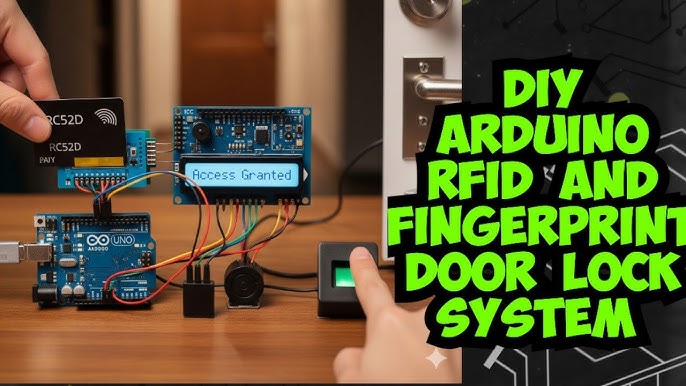
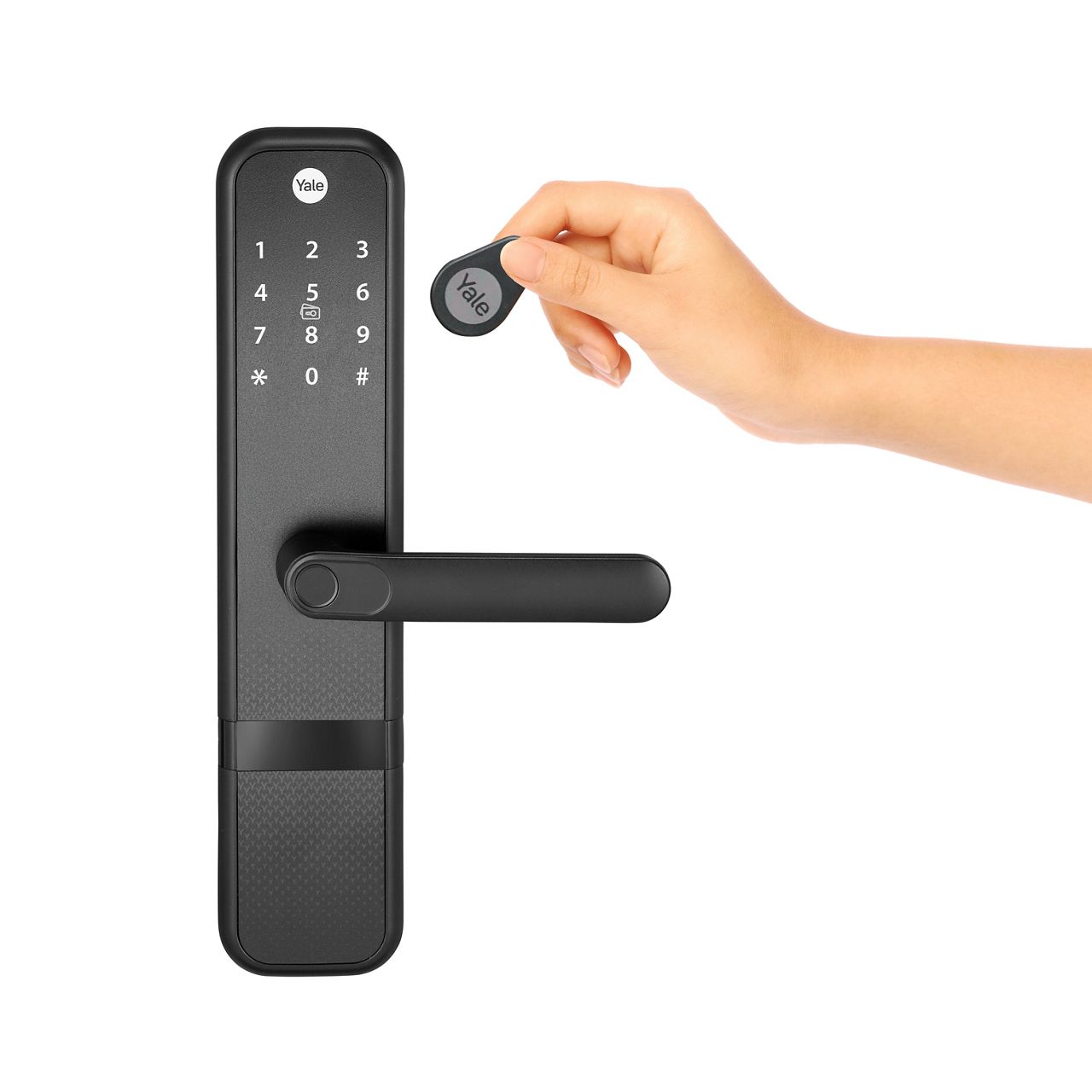
RFID Lock vs Fingerprint Lock names point to two different techs used for door access. RFID locks use radio-frequency ID tags. You tap or wave a keycard, fob, or wristband to unlock a door. Fingerprint locks use a biometric sensor. They scan a fingerprint and match it to stored templates before they open.
Both aim to replace keys. Each has a different user experience. Knowing their basic shape makes the next choices easier.
Exclusive Deals
Limited-time Exclusive Deals. Check current discount on Amazon.
Check Price on Amazon As an Amazon Associate I earn from qualifying purchases.
How RFID locks and fingerprint locks work
RFID Lock vs Fingerprint Lock differ in sensing and decision steps. RFID readers emit a small radio signal. The tag responds with an ID number. The lock checks that number on its list and unlocks if it matches.
Fingerprint locks read ridge patterns. The sensor converts a print to a template. The lock compares the template to stored templates. If the match score passes the threshold, the bolt releases.
Both systems can log events. Many designs add network features for remote control or cloud logging. Power, backup, and integration options matter when picking a model.
Exclusive Deals
Limited-time Exclusive Deals. Check current discount on Amazon.
Check Price on Amazon As an Amazon Associate I earn from qualifying purchases.Pros and cons: RFID Lock vs Fingerprint Lock
Here is a side-by-side look at strengths and limits.
Pros of RFID locks
- Fast and easy to use for all ages.
- Low cost per user for large groups.
- Durable readers tolerate dirt and light wear.
- Cards and fobs are simple to replace or revoke.
Cons of RFID locks
- Cards can be lost or stolen.
- Cheap tags can be cloned with the right gear.
- Access is tied to an object, not a person.
Pros of fingerprint locks
- Biometric identity ties access to a person.
- No physical token to lose.
- High user confidence and easy daily use.
Cons of fingerprint locks
- More expensive hardware and upkeep.
- Wet, dirty, or injured fingers can fail scans.
- Privacy and template protection need careful setup.
Choosing between RFID Lock vs Fingerprint Lock depends on priorities: scale and cost favor RFID, while identity and trust favor fingerprint.

Security and privacy comparison
Security is not just hardware. It is policy, setup, and maintenance.
RFID Lock vs Fingerprint Lock security facts
- RFID security varies by protocol. Low-cost tags use weak IDs. Stronger systems use encrypted cards that resist cloning.
- Fingerprint systems protect with templates. A stolen template is sensitive. Good devices store templates in secure chips or on local controllers.
- Audit logs help both systems. Logs show who entered and when. Central logging helps spot misuse.
Privacy and legal notes
- Fingerprints are biometric data. Treat them like health data. Use clear consent, minimal retention, and secure disposal.
- RFID data is less sensitive but still private. Track only what you need.
Best practice: combine a strong device, firmware updates, physical security, and clear policies. That raises safety for either RFID Lock vs Fingerprint Lock choice.
Cost, installation, and maintenance
Budget and upkeep change the real cost of a lock.
Upfront cost
- RFID Lock vs Fingerprint Lock base units: RFID units are often cheaper. Fingerprint locks usually cost more due to sensors.
- Per-user cost: RFID costs include cards or fobs. Fingerprint adds admin time for enrollment.
Installation
- Both types can be retrofitted to many doors. Some need wiring for power or network. Consider battery life and backup options.
- Professional install helps when integrating with alarms or building control.
Maintenance
- RFID readers need little care. Replace lost cards and update access lists.
- Fingerprint sensors may need cleaning. Periodic re-enrollment may be required for wear or changes in users' prints.
Total cost of ownership often favors RFID for large user sets and fingerprint for smaller, high-security sites.

Real-world use cases and how to choose
Match tech to scenario. Here are common fits.
When to choose RFID Lock
- High-traffic offices or schools that need fast, touch-free access.
- Hotels and shared facilities where issuing and revoking cards is routine.
- Sites where users must wear ID badges already.
When to choose fingerprint lock
- Small offices or labs where identity must be sure.
- Secure rooms like server closets or evidence storage.
- Home owners who want keyless entry tied to the person.
Hybrid options
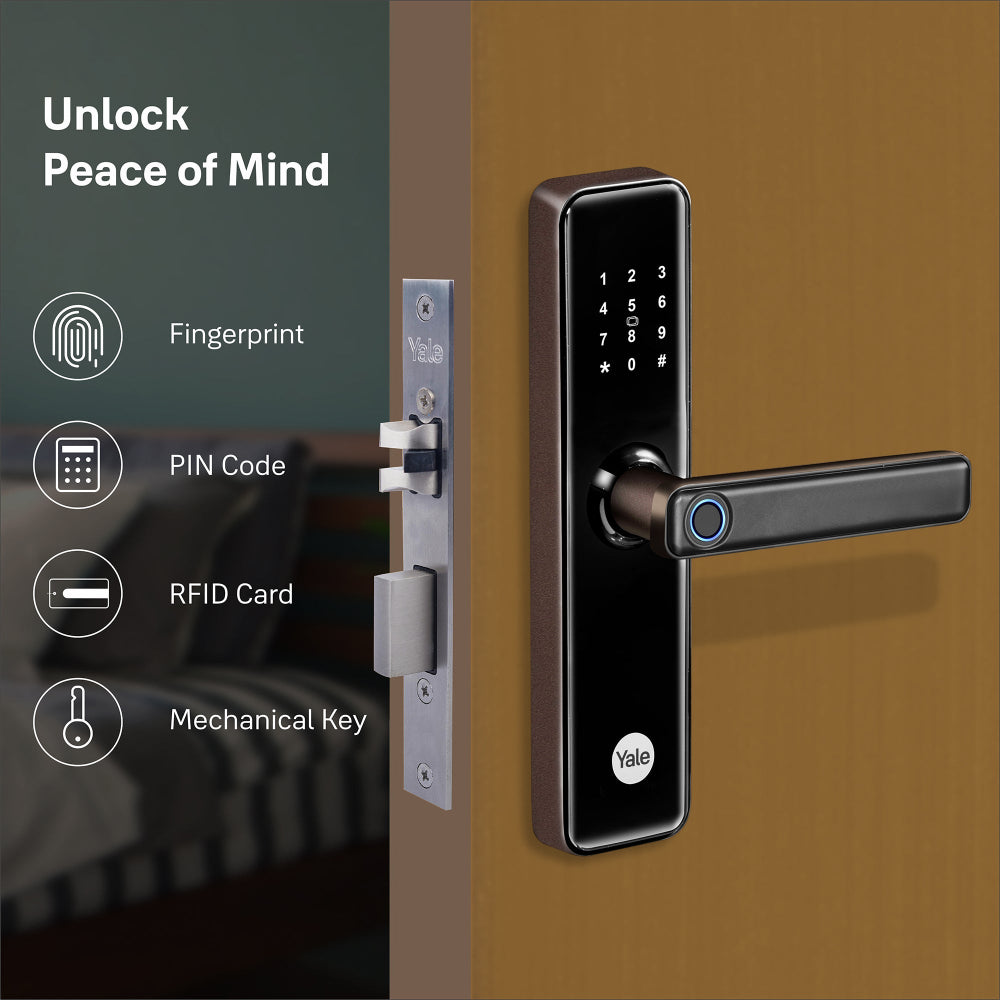
- Many systems combine RFID Lock vs Fingerprint Lock features. You can use a card as backup to a biometric. That gives convenience and redundancy.
Decision checklist
- How many users will you have?
- What is your budget for hardware and cards?
- Do you need strict identity proof each time?
- Do you want remote control, logs, or cloud features?
Answer these and the right option becomes clear.

My experience, tips, and common mistakes
I installed both systems in small offices and homes. Here are lessons from hands-on work.
What worked well
- Using RFID for staff badges sped entry during shifts. It cut line-ups.
- Fingerprint locks gave peace of mind for small server rooms. Only trained staff got access.
Common mistakes to avoid
- Buying cheap RFID tags without encryption. They were cloned in tests.
- Assuming biometric locks are maintenance-free. Dirty sensors caused access failures.
- Skipping policy work. A system is only strong if rules for enrollment and revocation are in place.
Practical tips
- Always set up a backup entry method. A lost card or a cut finger should not lock you out.
- Keep firmware current and enable audits.
- Train admins to remove access promptly when someone leaves.
These simple fixes make either RFID Lock vs Fingerprint Lock much more reliable.

Frequently Asked Questions
Which is more secure: RFID Lock vs Fingerprint Lock?
Fingerprint locks generally offer stronger identity proof because they tie access to a person. However, high-quality encrypted RFID systems can be very secure when paired with good policies.
Can RFID cards be cloned?
Yes, low-grade RFID cards can be copied with inexpensive tools. Use encrypted or smart cards to prevent cloning.
Do fingerprint locks work in cold weather or for all users?
Fingerprint sensors can struggle with very cold, wet, or worn fingerprints. Good sensors and alternate methods help ensure access for all users.
How do I manage many users with these systems?
RFID systems scale well with card issuance and centralized lists. Fingerprint systems require enrollment per user but can still scale with a proper controller and admin tools.
What happens if the power fails?
Most locks include battery backup or mechanical override. Plan for emergency power or a key override to avoid lockouts.
Are biometric templates safe from theft?
Good fingerprint systems store templates in secure hardware and do not store raw images. Always choose devices that follow encryption and data protection best practices.
Conclusion
RFID Lock vs Fingerprint Lock each have clear strengths. RFID wins on cost and scale. Fingerprint wins on personal identity and convenience without tokens. Match the choice to your needs: use RFID where many people need quick access and use fingerprint where identity is critical. For the best balance, consider hybrid setups or encrypted RFID systems with clear policies.
Take action today: list your priorities, budget, and user count. Test one model in your space, check enrollment and backup flows, and then roll out with training. If this helped, comment with your use case or subscribe for more guides on access tech.


