
August Smart Lock vs Level Lock: August is easy to use; Level is sleeker and discreet.

Exclusive Deals
Limited-time Exclusive Deals. Check current discount on Amazon.
Check Price on Amazon As an Amazon Associate I earn from qualifying purchases.I’ve tested both locks on real doors and helped homeowners choose between them. This article breaks down August Smart Lock vs Level Lock in simple terms. You will learn how each lock works, what fits your door, how they protect your home, and which one gives the best value. I write from hands-on experience and industry knowledge so you can decide with confidence.
How August Smart Lock vs Level Lock work
August Smart Lock attaches to your existing deadbolt inside your door. It turns the deadbolt with a motor. This allows you to keep your current key and exterior hardware.
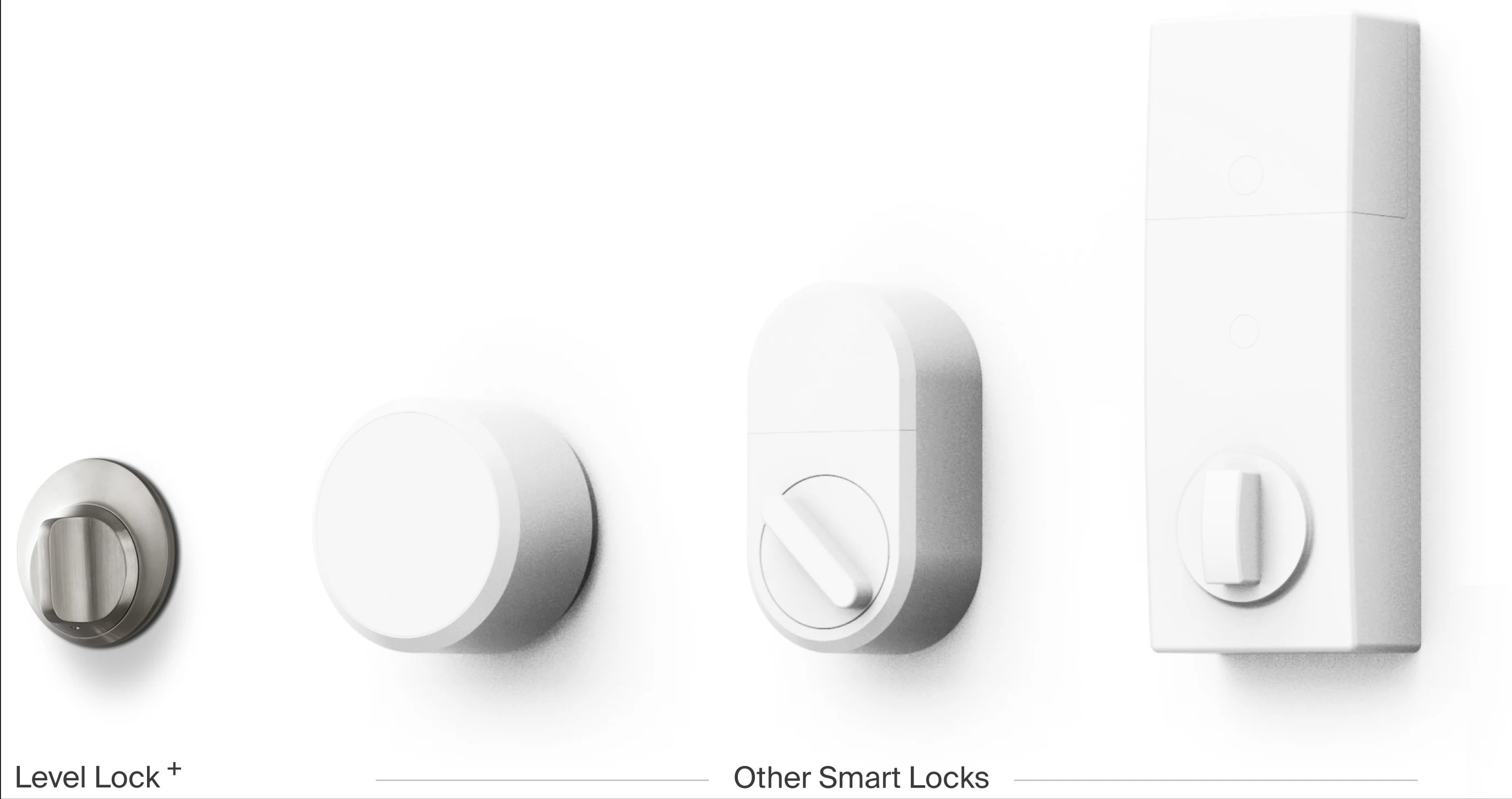
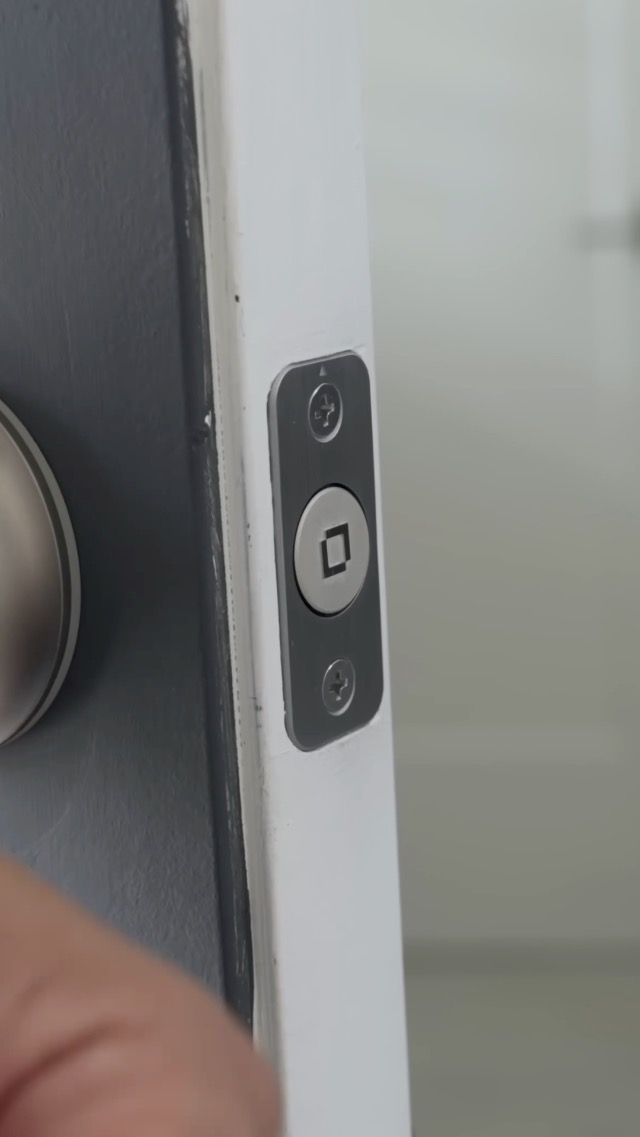
Level Lock replaces the internal mechanism inside the door. It looks like a regular lock from outside. It keeps the original key and thumbturn feel while hiding the motor inside.
Exclusive Deals
Limited-time Exclusive Deals. Check current discount on Amazon.
Check Price on Amazon As an Amazon Associate I earn from qualifying purchases.Both options give remote control when paired with a bridge or hub. Both offer auto-unlock and temporary access codes via apps. The main difference is retrofit versus internal replacement, which affects fit and feel.

Design, build, and installation
August Smart Lock
- Sits on the inside of the door over the existing thumbturn.
- Installs in minutes with basic tools.
- Looks bulkier inside but keeps outside hardware unchanged.
Level Lock
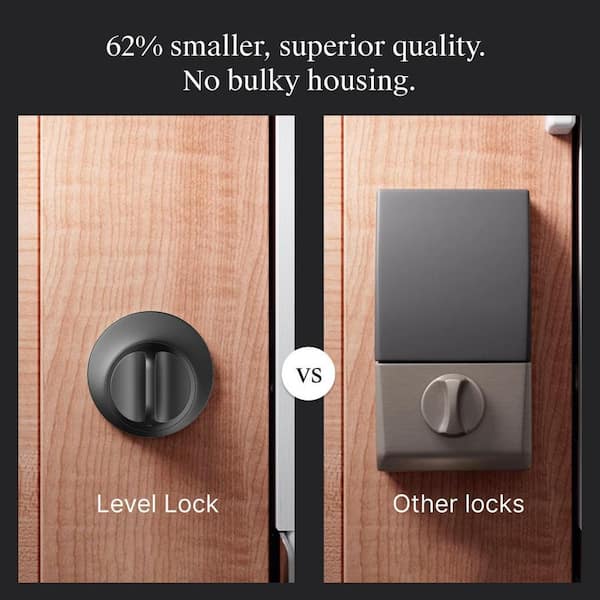
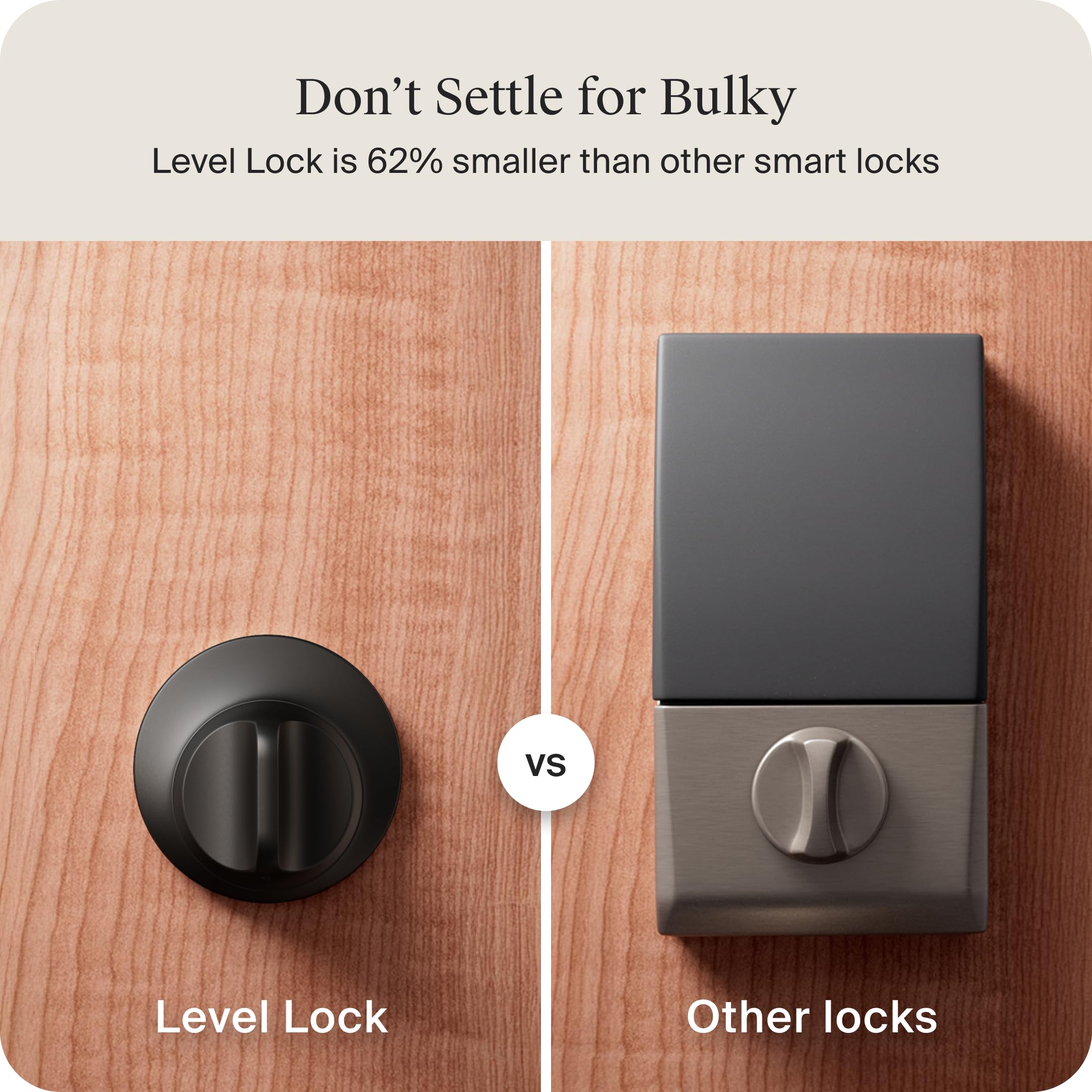
- Sits mostly inside the door for a clean look outside.
- Installation is more precise and can take longer.
- Fits many standard deadbolts but needs correct door thickness.
Which matters for you
Exclusive Deals
Limited-time Exclusive Deals. Check current discount on Amazon.
Check Price on Amazon As an Amazon Associate I earn from qualifying purchases.- If you want a fast DIY install, August Smart Lock is simpler.
- If you want an invisible smart lock that looks factory-made, Level Lock wins.
- Measure your door and deadbolt before buying either lock to avoid fit issues.

Key features and connectivity
August Smart Lock vs Level Lock offer core smart features. Here are shared and unique items.
Shared features
- Remote locking and unlocking with app when paired with a bridge.
- Auto-unlock based on phone proximity.
- Temporary guest access and activity logs.
- Integrations with voice assistants and home platforms.
August Smart Lock unique points
- DoorSense tells you if the door is closed or open.
- A long history of app updates and ecosystem tools.
- Optional Wi‑Fi bridge model for direct cloud control.
Level Lock unique points
- Minimal visible hardware for a classic look.
- Bolt-level replacement preserves the original feel.
- Some models emphasize ultra-quiet operation.
If connectivity matters, check whether you need a Wi‑Fi bridge. August often sells bridges separately. Level sometimes relies on BLE and optional bridges for cloud access.

Security, encryption, and privacy
Both brands use industry-standard encryption to protect communications. They use Bluetooth Low Energy (BLE) for local control and encrypted cloud calls for remote access. Firmware updates are important for ongoing security.
Practical security points
- Use strong app passwords and enable two-factor authentication if offered.
- Keep the lock firmware and bridge software updated.
- Understand that retrofit locks like August leave the original deadbolt in place; that can be an advantage for mechanical redundancy.
Limitations and privacy notes
- Remote access requires a cloud bridge. That adds a dependency on the company’s servers.
- No smart lock fully replaces good door hardware and secure installation practices.

Performance, battery life, and reliability
August Smart Lock vs Level Lock both run on batteries. Battery life varies by use and feature set.
Typical battery expectations
- August Smart Lock: usually 6–12 months with normal use on AA batteries.
- Level Lock: often similar or slightly longer depending on model and phone interactions.
Reliability tips
- Use quality alkaline batteries or recommended rechargeables.
- Test auto-unlock in your normal approach path to avoid missed unlocks.
- Keep the Bluetooth and bridge firmware current to reduce connectivity hiccups.
If you expect heavy use or long absences, choose models with clear low-battery alerts and easy battery change processes.

Smart home integration and voice assistants
Both locks aim to play well with smart homes. Integration choices can sway your purchase.
August Smart Lock integration
- Works with Apple HomeKit, Google Assistant, and Alexa in many configurations.
- Offers extra features when connected to certain platforms.
- Has a well-established ecosystem for third-party apps.
Level Lock integration
- Emphasizes seamless HomeKit support on many models.
- Works with common voice assistants when paired with a compatible bridge.
- Focuses on a native, low-profile user experience with strong HomeKit ties.
If you are deep into one platform, check that your preferred lock supports that platform natively. For smart home scenes, August Smart Lock vs Level Lock both offer solid options, but specifics vary by model.
Price, models, and value
Both brands have multiple models and price points. Value depends on fit, features, and your setup.
General pricing notes
- August Smart Lock offers entry-level and pro models plus optional Wi‑Fi bridges.
- Level Lock models can be pricier due to hidden hardware and premium finishes.
- Factor in any bridge cost, pro installation, and accessories.
Value tips
- If you want a quick retrofit, August often saves time and money.
- If you want an invisible look and premium finish, Level may be worth the premium.
- Compare total cost of ownership, not just the sticker price.
Pros and cons summary
August Smart Lock pros
- Fast DIY install.
- Strong platform and app features.
- Good accessory ecosystem.
August Smart Lock cons
- Bulkier interior look.
- Bridge may be required for full cloud features.
Level Lock pros
- Nearly invisible external look.
- Preserves original key feel.
- Elegant hardware options.
Level Lock cons
- Installation can be more involved.
- Higher price for some models.
Which is better depends on what you value most: easy install and ecosystem (August Smart Lock) or discreet design and premium feel (Level Lock).
Personal experience, tips, and mistakes to avoid
I installed both locks in homes with different doors. My lessons are practical and short.
Real-life notes
- Measure twice. I once bought a Level Lock model that needed a different door thickness.
- Test DoorSense or contact sensors. August’s DoorSense saved me from thinking a door was locked when it was not.
- Place the Wi‑Fi bridge in a central spot to reduce dropouts.
Tips to avoid problems
- Don’t assume a deadbolt will fit without measuring backset and bore hole size.
- Keep a mechanical key handy. Smart features fail if batteries die or servers go down.
- Read the battery warnings. Change batteries early to avoid being locked out.
These small steps prevent most installation headaches and give reliable daily use.
Frequently Asked Questions of August Smart Lock vs Level Lock
Which is easier to install, August Smart Lock or Level Lock?
August Smart Lock is generally easier for DIY install because it mounts over your existing thumbturn. Level Lock often requires more precise work and may take longer. Measure your door to be sure either one fits.
Do both locks work with Apple HomeKit?
Both brands offer HomeKit-compatible models, though compatibility can vary by model and region. Check the specific model’s specs to confirm HomeKit support.
Can I still use a physical key with these locks?
Yes. Both August Smart Lock and Level Lock keep your existing exterior key and cylinder intact. They act on the interior side so keys still work as usual.
What happens if the battery dies?
Both locks still allow manual key use from outside and manual thumbturn operation if accessible. Change batteries quickly when the app warns you to avoid lockouts.
Which is more secure, August Smart Lock or Level Lock?
Both use modern encryption and firmwares; neither is a clear winner on pure cryptography. Security comes from proper installation, firmware updates, and good account practices.
Conclusion
Choosing between August Smart Lock vs Level Lock comes down to priorities. Pick August Smart Lock for fast install, strong app features, and proven ecosystem. Pick Level Lock for a stealthy, built-in look and premium feel. Measure your door, check integrations, and plan for a bridge if you want cloud access. Try the model that matches your door style and smart home platform. If you need help deciding, leave a comment or share your door specs and I’ll offer specific advice.


