
Can A Doorbell Camera Work Without Wi-fi?
When you see a modern doorbell camera, it’s easy to think Wi-Fi is required. Most advertisements show live streaming on phones, instant alerts, and cloud storage. But what if you don’t have Wi-Fi, or your connection is unreliable? Can a doorbell camera work without Wi-Fi? This question matters for many people—those in rural areas, renters, or anyone concerned about privacy and security.

Exclusive Deals
Limited-time Exclusive Deals. Check current discount on Amazon.
Check Price on Amazon As an Amazon Associate I earn from qualifying purchases.This article explores how doorbell cameras operate without Wi-Fi, what features you lose or keep, and practical options. You’ll learn about types of cameras, alternative connection methods, real-world examples, and helpful tips for choosing the right device for your needs.
Whether you want simple video recording or remote access, you’ll get clear answers and guidance.
How Doorbell Cameras Normally Work
Most doorbell cameras connect to Wi-Fi to send video and notifications to your phone or computer. Here’s a typical setup:
- The camera is installed near your door.
- It connects to your home Wi-Fi network.
- When someone presses the bell or approaches, the camera records video.
- The video is sent to your phone or stored in the cloud.
- You get real-time alerts, can talk to visitors, and review footage anytime.
This is possible because Wi-Fi allows fast communication between the camera and your devices. It also lets you control the camera remotely, check live feeds, and store data safely online.
Exclusive Deals
Limited-time Exclusive Deals. Check current discount on Amazon.
Check Price on Amazon As an Amazon Associate I earn from qualifying purchases.Why Wi-fi Is Popular
- Easy setup: Most homes have Wi-Fi, so connecting is simple.
- Remote access: You can see who’s at the door from anywhere.
- Cloud storage: Videos are saved online, so you don’t need extra hardware.
- Smart features: Motion detection, face recognition, and alerts rely on Wi-Fi.
But Wi-Fi isn’t always available, reliable, or desirable. This leads many people to ask about alternatives.
Doorbell Cameras Without Wi-fi: Is It Possible?
The simple answer is: yes, a doorbell camera can work without Wi-Fi, but with limits.
Without Wi-Fi, you lose most “smart” features. However, basic functions—recording video, storing footage locally, or ringing—can still work. The key is understanding the technology behind the camera.
Types Of Doorbell Cameras
Doorbell cameras fall into two main groups:
- Smart doorbell cameras: Designed for Wi-Fi use. They offer remote access, cloud storage, and advanced features.
- Traditional doorbell cameras: Work without Wi-Fi. They record video locally, connect by wires, or use other methods.
Some models are “hybrid”—they support Wi-Fi but can operate offline for basic recording.
Exclusive Deals
Limited-time Exclusive Deals. Check current discount on Amazon.
Check Price on Amazon As an Amazon Associate I earn from qualifying purchases.
How Doorbell Cameras Work Without Wi-fi
Let’s look at the main ways a doorbell camera can operate without Wi-Fi.
Local Storage
Many cameras have microSD card slots or internal memory. When someone presses the bell or triggers motion, the camera records video directly to the card. You can remove the card and view footage on your computer.
- Advantages: No need for internet, private storage, easy setup.
- Limitations: No remote access, storage is limited by card size, footage can be lost if the camera is stolen.
Wired Connections
Some doorbell cameras connect via wired systems:
- Ethernet: The camera plugs into your network using a cable. This is rare for doorbells, but common for security cameras.
- Analog video cables: Older models use cables to send video to a monitor or DVR.
- Power wires: Traditional doorbells use wires for power and ringing; some cameras piggyback on these.
Wired setups offer stable connections and can work even when Wi-Fi is down. However, they require installation and may not fit all homes.
Cellular Networks
A few advanced cameras use cellular data (4G/LTE). They have SIM card slots and connect to mobile networks. This lets you access footage remotely without Wi-Fi.
- Advantages: Works anywhere with cellular coverage.
- Disadvantages: Data plans are expensive, setup is complex, fewer models are available.
Standalone Recording
Some “offline” doorbell cameras record video but don’t connect to any network. You access footage by plugging in a USB drive or microSD card.
- Advantages: Simple and private.
- Disadvantages: No remote features, manual retrieval needed.
Comparing Doorbell Camera Features: Wi-fi Vs No Wi-fi
To make things clear, here’s a comparison of features you get with and without Wi-Fi.
| Feature | With Wi-Fi | Without Wi-Fi |
|---|---|---|
| Live Video Access | Yes, via app/phone | No (except cellular models) |
| Notifications | Real-time alerts | No alerts |
| Cloud Storage | Yes | No |
| Local Storage | Sometimes | Yes, microSD/USB |
| Two-Way Audio | Yes | Rarely |
| Remote Control | Yes | No |
| Motion Detection | Smart alerts | Basic recording |
| Installation | Easy, wireless | More complex (wires, cards) |
This table shows the trade-offs. If you need remote access, Wi-Fi is essential. If you just want local recording, you have options.
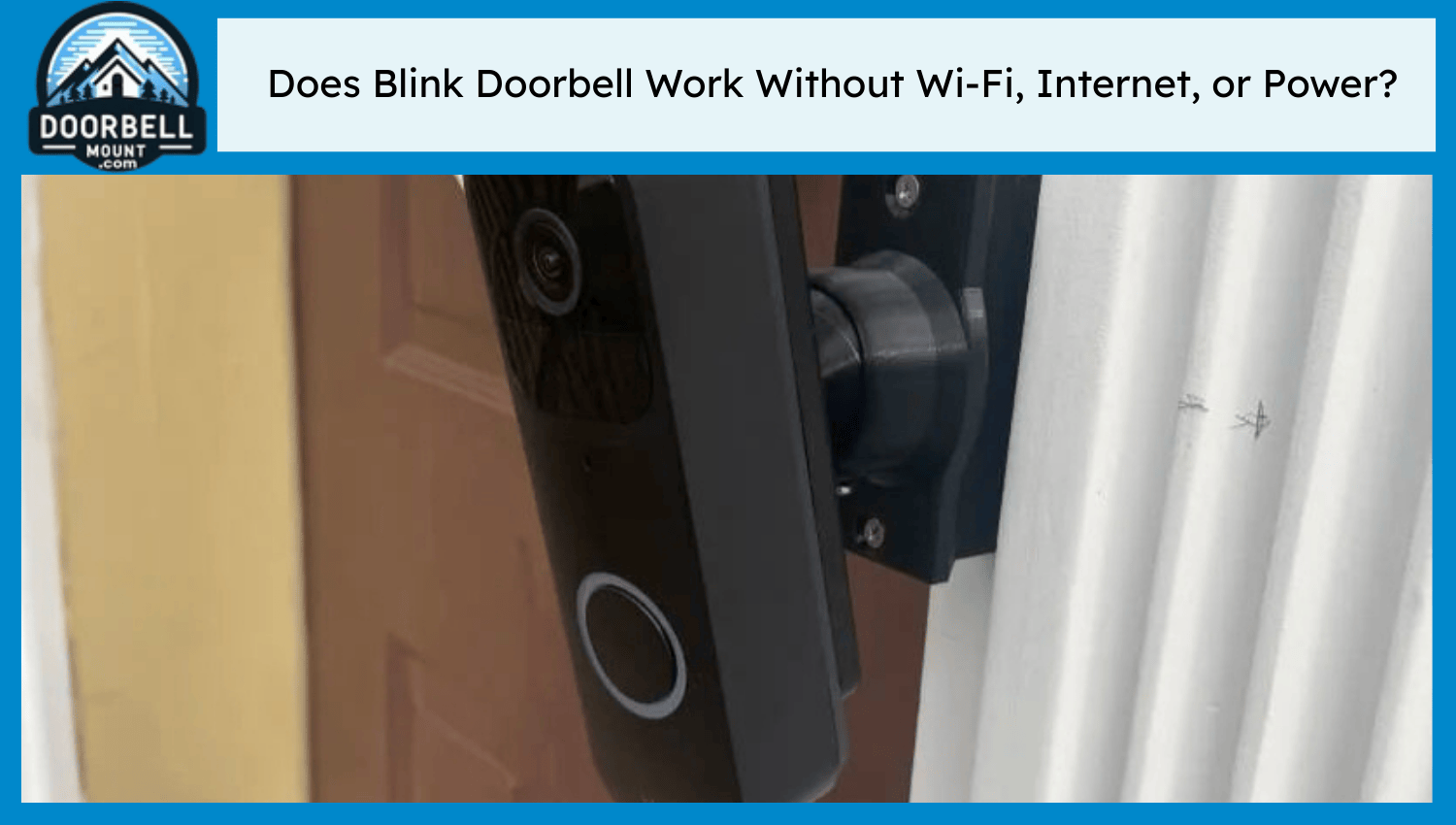
Real-world Examples Of Doorbell Cameras Without Wi-fi
Let’s look at some actual products and setups.
Wired Video Doorbell Systems
Many homes use wired doorbell cameras. These connect to a DVR (digital video recorder) or monitor inside the house.
- Example: A wired camera sends video over a cable to a screen in your hallway. You can see who’s at the door, but you can’t check footage on your phone.
- Data: Wired systems are popular in apartment buildings and offices. According to market research, over 18% of video doorbell sales in 2022 were wired units.
Local Storage Doorbell Cameras
Some modern cameras have built-in storage. You can install a microSD card and review footage later.
- Example: The Amcrest Video Doorbell records to microSD. You don’t need Wi-Fi to store clips, but you must remove the card to access them.
- Insight: Many buyers overlook card size. A 32GB card holds about 10-15 days of video, depending on motion activity.
Cellular Doorbell Cameras
A few brands offer cellular-enabled cameras. These are rare and expensive but useful for remote locations.
- Example: The Reolink Go uses 4G LTE. It works in places without Wi-Fi, like farmhouses or cabins.
- Stat: Cellular models make up less than 2% of doorbell camera sales, but demand is growing in rural areas.
Installation And Setup Without Wi-fi
Installing a doorbell camera without Wi-Fi is different from setting up a smart model.
Choosing The Right Location
Pick a spot where the camera can cover the entrance and is safe from theft. For wired models, you need access to power and video cables.
Power Supply
- Wired cameras: Usually connect to doorbell wiring or a dedicated power supply.
- Battery-powered cameras: Some models use rechargeable batteries. Make sure to check battery life—most last 2-6 months per charge.
Local Storage Setup
Install the microSD card or USB drive. Check compatibility and maximum supported size. Format the card before use to avoid errors.
Connecting To Monitors Or Dvrs
For analog or wired cameras, connect the video cable to a monitor or DVR. Set up recording schedules and make sure footage is being saved.
Checking Video Quality
Test the camera during day and night. Adjust angles and settings for best results.
Benefits Of Doorbell Cameras Without Wi-fi
Not everyone needs remote access or smart alerts. Here are some reasons to use a doorbell camera without Wi-Fi.
Privacy
With local storage, footage stays inside your home. No data is sent online, so you control who sees it. This is important for privacy-conscious users.
Reliability
Wired cameras don’t depend on internet. They keep working during outages or when Wi-Fi is unstable.
Lower Cost
Offline models often cost less. You don’t pay for cloud subscriptions or extra features.
Simplicity
Some users just want to see who’s at the door. Basic systems are easy to use and maintain.
Drawbacks To Consider
There are trade-offs when you skip Wi-Fi.
No Remote Access
You can’t check video from your phone or get instant alerts. If you’re away from home, you won’t know who visited.
Limited Features
Smart functions like face recognition, package detection, or two-way audio are missing or basic.
Manual Retrieval
You must remove the microSD card or USB drive to view footage. This is less convenient than cloud storage.
Fewer Models Available
Most brands focus on Wi-Fi cameras. Offline models are fewer, and some are outdated.
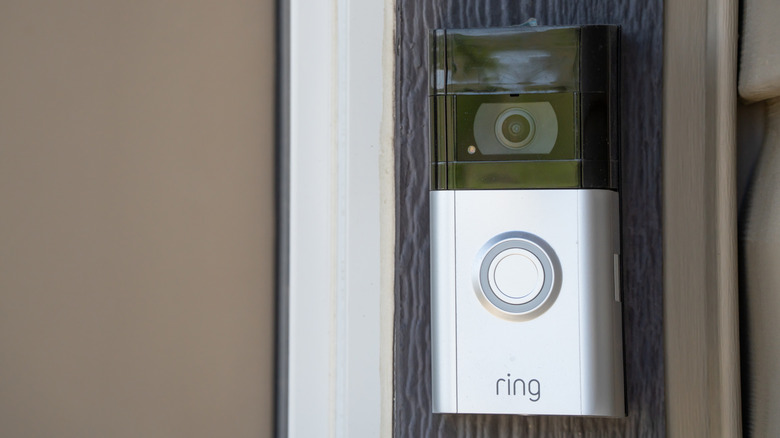
Security And Privacy Concerns
Many people choose offline cameras for security reasons. Wi-Fi cameras can be hacked or data can be leaked. With local storage, you reduce risks.
- Insight: According to a 2021 survey, 48% of consumers are worried about privacy with smart home devices.
- Tip: Always check if the camera encrypts local footage. If not, someone who steals the card may view your videos.
Alternative Solutions Without Wi-fi
If you want extra features but don’t have Wi-Fi, consider these alternatives.
Wired Intercoms
A wired intercom lets you talk to visitors and see them on a screen. No internet needed.
Standalone Security Cameras
Some security cameras (not doorbells) offer local recording and motion alerts without Wi-Fi. You can place them near your entrance.
Third-party Storage
You can connect some wired cameras to a DVR or NVR (network video recorder) for bigger storage and playback features.
| Solution | Remote Access | Local Storage | Ease of Use |
|---|---|---|---|
| Wired Intercom | No | No | Easy |
| Standalone Camera | No | Yes | Medium |
| DVR/NVR System | No | Yes | Complex |
How To Choose A Doorbell Camera Without Wi-fi
If you want an offline model, here are key factors:
- Storage type: Does it have microSD or USB? What’s the max size?
- Power source: Is it wired or battery powered?
- Video quality: Look for at least 720p resolution for clear images.
- Installation: Are you comfortable with wiring or mounting?
- Durability: Is it weatherproof? Check for IP ratings.
- Brand support: Some models have limited help or updates.
Common Mistakes
- Ignoring card compatibility: Some cameras only support certain brands or sizes.
- Not checking battery life: Frequent charging is annoying.
- Forgetting to secure footage: Always back up important videos.
Expert Insights: What Beginners Miss
Many new buyers don’t realize:
- Footage may be lost if the camera is stolen. Hide the camera or secure it well.
- Firmware updates: Even offline cameras may need updates for bugs or security. Check if you can update without Wi-Fi.
- Audio quality: Most offline models have poor or no audio. If you want to hear visitors, check specs carefully.
Popular Brands And Models
Some brands offer offline or hybrid models:
- Amcrest: Known for microSD storage.
- Reolink: Offers cellular options.
- Zmodo: Makes wired cameras.
- Ring: Mostly Wi-Fi, but some models support local storage.
Research the latest models before buying, as features change often.
Doorbell Camera Trends: The Rise Of Offline Models
While Wi-Fi cameras dominate, demand for offline models is growing. According to a 2023 survey, nearly 22% of homeowners prefer cameras with local-only storage for privacy and reliability.
Technology is improving. Newer offline cameras offer better video quality, longer battery life, and more storage options.
Data And Statistics
- In 2022, doorbell camera sales reached $2.1 billion worldwide.
- About 18% of those sales were offline or wired models.
- Privacy concerns are rising—48% of users worry about data leaks.
- Rural areas are driving demand for non-Wi-Fi cameras, especially cellular models.
For more details on smart home device trends, see Wikipedia: Smart Home.
Frequently Asked Questions
Can I Use A Doorbell Camera Without Any Internet?
Yes. Many cameras record locally to microSD cards or DVRs. You lose remote access and cloud storage, but basic recording works.
How Do I View Footage From An Offline Doorbell Camera?
Remove the microSD card or USB drive and plug it into a computer. Some wired systems let you view footage on a monitor inside your home.
Are Offline Doorbell Cameras Safer For Privacy?
Generally, yes. Footage stays local and isn’t sent online. However, if someone steals the camera or storage card, your videos can be accessed unless encrypted.
Can I Get Motion Alerts Without Wi-fi?
Most offline cameras just record when motion is detected. Real-time alerts to your phone require internet. Some wired systems beep or light up when motion occurs.
Is It Possible To Upgrade An Offline Camera To Wi-fi Later?
Some hybrid models support both modes. You can add Wi-Fi later if your needs change. Always check the product manual before buying.
Final Thoughts
A doorbell camera can work without Wi-Fi, but it’s important to understand the limits and benefits. Offline models offer privacy, reliability, and simple recording, but lack smart features like remote access and instant alerts. Choose the right device based on your needs—do you want basic footage, or do you need smart control?
Consider storage, power, installation, and privacy before deciding. As technology improves, offline cameras are getting better, so there’s a solution for almost every home. With clear planning, you can enjoy security and convenience, even without Wi-Fi.


