
Panic Button vs Mobile Safety App: hardware SOS vs feature-rich app — choose by need and context.
I have designed and tested safety systems across workplaces and personal projects, so I know what works and why. This article compares Panic Button vs Mobile Safety App clearly and practically. You will get definitions, real examples, pros and cons, and a step-by-step guide to choosing the right option. Read on to make a smart safety decision that fits your life or business.

Exclusive Deals
Limited-time Exclusive Deals. Check current discount on Amazon.
Check Price on Amazon As an Amazon Associate I earn from qualifying purchases.What is a Panic Button?
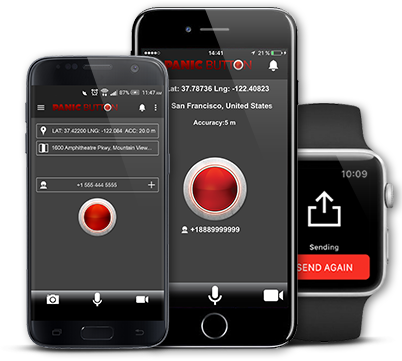
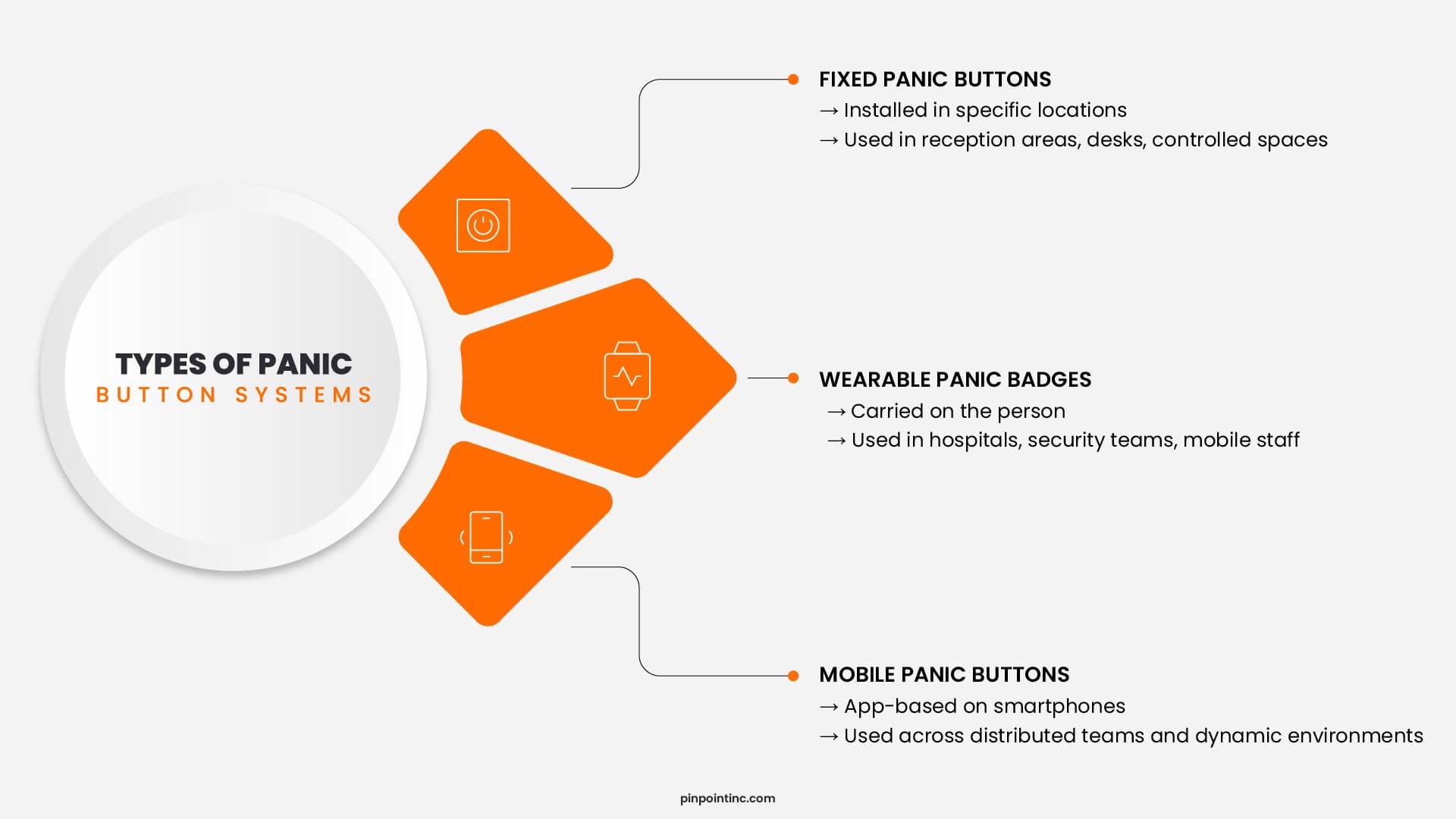
A panic button is a dedicated device or wall-mounted switch. It sends an immediate alert to security staff, monitoring centers, or emergency contacts. Many panic buttons use a direct line or dedicated alarm system for fast response. Panic buttons are common in retail, healthcare, schools, and workplaces where instant, low-friction alerts save lives.
What is a Mobile Safety App?
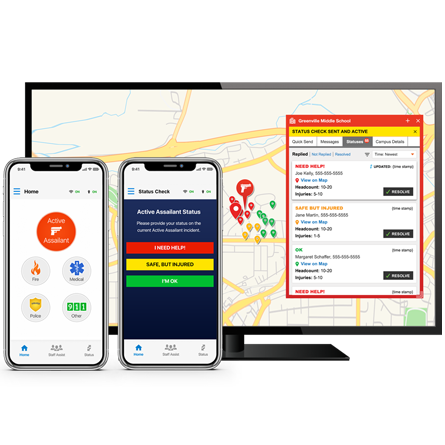
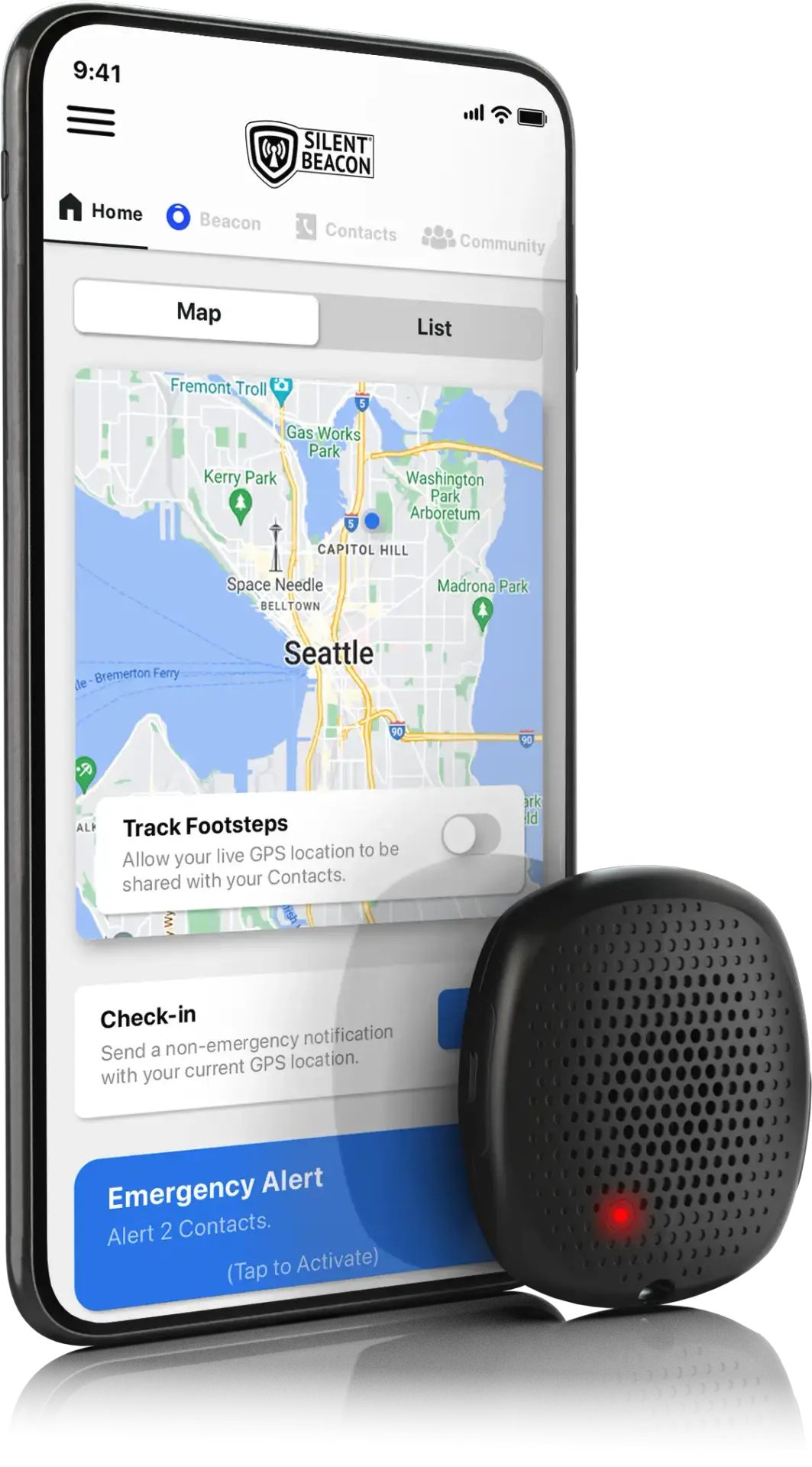
A mobile safety app is a smartphone application that sends alerts, location data, and status updates. It can include features such as SOS, live tracking, fall detection, two-way voice, and automated notifications. These apps rely on cellular and internet connections and often integrate with contacts, emergency services, and monitoring platforms. Mobile safety apps are flexible and easy to scale across teams and communities.
Exclusive Deals
Limited-time Exclusive Deals. Check current discount on Amazon.
Check Price on Amazon As an Amazon Associate I earn from qualifying purchases.Panic Button vs Mobile Safety App — Key Differences
Here are the main ways Panic Button vs Mobile Safety App differ.
- Simplicity and speed
- Panic Button: Instant physical press. Minimal delay.
- Mobile Safety App: Requires phone access and app launch or widget trigger.
- Connectivity and data
- Panic Button: Often uses dedicated alarm networks or simple wireless signals.
- Mobile Safety App: Uses GPS, Wi-Fi, and cellular data for rich location and context.
- Features and context
- Panic Button: Focused on one action—send alert.
- Mobile Safety App: Offers tracking, chat, medical info, scheduled check-ins, and automated detection.
- Cost and deployment
- Panic Button: Hardware cost and installation. Less frequent updates.
- Mobile Safety App: Lower hardware cost, ongoing subscription or licensing fees.
- Reliability and failover
- Panic Button: Works in low-connectivity environments if wired or local radio is used.
- Mobile Safety App: Dependent on phone battery, signal, and app stability.
When you evaluate Panic Button vs Mobile Safety App, match strengths to the scenario. For quick, low-tech alerts choose a panic button. For context-rich response and scalability choose a mobile safety app.

Exclusive Deals
Limited-time Exclusive Deals. Check current discount on Amazon.
Check Price on Amazon As an Amazon Associate I earn from qualifying purchases.Use Cases and Real-World Examples
Different settings favor different tools. Here are practical examples from field experience.
- Retail stores
- Panic Button: Hidden under the counter for staff to press during robberies.
- Mobile Safety App: Teams get alerts and share location if staff move out of sight.
- Healthcare
- Panic Button: Fixed buttons at nurse stations and patient rooms for immediate help.
- Mobile Safety App: Staff use apps to track lone workers and call for backup with voice.
- Lone workers and field teams
- Panic Button: Wearable panic buttons paired with radios for remote areas.
- Mobile Safety App: GPS and check-ins work well when cell coverage exists.
- Schools and campuses
- Panic Button: Classroom buttons provide instant lockdown alerts.
- Mobile Safety App: Mass notifications, live updates, and family alerts scale across campus.
From installing wired buttons in clinics to rolling out an app across 400 employees, I learned to map tools to response needs. A hybrid approach often works best.
Pros and Cons
Weighing Panic Button vs Mobile Safety App helps you choose wisely.
- Panic Button — Pros
- Immediate and simple.
- Works with minimal training.
- Highly reliable in local networks.
- Panic Button — Cons
- Limited context and no location metadata.
- Fixed placement or extra hardware for wearables.
- Higher upfront installation cost.
- Mobile Safety App — Pros
- Rich data: GPS, audio, medical info, and photos.
- Easy to update and scale.
- Many integration and automation options.
- Mobile Safety App — Cons
- Dependent on phone battery and connectivity.
- Potential for accidental triggers or user error.
- Privacy and data security must be managed.
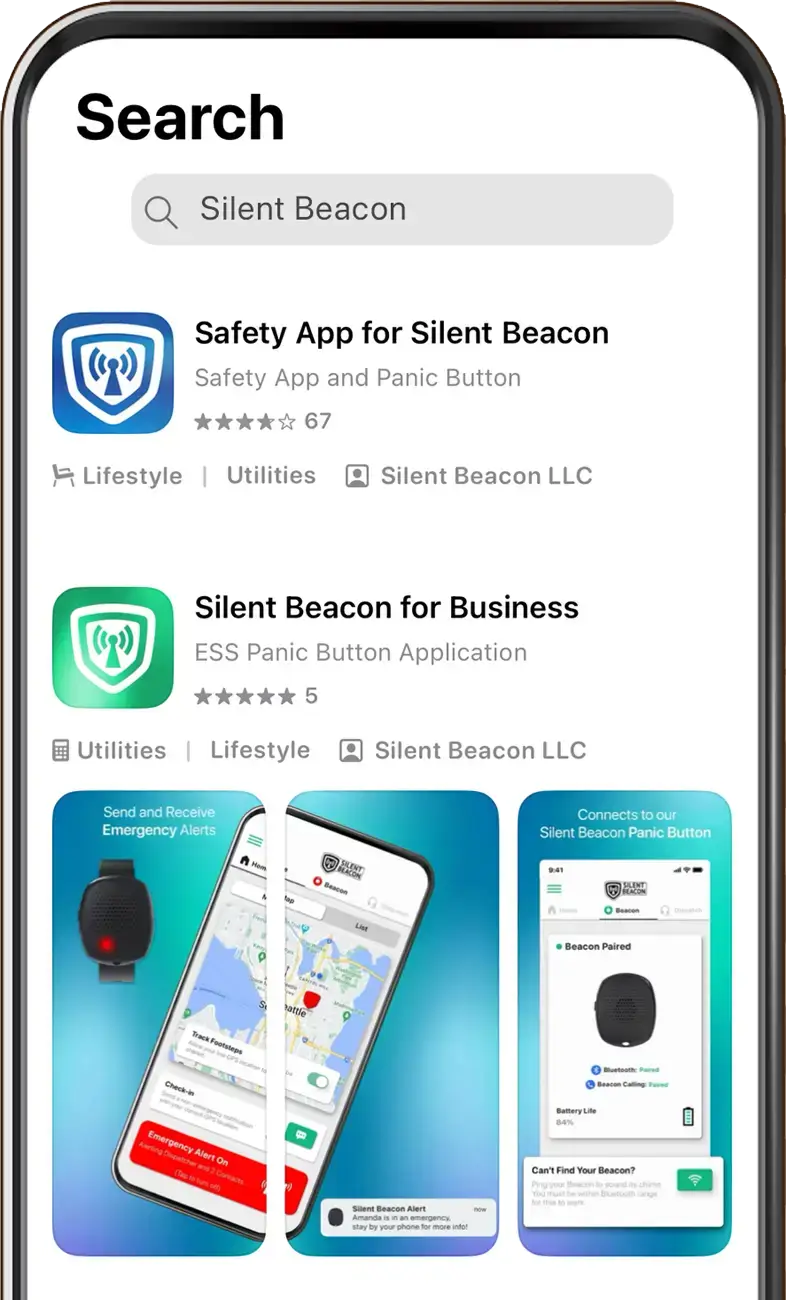
I once deployed a mobile safety app for night-shift teams and kept a few wearable panic buttons for areas with weak signal. That hybrid reduced false alarms and improved response times.

How to Choose: Decision Framework
Follow this short checklist when deciding between Panic Button vs Mobile Safety App.
- Define the risk
- Is speed or context the main need?
- Do responders need real-time location or just an alert?
- Check environment
- Is cellular coverage reliable?
- Are there physical points where a fixed button makes sense?
- Consider users
- Will people carry phones at all times?
- Do users need training or a simple single action?
- Budget and scale
- What is the acceptable upfront cost vs ongoing fees?
- How many users or locations need coverage?
- Test and iterate
- Pilot both options in real scenarios.
- Collect feedback, measure response times, and refine.
I recommend running a 30-day pilot for each solution in a subset of locations. Test actual alarms, not theoretical checks. That reveals real strengths and flaws.

Implementation and Best Practices
Successful safety programs use good design and training. Use these steps.
- Map response flows
- Decide how alerts route and who is notified.
- Define escalation paths and verification processes.
- Train users
- Teach quick, calm activation steps.
- Run drills that simulate real events.
- Monitor performance
- Log response times and false alarms.
- Use analytics to tune rules and notifications.
- Ensure redundancy
- Combine panic buttons with mobile safety apps when possible.
- Use alternative comms like radios for critical areas.
- Protect privacy and security
- Limit data access to authorized staff.
- Keep software updated and use encryption.
From my deployments, the best result came when teams practiced drills monthly. People knew what to expect, and technical gaps surfaced early.
Frequently Asked Questions of Panic Button vs Mobile Safety App
What is more reliable: a panic button or a mobile safety app?
Reliability depends on context. Panic buttons are more reliable in low-connectivity or fixed locations, while mobile safety apps are reliable where phones and networks are stable.
Can a mobile safety app replace a panic button?
Yes in many settings, but not always. Mobile safety apps replace panic buttons when phones are always available and connectivity is strong; otherwise, a panic button may be necessary.
How fast is the response for each option?
Panic buttons often trigger faster local alerts due to simple wiring or direct links. Mobile safety apps may take slightly longer but provide richer data for responders.
Are there privacy concerns with mobile safety apps?
Yes. Apps collect location and personal data. Proper consent, secure storage, and limited access are essential to protect privacy.
Is a hybrid approach recommended?
Often yes. Combining panic buttons with mobile safety apps gives immediate alerts plus context and redundancy, improving overall safety and response.
Conclusion
Panic Button vs Mobile Safety App is not an either-or choice for many organizations. Match the tool to the environment, user habits, and desired response data. For fixed locations or low-connectivity sites, choose panic buttons. For scalable, data-rich monitoring and mobile teams, choose mobile safety apps. Test both with real users, track metrics, and adjust based on results. Take action now: run small pilots, train your people, and pick the safety tool that fits your daily reality. Leave a comment or share your experience to help others choose better.


