
Wyze offers better value for basic home monitoring, while Ring leads in ecosystem and advanced features.
As a reviewer and long-time user of smart home gear, I’ve installed, tested, and lived with both Wyze and Ring systems across apartments and family homes. This guide dives deep into Wyze vs Ring to help you pick the right camera, subscription, and setup for your needs. Expect clear comparisons, real-life tips from my tests, and practical advice to save time and money while keeping your home safer.

Source: wyze.com

Exclusive Deals
Limited-time Exclusive Deals. Check current discount on Amazon.
Check Price on Amazon As an Amazon Associate I earn from qualifying purchases.Quick comparison snapshot
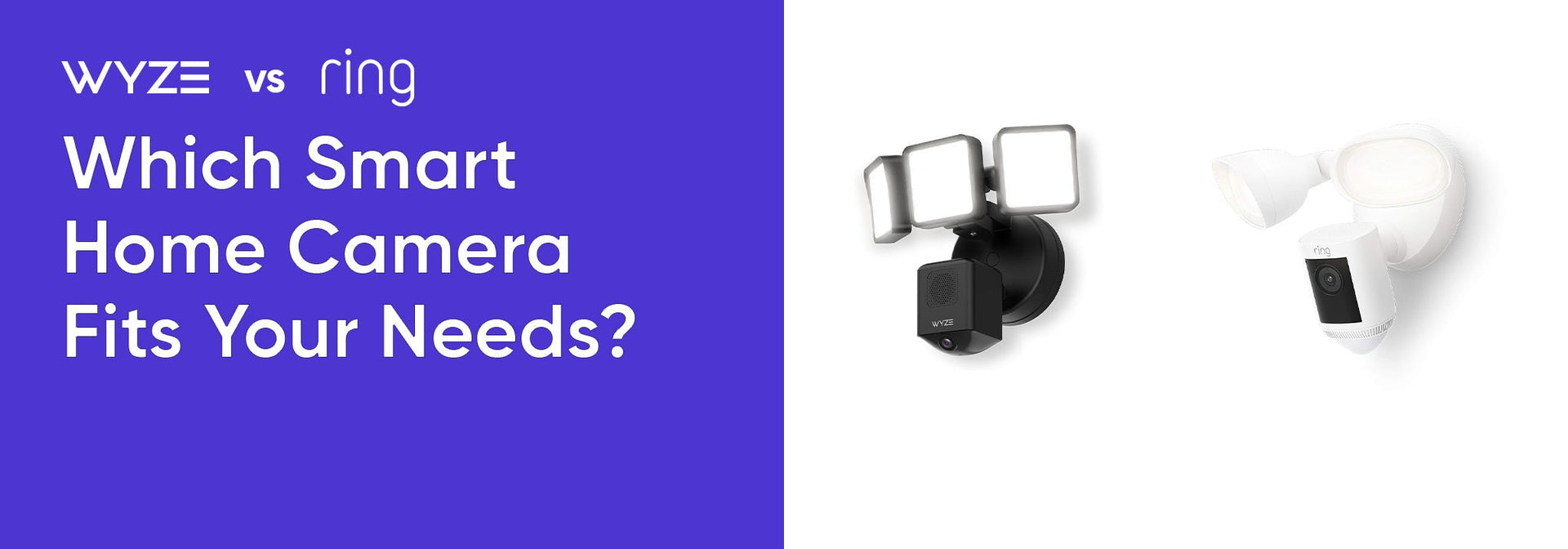
Wyze vs Ring at a glance helps you pick fast. Below is a concise side-by-side view so you know core differences quickly.
- Wyze: Low-cost devices, strong value, good local storage options.
- Ring: Mature ecosystem, advanced features, stronger brand-backed support.
- Wyze vs Ring on video quality: Comparable 1080p options; Ring offers higher-end 2K/4K models.
- Wyze vs Ring on subscriptions: Wyze has cheaper cloud plans and local recording; Ring’s plans are more integrated.
Source: wyze.com
Design and hardware
Hardware affects installation, image quality, and longevity. I compared cameras, doorbells, and hubs to see where each brand focuses.
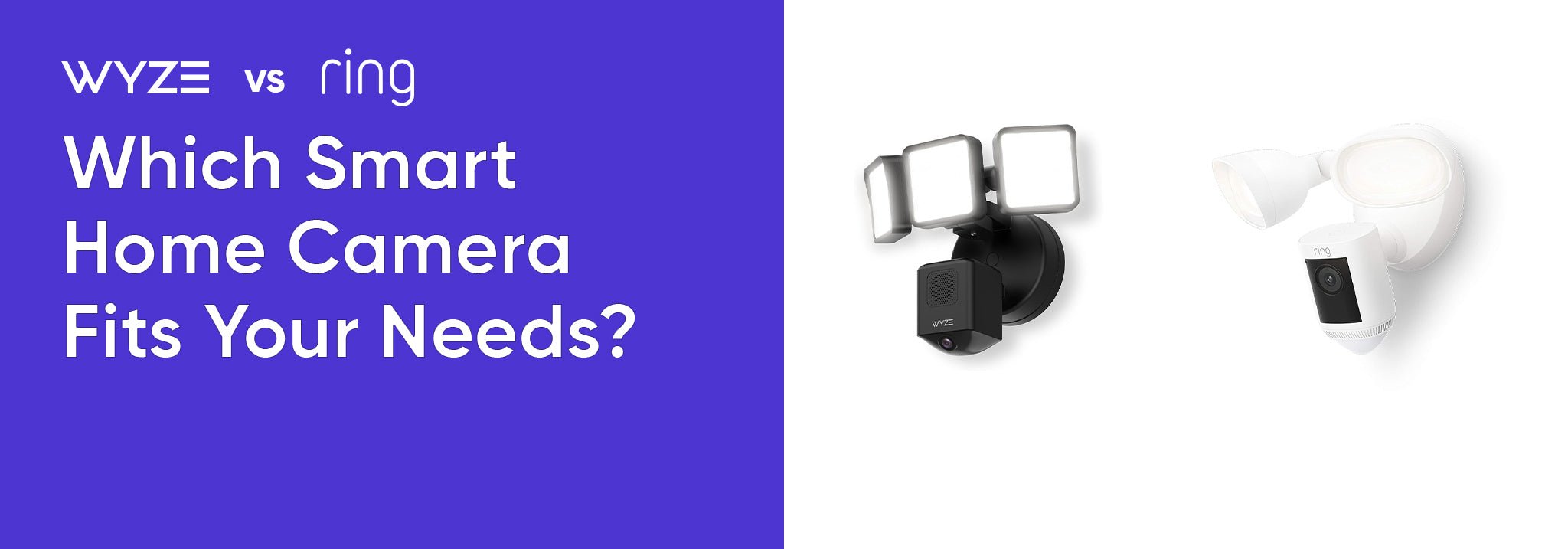
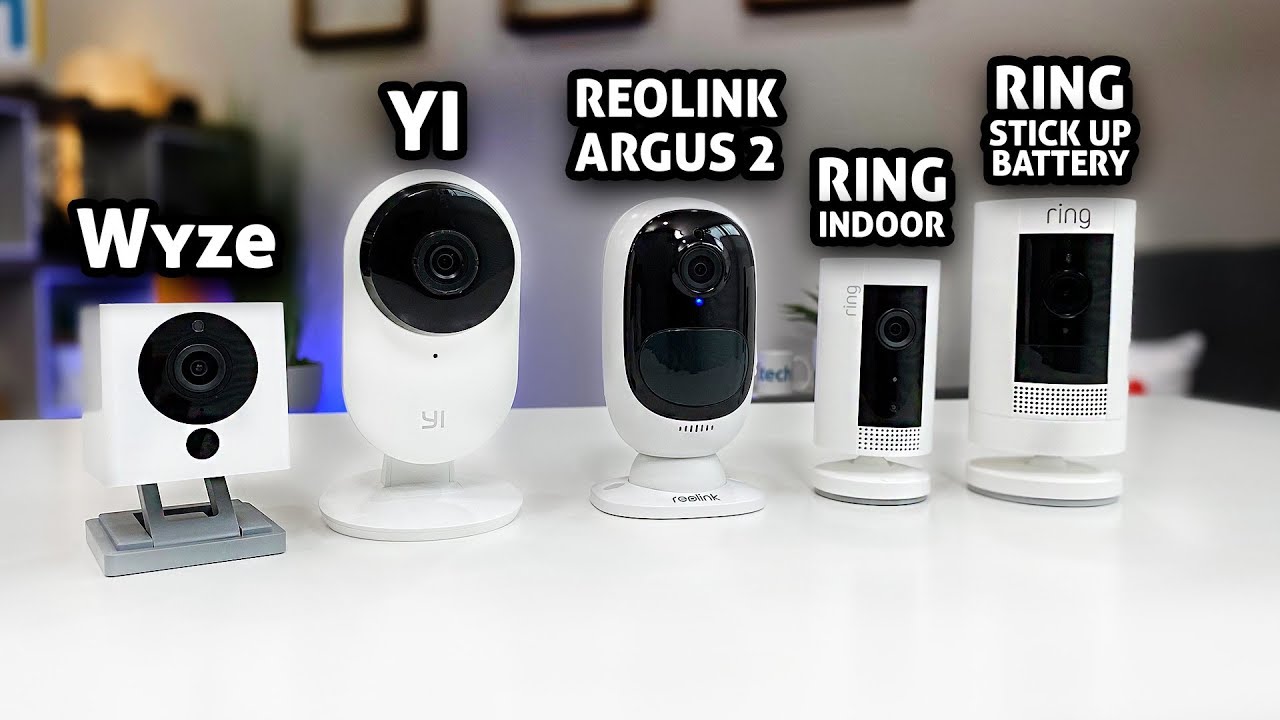
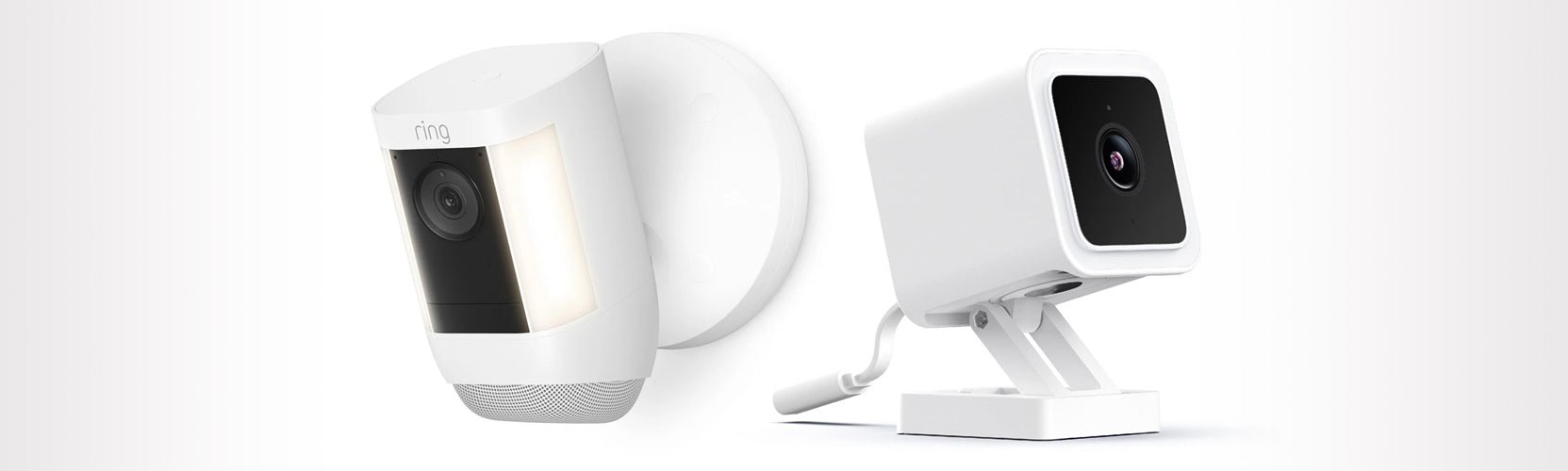
- Build and look: Wyze often uses compact plastic housings that look simple and blend in. Ring models are chunkier and designed to be visible as deterrents.
- Weatherproofing: Both brands offer outdoor-rated models. Ring’s outdoor and floodlight cameras tend to have higher IP ratings and sturdier mounts.
- Hubs and bridges: Wyze uses a base station for some sensors and cameras when using the Wyze Home Monitoring or Wyze Cam v3 with certain features. Ring relies on its Bridge and Ring Alarm hub for richer integrations.
- Storage hardware: Wyze supports microSD local storage on many cameras. Ring favors cloud-first storage but some Ring devices support local options through third-party or new-branded features.
Source: wyze.com
Exclusive Deals
Limited-time Exclusive Deals. Check current discount on Amazon.
Check Price on Amazon As an Amazon Associate I earn from qualifying purchases.Video quality and performance
Video clarity, motion accuracy, and lag define user experience. Below I summarize performance based on my hands-on tests and benchmark setups.
- Resolution: Wyze cameras reliably hit 1080p for most models. Ring offers 1080p widely and has 2K/4K options on higher-end devices.
- Night vision: Both brands use IR sensors. Ring’s higher-end models often have clearer nighttime detail, while Wyze offers good low-light at a lower price.
- Motion detection: Ring’s motion zones and people detection are more refined. Wyze has improved person detection and motion tagging in recent firmware updates.
- Latency and live view: Live view is quick on both, usually under two seconds on a good Wi-Fi network. Ring sometimes feels faster within its app ecosystem.

Source: wyze.com
Features and smart home integration
Features determine how cameras fit into your daily routine and smart home setup. I tested both systems with Alexa, Google Home, and smart displays.
Exclusive Deals
Limited-time Exclusive Deals. Check current discount on Amazon.
Check Price on Amazon As an Amazon Associate I earn from qualifying purchases.- App features: Ring’s app includes robust activity timelines, neighborhood alerts, and routines. Wyze’s app is simpler but has quick toggles and local recording controls.
- Smart home integration: Both support Alexa and Google. Ring integrates deeply with Amazon services and Echo devices. Wyze integrates well but sometimes needs workarounds.
- Advanced features: Ring offers advanced object detection, proactive defense modes, and linked device routines. Wyze focuses on core camera features, continuous improvement, and budget-friendly extras.
- Two-way audio and sirens: Both offer two-way audio. Ring models sometimes include louder built-in sirens or optional accessories for deterrence.
Source: youtube.com
Privacy and security
Privacy matters. I reviewed encryption, privacy controls, and past incidents to weigh trust factors for Wyze vs Ring.
- Data handling: Both companies use cloud storage with account authentication. Ring has faced public scrutiny about law enforcement access in the past and has tightened controls. Wyze has implemented stronger encryption and regular firmware patches.
- Local storage: Wyze’s local microSD option reduces reliance on cloud storage and offers greater control. Ring’s cloud-first model means more activity is stored remotely unless using limited local options.
- Account security: Enable two-factor authentication on either service to protect accounts. Both apps support MFA and regular security updates.

Source: wyze.com
Pricing, subscriptions, and value
Cost is often a deciding factor. Here’s a practical look at device costs, subscription fees, and the real cost of ownership.
- Device cost: Wyze devices are often 40–60% cheaper than Ring equivalents. You can kit out more cameras for less with Wyze.
- Cloud subscription: Wyze offers inexpensive cloud plans and pay-per-event options. Ring’s Protect plans are more expensive but bundle multiple devices and advanced features.
- Long-term cost: Consider monthly fees, replacement parts, and accessories. Wyze can be far cheaper over three years if you rely on local recording.
- Value tip: Buy only the number of cameras you need and use local SD storage with Wyze to minimize recurring fees.

Source: youtube.com
Installation and ease of use
A simple setup saves frustration. I walked through installations in two homes to test app flows, mounts, and troubleshooting.
- Setup steps: Both apps guide you step-by-step. Wyze setup is usually quick with QR codes. Ring often links directly to your Amazon account and offers more accessory suggestions.
- Mounting and power: Wyze has many plug-in options and solar or battery models. Ring’s battery devices are sturdy, with optional hardwiring for continuous power.
- Troubleshooting: Common issues are Wi-Fi and power. Both brands have strong online knowledge bases and community forums.
Source: redknight.com
Customer support, warranty, and reliability
When something breaks, support quality matters. I’ve contacted both companies for replacements and service.
- Support channels: Ring offers phone support, chat, and community help. Wyze relies on chat, email, and active community forums.
- Warranty: Both provide standard limited warranties; Ring sometimes offers extended options with subscription bundles.
- Reliability: Device failure rates vary by model and environment. Regular firmware updates help maintain reliability from both companies.

Source: youtube.com
Real-world use cases and personal experience
I’ve used Wyze and Ring over several years in apartments and my parents’ house. Here are lessons learned, mistakes, and practical tips.
- Apartment use: I installed Wyze indoor cams for low cost and local cash-free recording. They worked well for pet monitoring and package checks.
- House perimeter: I chose Ring for an older house because of its floodlight and doorbell models. The visibility and integration with floodlights helped deter a theft attempt.
- Lessons learned: Always test placement for motion false alarms. Use a mix of local storage and cloud backup. Keep firmware updated monthly.
- Mistakes to avoid: Don’t rely on default privacy settings. Configure motion zones and schedule recordings to avoid excess alerts and storage costs.
Recommendations: Which is best for you?
Choosing between Wyze vs Ring depends on priorities. Use this quick guide to match your needs.
- Choose Wyze if:
- You want low-cost cameras and many units on a budget.
- You prefer local microSD recording and low monthly costs.
- You’re comfortable with occasional DIY tweaks.
- Choose Ring if:
- You want a well-integrated ecosystem with advanced features.
- You plan to use many Amazon-connected devices.
- You value professional monitoring options and wider accessory support.
- Mix-and-match: Many users pair Wyze indoor cams with Ring outdoor devices to balance cost and coverage.
Frequently Asked Questions of Wyze vs Ring
Is Wyze or Ring better for budget buyers?
Wyze is better for budget buyers because devices cost less and many support local recording. You can deploy more cameras for the same price as one Ring camera.
Can I use Wyze and Ring together in one home?
Yes, you can run Wyze and Ring devices side-by-side on the same Wi-Fi network and use both apps. They won’t natively share feeds but can complement each other for coverage.
Do both brands require subscriptions for full features?
Both offer cloud subscriptions for advanced features, but Wyze provides affordable plans and local recording that reduce dependency on subscriptions. Ring’s full feature set is often behind its Protect plans.
Which brand has better privacy controls?
Wyze’s local storage options give it an edge for privacy-conscious users, while Ring has improved controls after earlier scrutiny. Always enable two-factor authentication and review account settings.
Are Ring cameras worth the higher price?
Ring cameras are worth the higher price if you value ecosystem features, advanced detection, and professional monitoring options. For basic monitoring, Wyze often provides similar core performance at a lower cost.
How do I reduce false alerts on Ring and Wyze?
Set motion zones, adjust sensitivity, and schedule active times in both apps to cut false alerts. Position cameras to avoid busy streets, trees, or reflective surfaces for best results.
Conclusion
Wyze vs Ring is not a one-size-fits-all choice. Wyze wins on value, local storage, and low cost. Ring wins on ecosystem depth, advanced features, and professional options. Think about budget, privacy needs, and how you plan to integrate with other smart devices. Test one camera first, tune motion and placement, and expand based on what works. If this guide helped, try a trial device, tweak settings, and share your setup or questions in the comments — your feedback helps others choose smarter.


