
Smart Lock vs Smart Doorbell: choose locks for access, doorbells for visibility and interaction.

Exclusive Deals
Limited-time Exclusive Deals. Check current discount on Amazon.
Check Price on Amazon As an Amazon Associate I earn from qualifying purchases.I have spent years testing and installing smart home gear, and I know how confusing choices like Smart Lock vs Smart Doorbell can feel. This article breaks both devices down clearly. You will learn what each does, how they differ on security, cost, and ease of use, and how to choose the right mix for your home. I share hands-on tips from real installs, common mistakes to avoid, and a practical buying checklist so you can decide with confidence.
What are Smart Locks and Smart Doorbells?
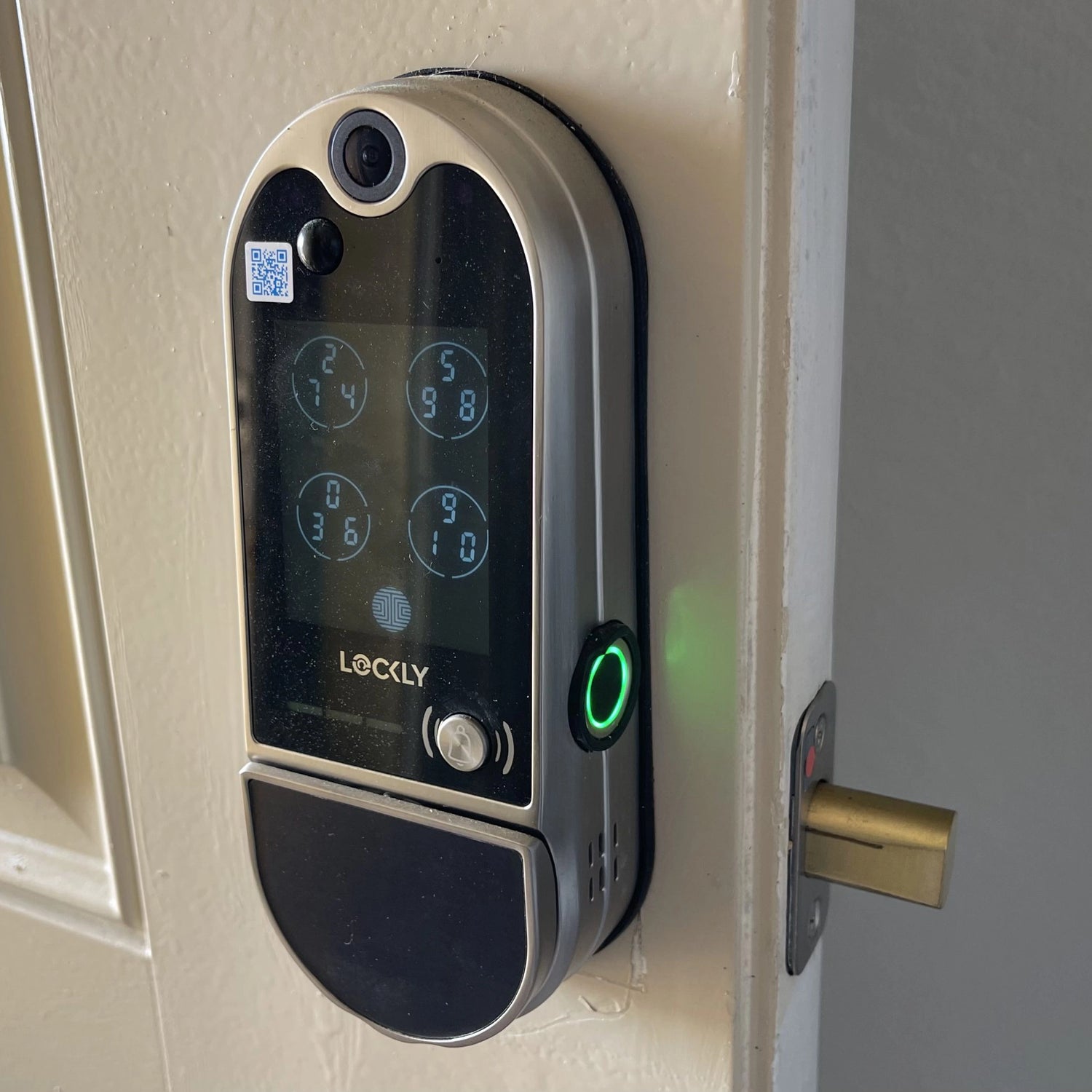
Smart Lock vs Smart Doorbell starts with simple definitions. A smart lock replaces or complements your mechanical lock. It lets you lock and unlock a door with a phone, keypad, voice, or scheduled automation.
A smart doorbell is a camera and chime combined. It sends live video, motion alerts, and two-way audio to your phone. Many modern models include package detection and cloud recordings.
Exclusive Deals
Limited-time Exclusive Deals. Check current discount on Amazon.
Check Price on Amazon As an Amazon Associate I earn from qualifying purchases.Both devices aim to improve home access and awareness. But they solve different problems: smart locks control entry, while smart doorbells show who is at the door and let you talk with them. Understanding that difference helps when you compare Smart Lock vs Smart Doorbell as solutions for safety and convenience.

Key Differences at a Glance
Here’s a clear view of how Smart Lock vs Smart Doorbell compare across important factors.
- Function
- Smart Lock: Controls physical access, keyless entry, temporary codes.
- Smart Doorbell: Provides video, visitor alerts, and two-way talk.
- Primary benefit
- Smart Lock: Convenience and secure access control.
- Smart Doorbell: Visibility, remote monitoring, and package protection.
- Typical features
- Smart Lock: Auto-lock, guest access, activity logs.
- Smart Doorbell: Motion zones, night vision, cloud or local video.
- Power source
- Smart Lock: Batteries or wired to door wiring.
- Smart Doorbell: Battery, existing doorbell wiring, or hardwired.
- Installation complexity
- Smart Lock: Medium; may need an existing deadbolt.
- Smart Doorbell: Low to medium; may need chime wiring or power adapter.
When deciding Smart Lock vs Smart Doorbell, think about whether you need to control access or to see and interact with visitors. Many homes benefit from both.

Exclusive Deals
Limited-time Exclusive Deals. Check current discount on Amazon.
Check Price on Amazon As an Amazon Associate I earn from qualifying purchases.Security, Privacy, and Reliability
Security is often the deciding factor in the Smart Lock vs Smart Doorbell debate. Each device raises different risks and offers different protections.
- Smart Lock security
- Strengths: Strong access control, temporary codes, audit trails.
- Risks: Poorly configured Wi-Fi or weak admin passwords can expose access.
- Reliability: Battery life and mechanical compatibility matter. Regular testing prevents lockouts.
- Smart Doorbell security
- Strengths: Video acts as deterrent and evidence. Motion recording helps catch thefts.
- Risks: Cloud storage can be targeted; unsecured feeds may leak video.
- Reliability: Wi-Fi strength and weatherproofing impact performance.
Best practices for both devices
- Use strong, unique passwords and enable two-factor authentication.
- Keep firmware up to date to patch vulnerabilities.
- Use local storage options where available to reduce cloud exposure.
- Test backup access methods for smart locks in case of battery failure.
From installs I’ve done, pairing a well-configured smart lock with a video doorbell gives the best balance of control and situational awareness when comparing Smart Lock vs Smart Doorbell.
Installation, Cost, and Maintenance
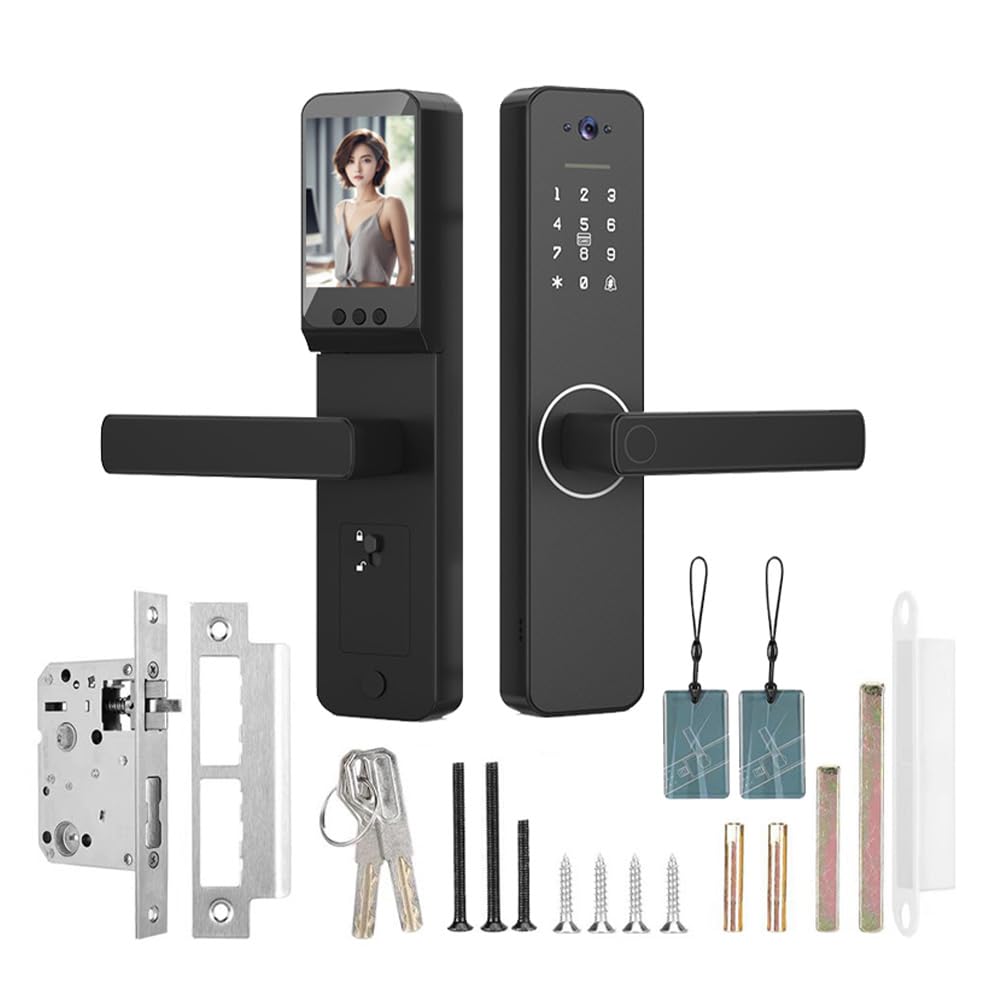
Cost and ease of setup influence whether you choose a smart lock, a smart doorbell, or both.
- Typical costs
- Smart Lock: Mid to high range depending on features. Expect costs for the lock plus possible professional install.
- Smart Doorbell: Wide range; basic models are budget-friendly while advanced models with subscriptions cost more.
- Installation steps
- Smart Lock: Remove old deadbolt, fit new hardware, pair with app, configure users.
- Smart Doorbell: Mount camera, connect to Wi-Fi or doorbell wiring, set motion zones.
- Maintenance
- Smart Lock: Replace batteries, check mechanical fit, update firmware.
- Smart Doorbell: Clean camera lens, check battery levels, manage recordings and subscriptions.
When weighing Smart Lock vs Smart Doorbell, factor in subscription fees. Cloud storage, person detection, and advanced features often need monthly plans. Consider local recording if you want to avoid recurring costs.
Integration and Smart Home Compatibility
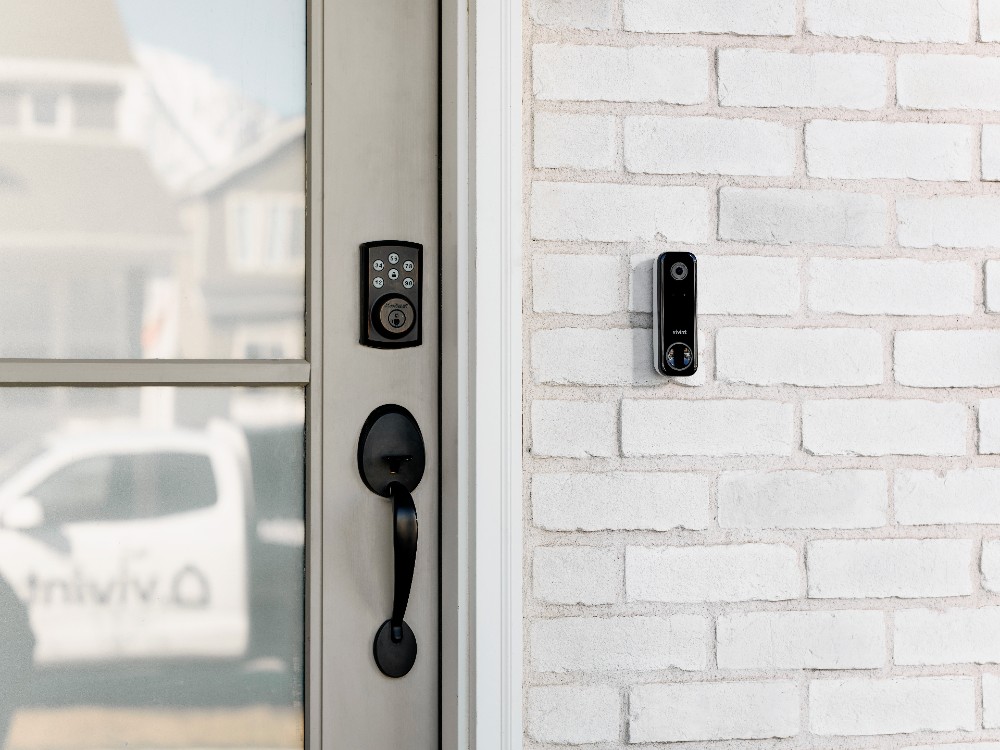
A big part of the Smart Lock vs Smart Doorbell comparison is how they fit into your smart home.
- Ecosystem support
- Check if the device works with your voice assistant and hub.
- Look for open standards or wide compatibility to avoid platform lock-in.
- Automation examples
- Lock doors automatically when you leave.
- Trigger porch lights when doorbell motion fires.
- Use presence sensors to grant temporary access codes.
- Network considerations
- Use a separate IoT network or guest SSID to isolate devices.
- Ensure strong Wi-Fi near your entryway, or use mesh extenders.
In practice, I recommend selecting devices that support the same voice platform or hub. That reduces friction when creating routines and simplifies troubleshooting.

Real-Life Use Cases and Personal Experience
Practical examples help when choosing between Smart Lock vs Smart Doorbell.
- Daily convenience
- I often leave keys inside. A smart lock let me lock the door from the driveway. That small convenience saved time every day.
- Package protection
- A doorbell camera caught a porch ring-and-run on my street. Video provided evidence and deterred repeat thefts.
- Caregiver and guest access
- I created temporary codes for a house sitter. It was safer than copying keys or leaving a physical key hidden.
- Mistakes to avoid
- Don’t skip firmware updates. I saw one device suffer a connectivity bug that updates fixed.
- Don’t rely on single-factor security. Weak passwords are the most common issue I fixed during installs.
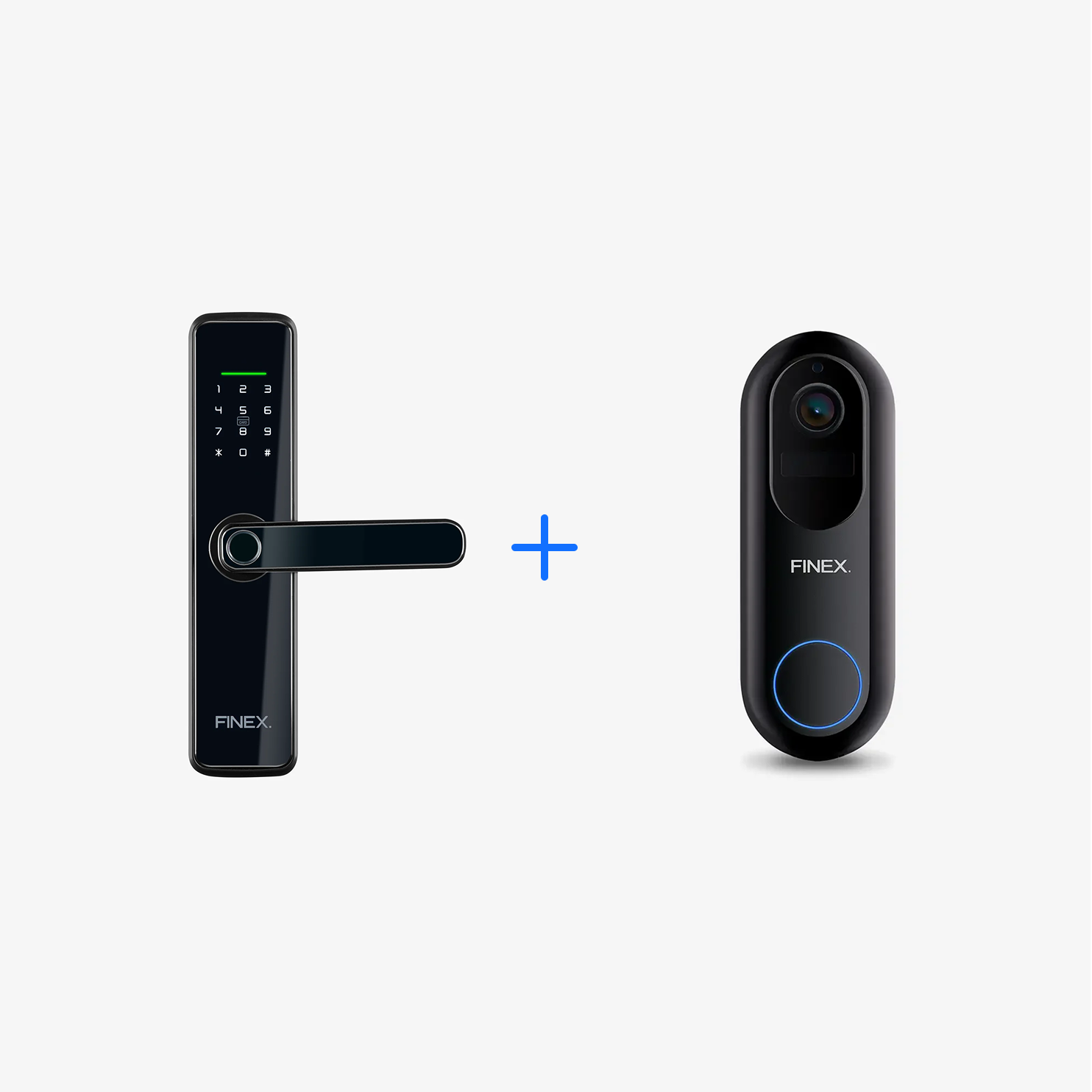
These experiences show that Smart Lock vs Smart Doorbell isn’t an either-or. They often work best together. A doorbell informs you. A lock gives you control.
Buying Guide: How to Choose
Use this checklist when deciding Smart Lock vs Smart Doorbell or selecting both.
- Define your primary goal
- Security, convenience, monitoring, or remote entry?
- Check compatibility
- Ensure devices work with your existing hub or voice assistant.
- Evaluate power options
- Choose wired if you want no battery worry; choose battery for easier installs.
- Consider subscriptions
- Decide if cloud features justify recurring fees.
- Plan for installation
- DIY-friendly models reduce cost. Professional install may be safer for complex doors.
- Test connectivity
- Measure Wi-Fi strength near the door before buying.
- Prioritize privacy
- Prefer local storage or clear retention and access policies.
When split between Smart Lock vs Smart Doorbell, prioritize the feature that solves your biggest pain point first. If you get one device first, pick the one that addresses your daily friction.

Frequently Asked Questions of Smart Lock vs Smart Doorbell
What is the main difference between a Smart Lock vs Smart Doorbell?
A smart lock controls who can enter your home, while a smart doorbell provides video and two-way communication at the door. They serve complementary roles: access control versus visibility.
Can a smart doorbell replace a smart lock?
No. A smart doorbell informs you who is at the door, but it cannot secure or unlock the door. You still need a lock to control entry.
Are smart locks and smart doorbells safe from hackers?
They can be safe when configured properly. Use strong passwords, two-factor authentication, keep firmware updated, and isolate devices on a separate network for better security.
Do smart doorbells require a subscription for video?
Some basic features work without a subscription, but advanced features like cloud storage, person detection, and long-term recordings often require monthly plans. Local storage can reduce the need for subscriptions.
What happens if the smart lock battery dies?
Most smart locks have backup mechanical keys or emergency power options. Regularly check battery levels and keep a backup plan to avoid lockouts.
Which should I install first: a smart lock or a smart doorbell?
Install the device that solves your immediate need. If you worry about deliveries or strangers, start with a doorbell. If you need secure, keyless entry, start with a lock.
Can smart locks and doorbells work together?
Yes. Combining them lets you see who’s at the door and grant access remotely. Integrations can trigger lights, notifications, or temporary codes for visitors.
Conclusion
Smart Lock vs Smart Doorbell is not a contest but a partnership. Smart locks give precise control over access. Smart doorbells deliver visibility and evidence. Together they raise safety and make daily life easier.
Decide by prioritizing your main need, checking compatibility, and planning for security and power. Start small if needed, test features, and expand your setup as confidence grows. Take action today: assess your entryway, measure Wi-Fi, and pick the device that solves your biggest problem—then add the other for full coverage.
Leave a comment with your situation or subscribe to get more hands-on tips and real install stories.


